6 Securing the Xesar system data
with the Installation Manager
Notice: An accessible backup location must be specified for a successful backup.
6.1 Manual backup
It is always possible to create a manual backup. To do this, the AdminCard must be in-
serted in the coding station and selected. If the system stops and the Backup Manager
button is pressed in the Installation Manager, then the system is re-started, a backup is
carried out, and the system is stopped again after the backup is successful.
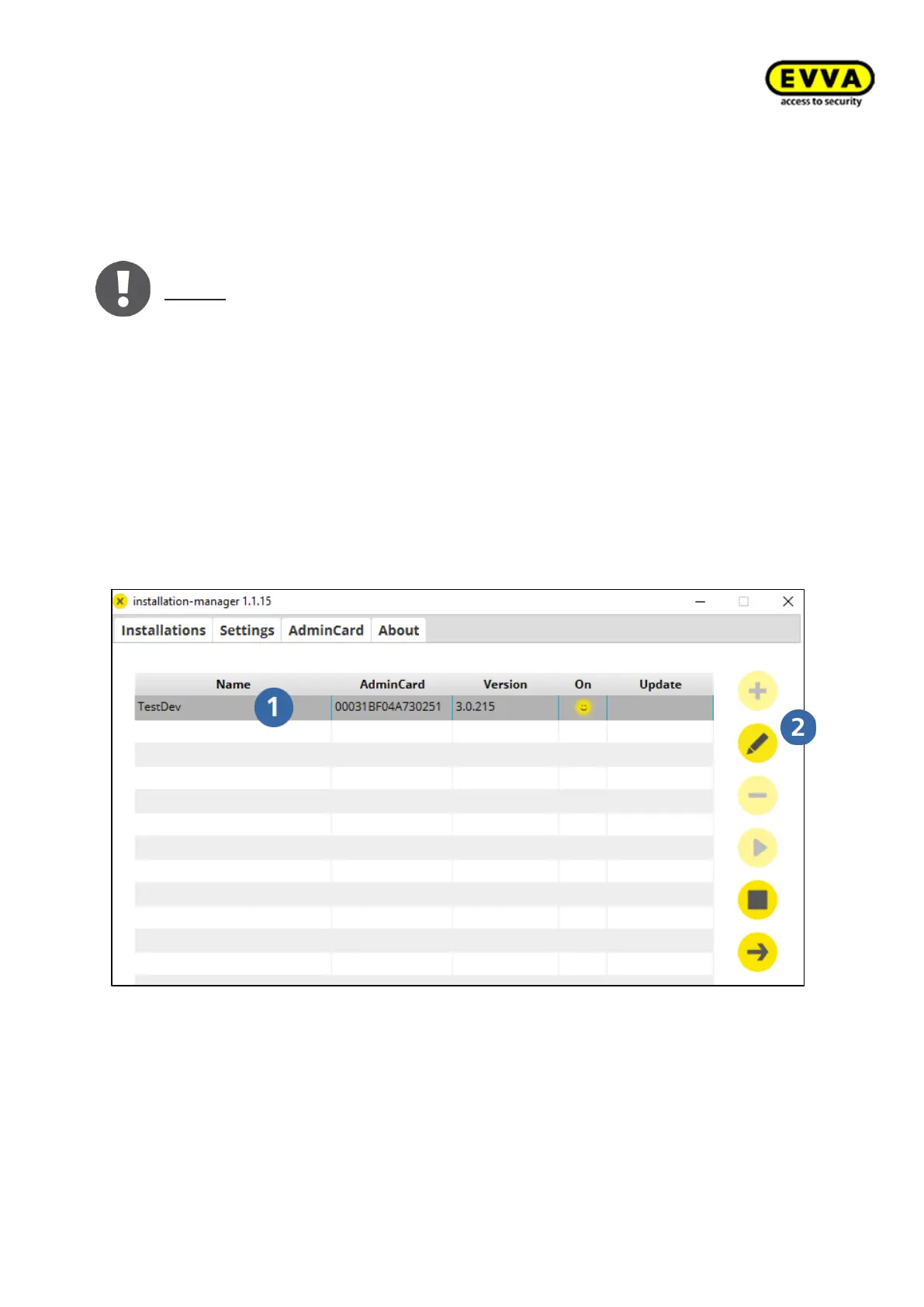
1. Step: Select the system that is to be backed up in the Installation Manager.
Open the settings page .



 To Next Page