8.4 My profile
Figure 190 – My profile
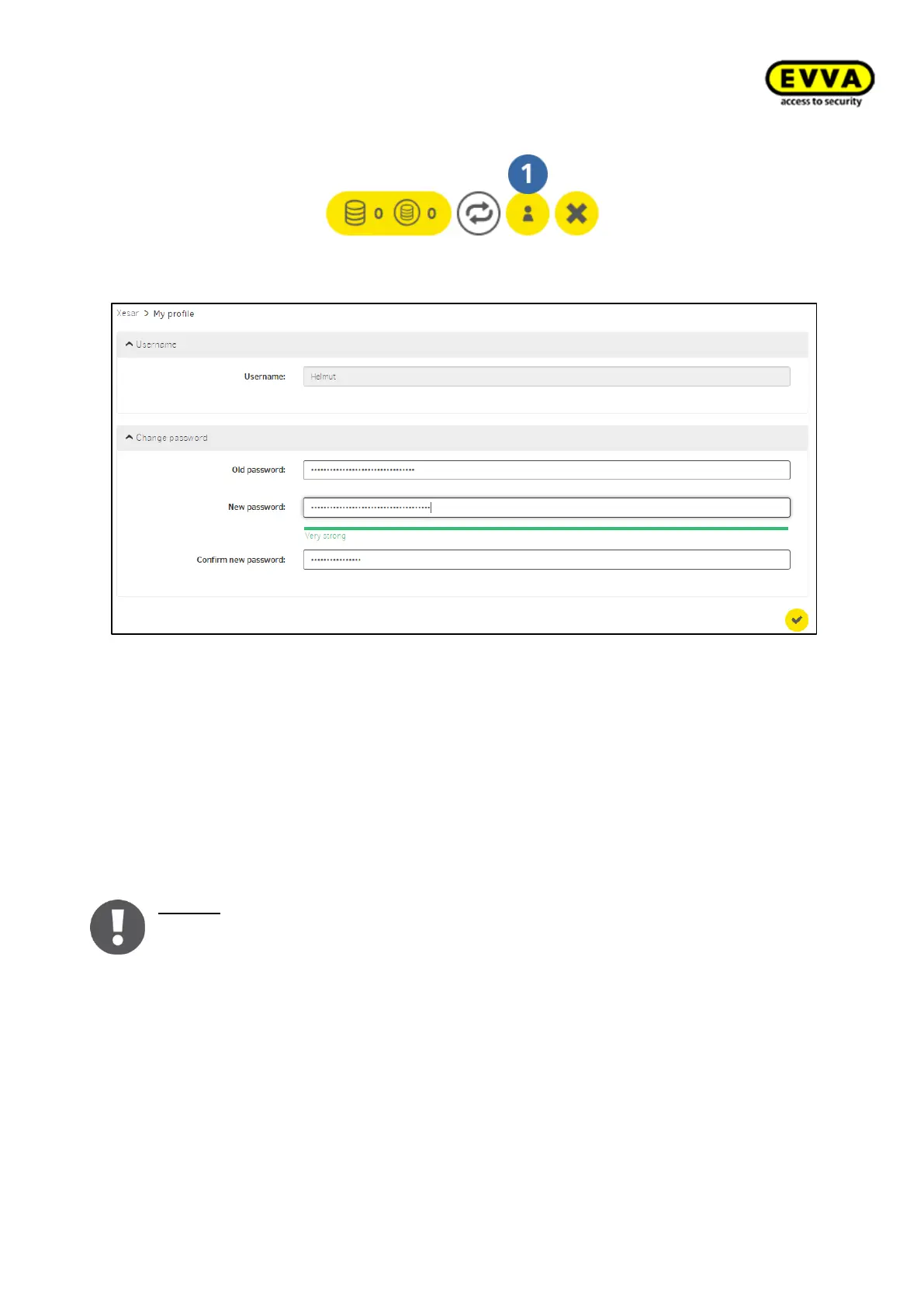
The "My profile" menu item is located in the top right corner of the Xesar dashboard.
Figure 191 – My profile
"My profile" directly provides information about which user has currently logged in (user
name) and the system. Edit user names and passwords here.When you change passwords,
the system automatically indicates how strong or weak the input password is. The range
is from very weak to very strong (red to green).
Alternatively click the "User" field and select the user account to open "My profile".
See the following section to find out how to create new users:7.4 User
Notice: If you forgotten your user password, only the system administrator can
assign a new one. (su with password on the installation summary sheet of the In-
stallation information, see Installation Manager)



 To Next Page