8.12.1 Identification media – Bulk processing
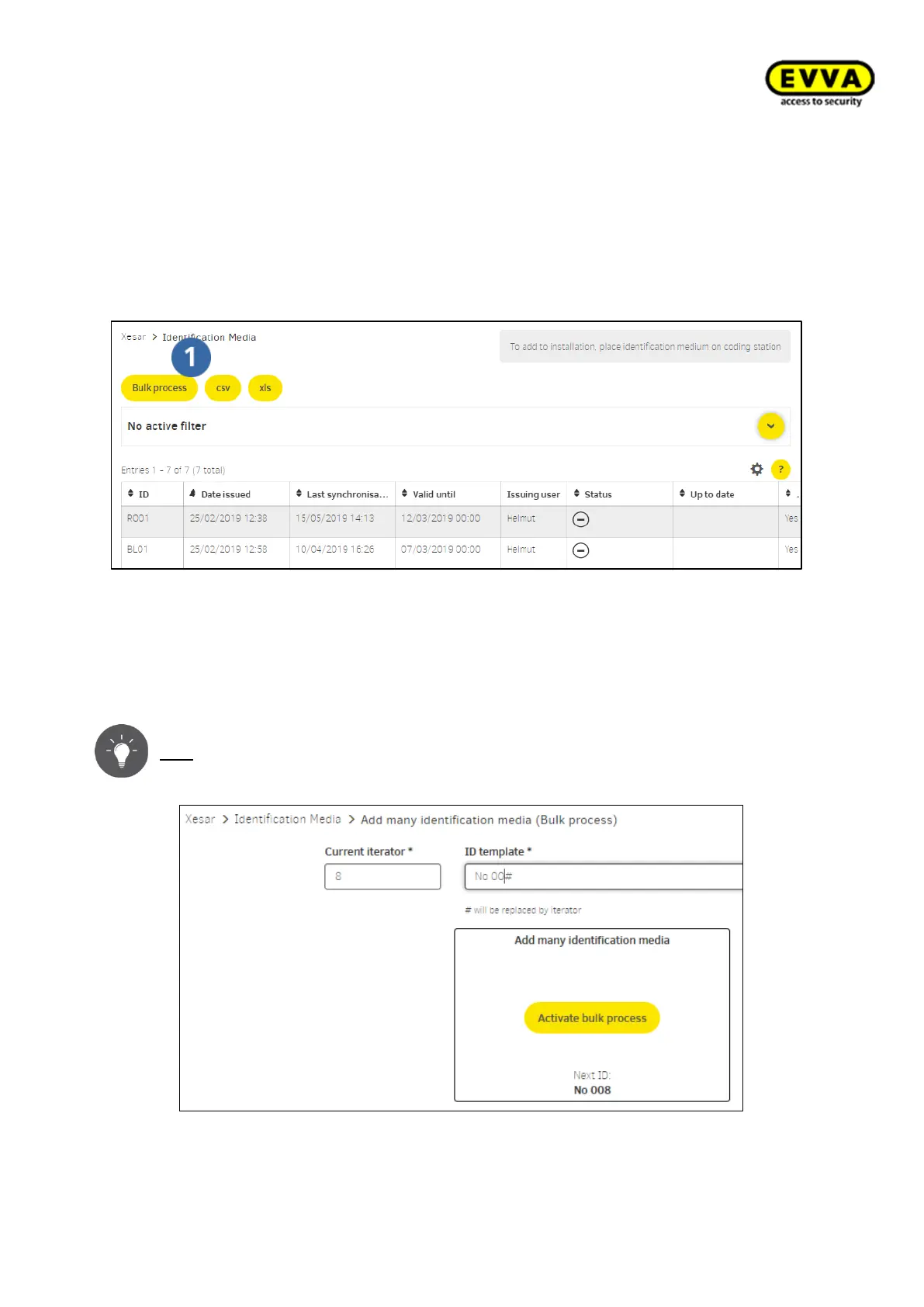
Xesar offers a function to quickly and easily add several identification media to the Xesar
system. Bulk processing options have been described in "Identification media". Open the
"Add – bulk processing" menu item to open batch processing.
Figure 209 – Identification media list
Initially enter the run number "ID" to assign serial numbers in the Xesar software and
start bulk processing. In any other case, the system will use default values and individu-
ally assigns numbers. Click "Activate bulk processing" and place the first identification
medium on the coding station to start the process.
Tip: "ID" is the staff number (for instance).
Figure 210 – Activating bulk processing



 To Next Page