8.18 Removing components (resetting to construction
mode)
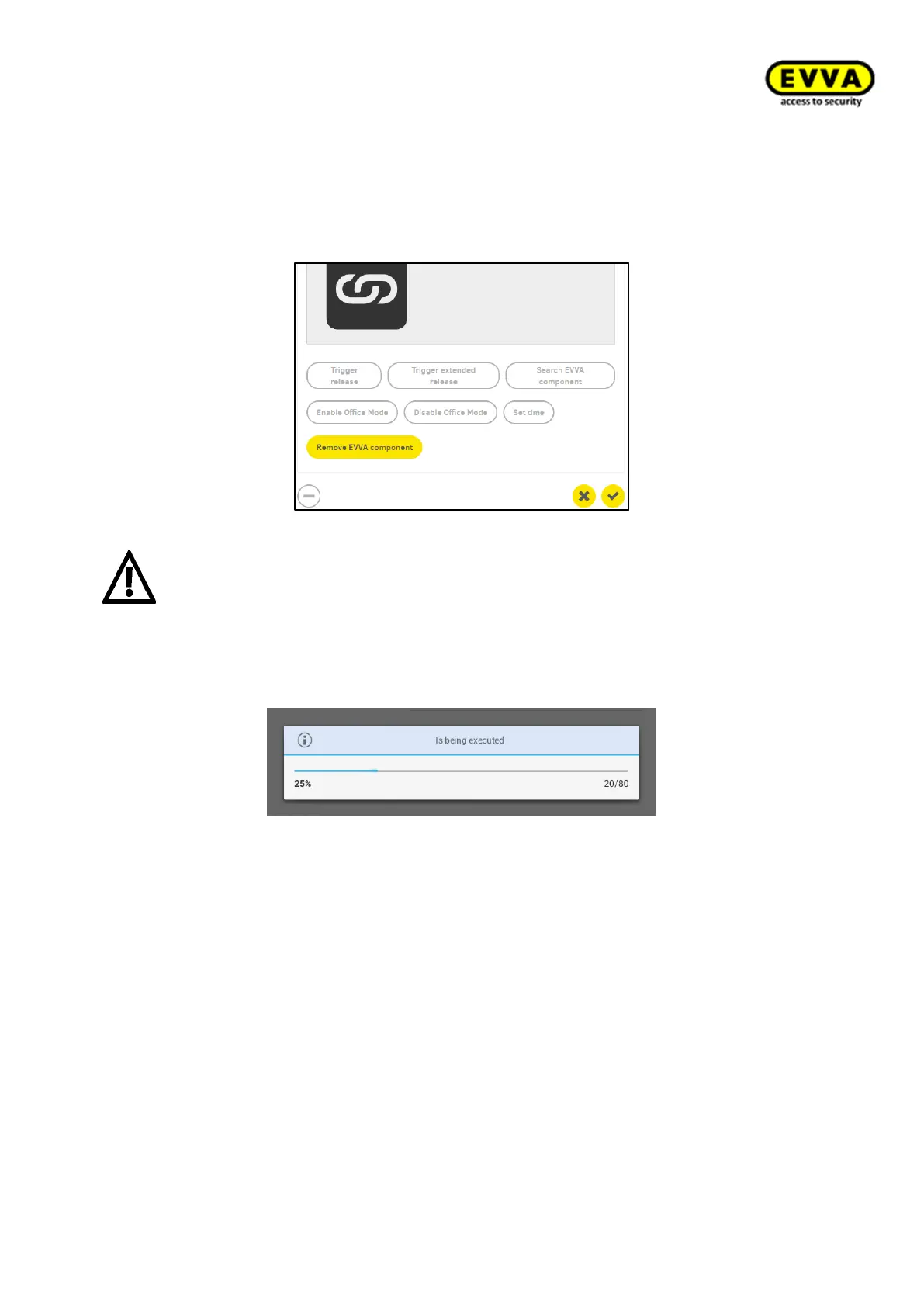
Select delete "EVVA component" if you would like to once again remove a component and
continue to use it.
Figure 241 - Removing components
ATTENTION: if you would like to once again install the component in a system,
do not click "Remove faulty EVVA component".
If you have removed the component in the software, the system will automatically
create a maintenance task. Remove the component with the Xesar tablet. For this purpose,
connect the component to the Xesar tablet and select the component. Click "Remove ac-
cess component" in the sub-menu.
Figure 242 – Remove Xesar tablet component



 To Next Page