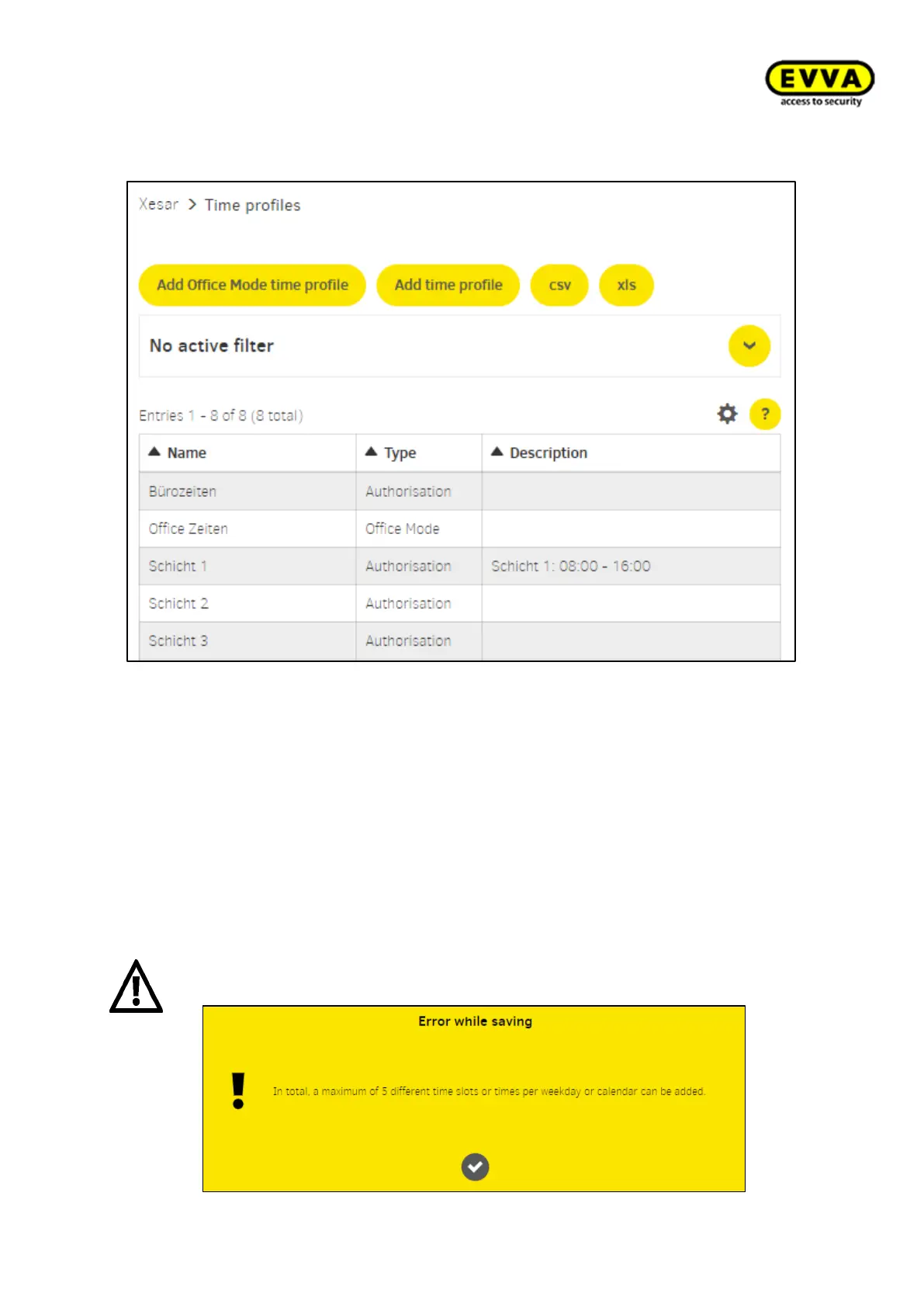
Time profiles view
Figure143 - View of Time Profiles
7.6.1 Office Mode add time profile ("permanent opening", applies to EVVA ac-
cess components)
Access is possible without authorisation at the defined times. The EVVA access component
is ready to open the door.
You can create a maximum of 24 time series.
e.g. Office times for business traffic: Mo – Fr 08:00 – 12:00 and 13:00 – 18:00 und Sa
08:00 – 12:00.
ATTENTION: In total, a maximum of 5 different time windows or times per week-
day or calendar can be added



 To Next Page