Please contact your system administrator if you encounter any issues during setup.
7.13.2 Commissioning a Xesar network adapter
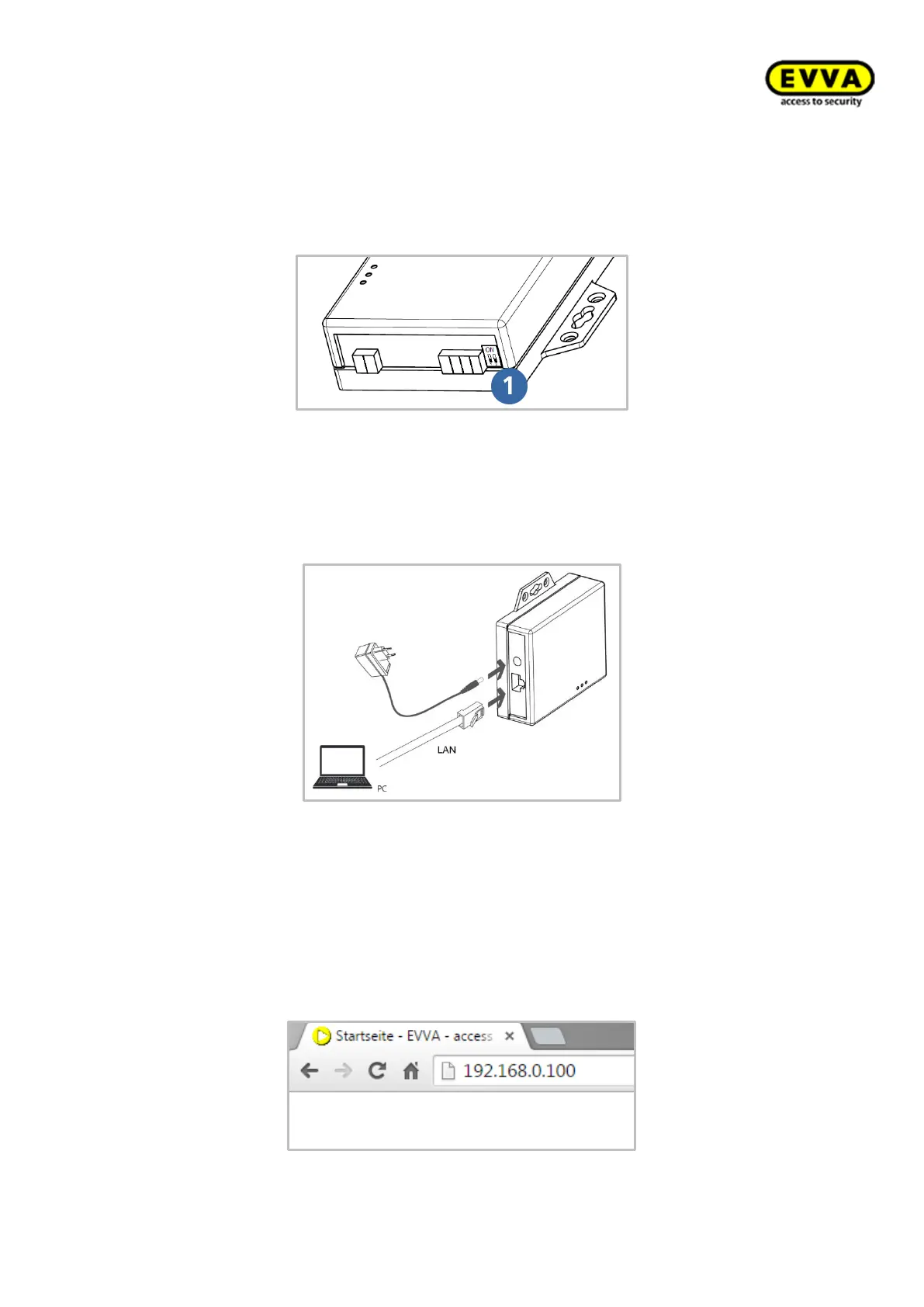
Figure 180: Xesar network adapter | Jumper position
• Check the jumper position of the Xesar network adapter.
Both jumpers must be set to OFF (bottom position).
Figure 181: Xesar network adapter | Connections
• Connect the mains adapter to the Xesar network adapter.
• The green, flashing status LED indicates whether the Xesar network adapter is sup-
plied with power.
• Then connect the Xesar network adapter to the configuration PC.
For this purpose, use an RJ45 LAN cable and make sure the connector engages
audibly in the socket.
Figure 182: Xesar network adapter | IP address (updater unit)



 To Next Page