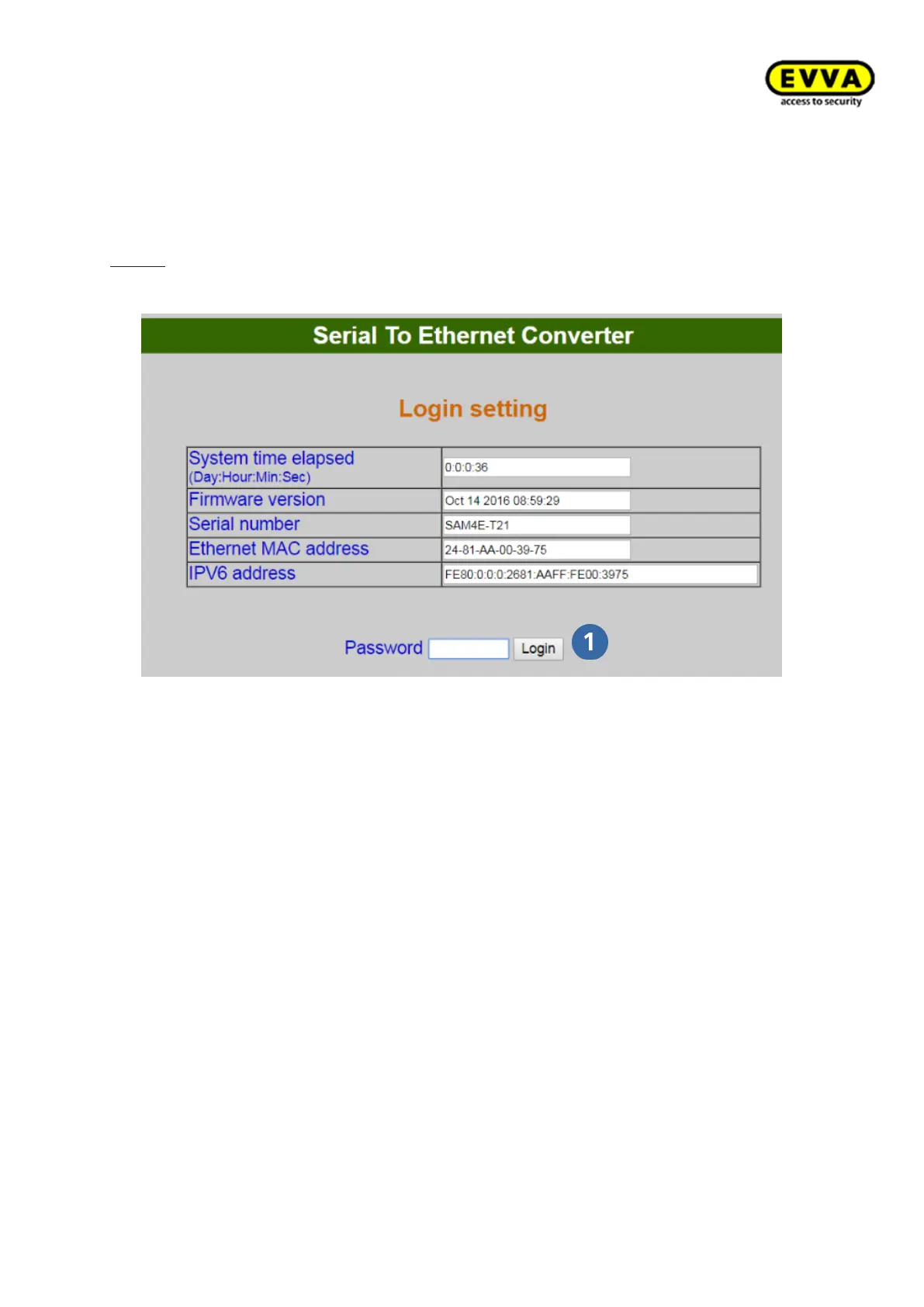
• Now open your computer's Internet browser.
• In the browser, enter the standard address of the
Xesar network adapter - these can be found on the bottom of the device and are
set to 192.168.0.100 by default.
Notice: If the configuration page fails to open, check your PC's
firewall settings, the IP settings and the cabling of the Xesar network adapter.
Figure 183: Xesar network adapter | Login
• The Xesar network adapter login page appears – click Login , it is not necessary
to enter a password.



 To Next Page