8.3.3 Column view
The list view can be customised according to needs and the size of the display.
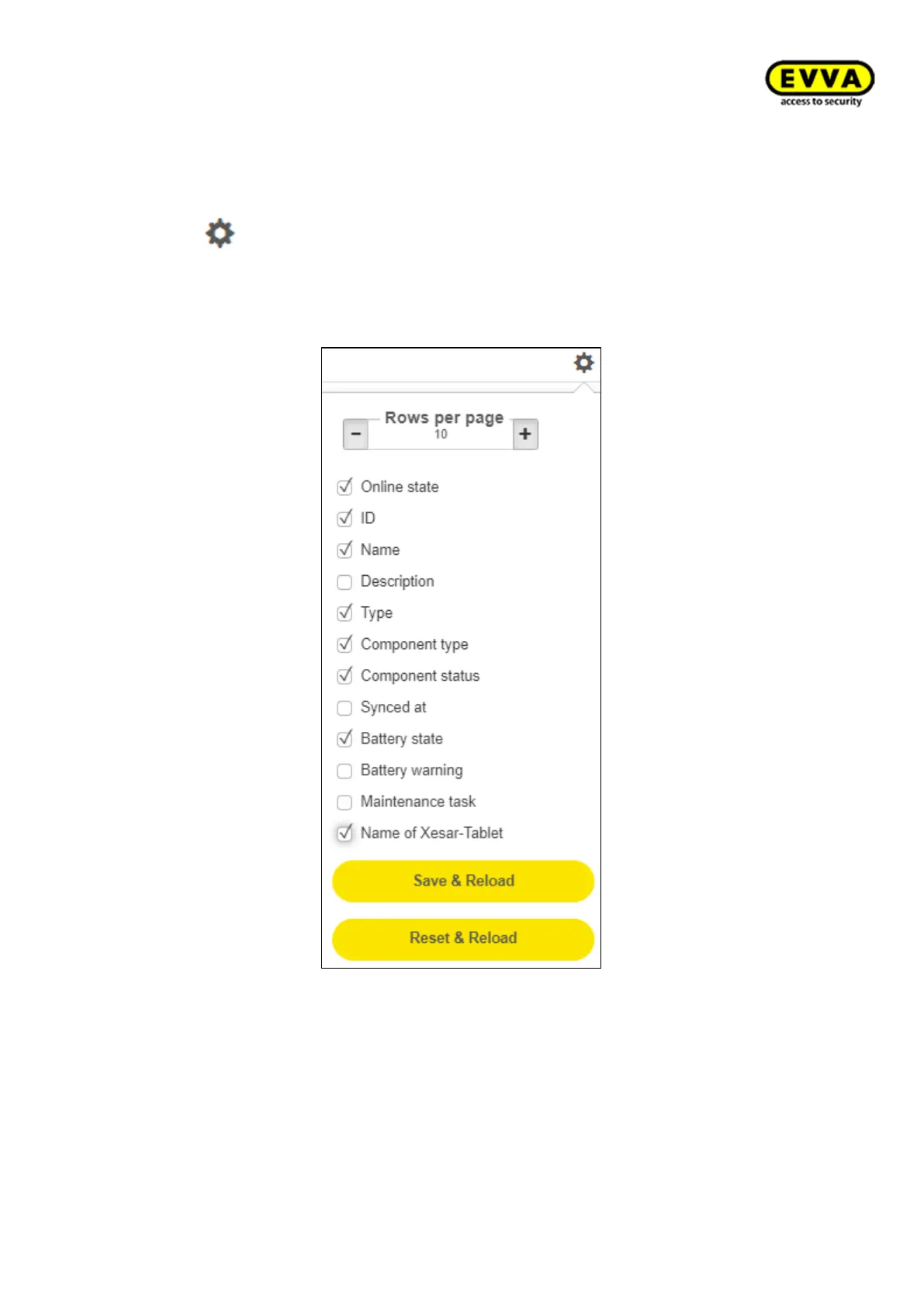
Clicking on opens a selection window in which columns can be shown or hidden. Like-
wise, the number of maximally displayed "lines per page" can be set. The settings can be
saved or reset. The saved settings remain stored for each list after leaving the page for
each user.
Figure 189 – Modification of the list view



 To Next Page