7.12 Adding a new EVVA access components
The EVVA access components are delivered in construction mode. To start the Xesar sys-
tem, the component must be added ("intoduced”) to the system.
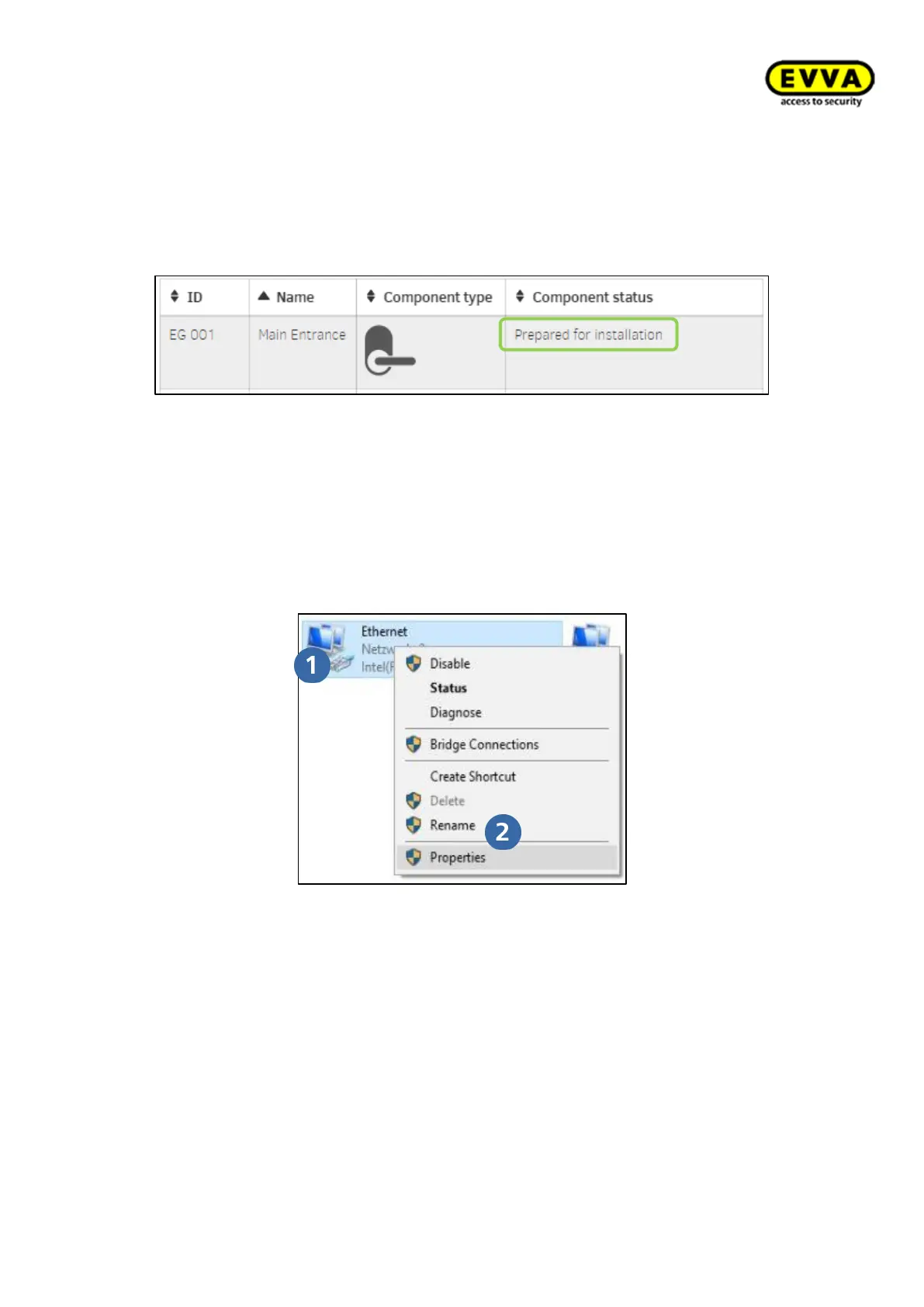
After defining the installation location in the Xesar software, the component is “Prepared
for installation”.
Figure176 - Prepare access components for installation to the system
Adding a component generates a maintenance task in the Xesar software.
This is synchronised with the Xesar tablet and executed by the tablet by means of con-
necting cable to the component.
7.13 Commissioning the Xesar network adapter
7.13.1 PC configuration
Figure 177: Windows | Adapter settings
• Any computer is suitable for configuring the Xesar network adapter and you can
even use the PC running the Xesar software.
• Please configure the settings of your PC network adapter before starting to com-
mission the Xesar network adapter.
• For this purpose, in Windows 7 or Windows 10 go to Network and Sharing Center
> Change adapter settings.
• Open the properties window (right-click LAN connection)
Attention: Please note that additionally active network connections (WiFi, etc.)
may impair communication with the Xesar network adapter — deactivate these if
necessary.



 To Next Page