KPM.X.Systemhandbuch_X3.0.EN.V1.9 | Subject to misprints and technical changes.
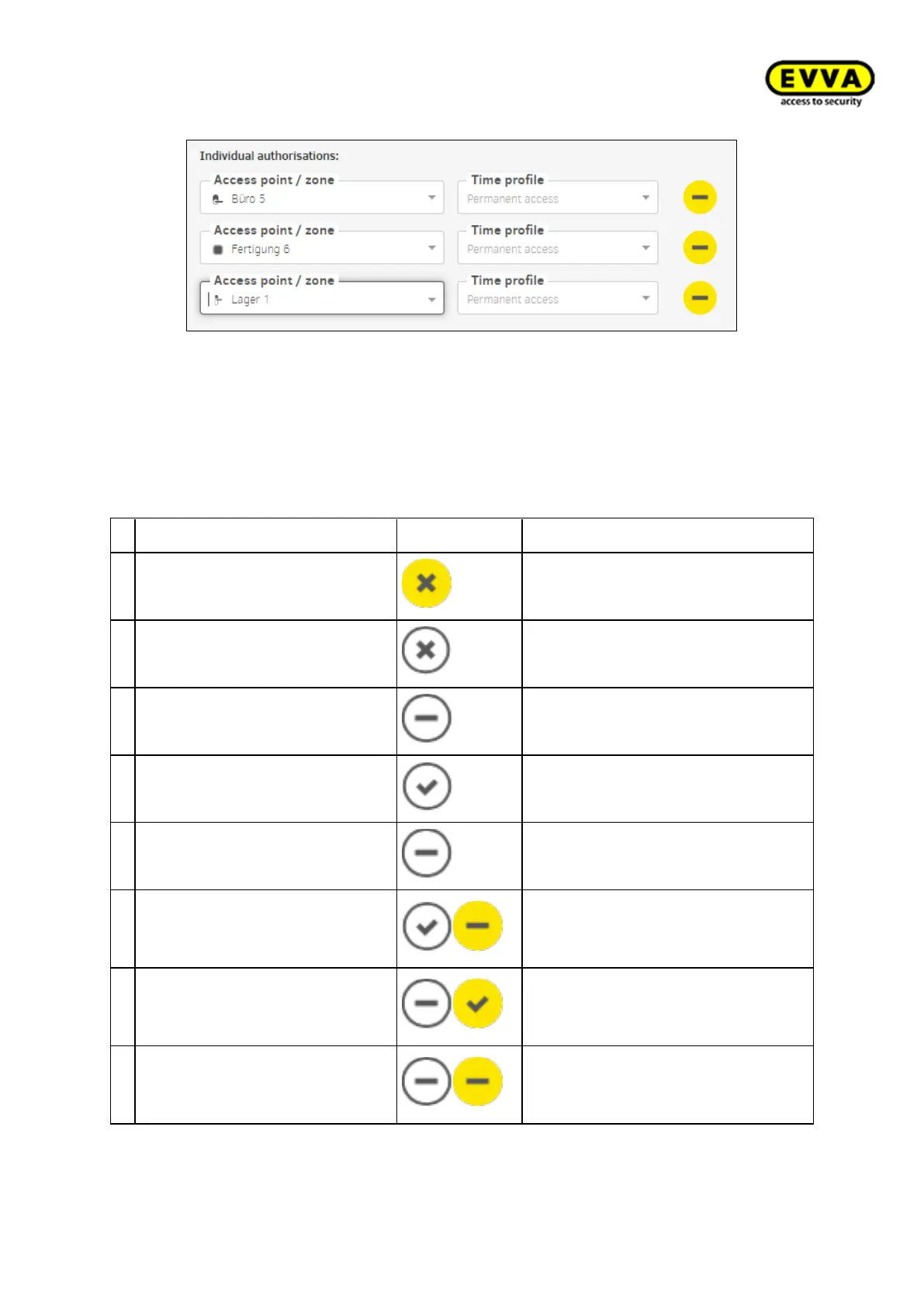
Figure172 - Individual authorisations
7.11.2 Existing identification medium
Placing an existing identification medium on the coding station causes the following input
window to open:
Status: Status of the identification medium
Insecure disabled identification
medium
There are still insecure access
points.
Secure locked identification me-
dium
There are no more insecure access
points.
Unauthorised identification me-
dium
The identification medium is not au-
thorised.
Currently valid identification
medium, becomes invalid when
updated
Currently invalid identification
medium, becomes a valid iden-
tification medium when updated
Currently invalid identification
medium, with a validity period
that lies in the future.



 To Next Page