8.14 Xesar tablet (programming unit)
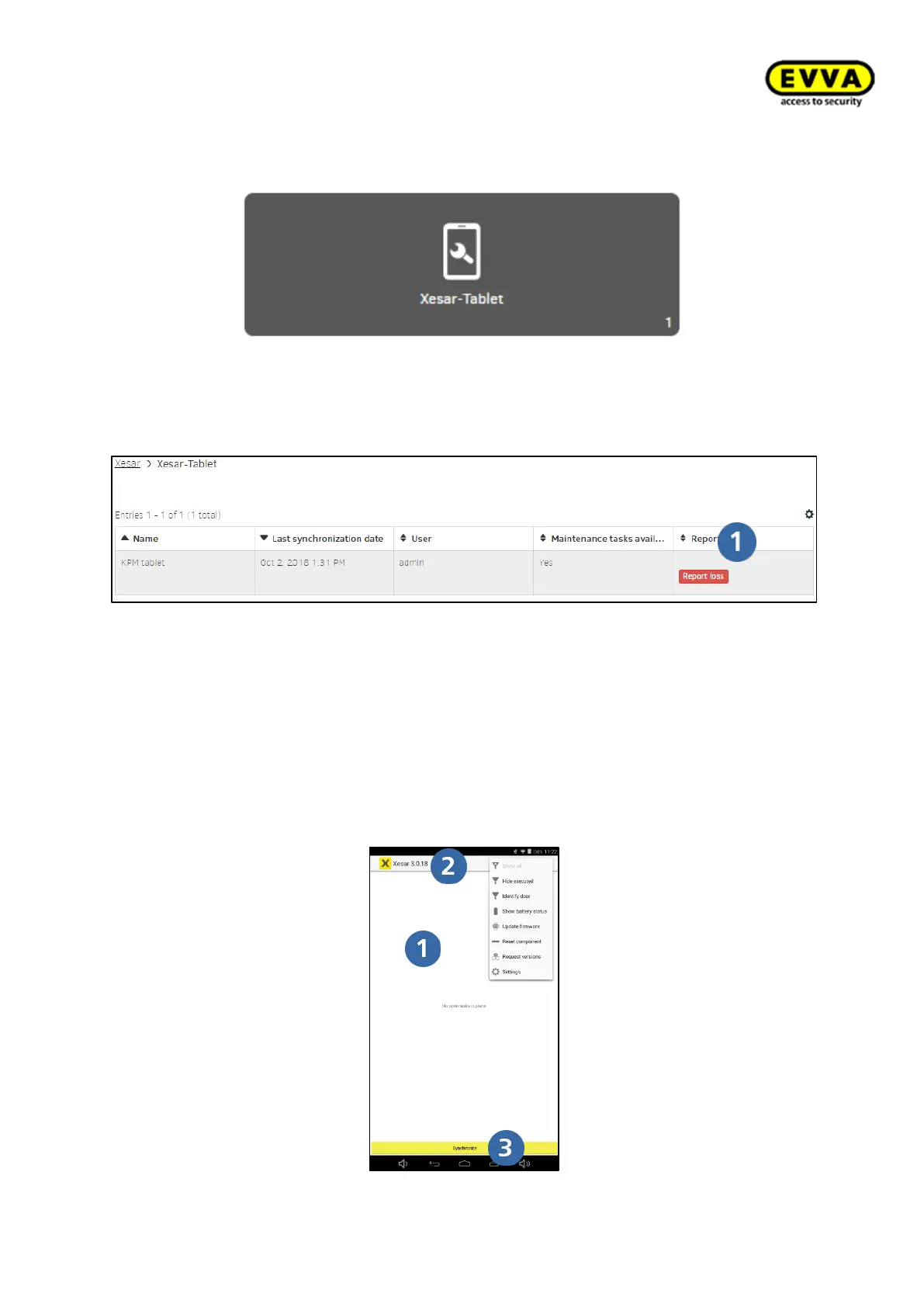
Figure 224 – Xesar tablet (programming unit)
Open the Xesar tablet menu item to view all programming units linked to the system.
Figure 225 – Reporting loss
Use the "Report loss" button to remove the tablet from the system.
8.14.1 Xesar tablet app
The home screen provides an overview of all unresolved maintenance tasks, shows the
version number and provides a "Synchronise" button.
Figure 226 – Xesar app home screen



 To Next Page