5.2 AdminCard exchange:
If the AdminCard is defective or is lost, then it can be replaced as follows:
• Insert a new AdminCard in the coding station.
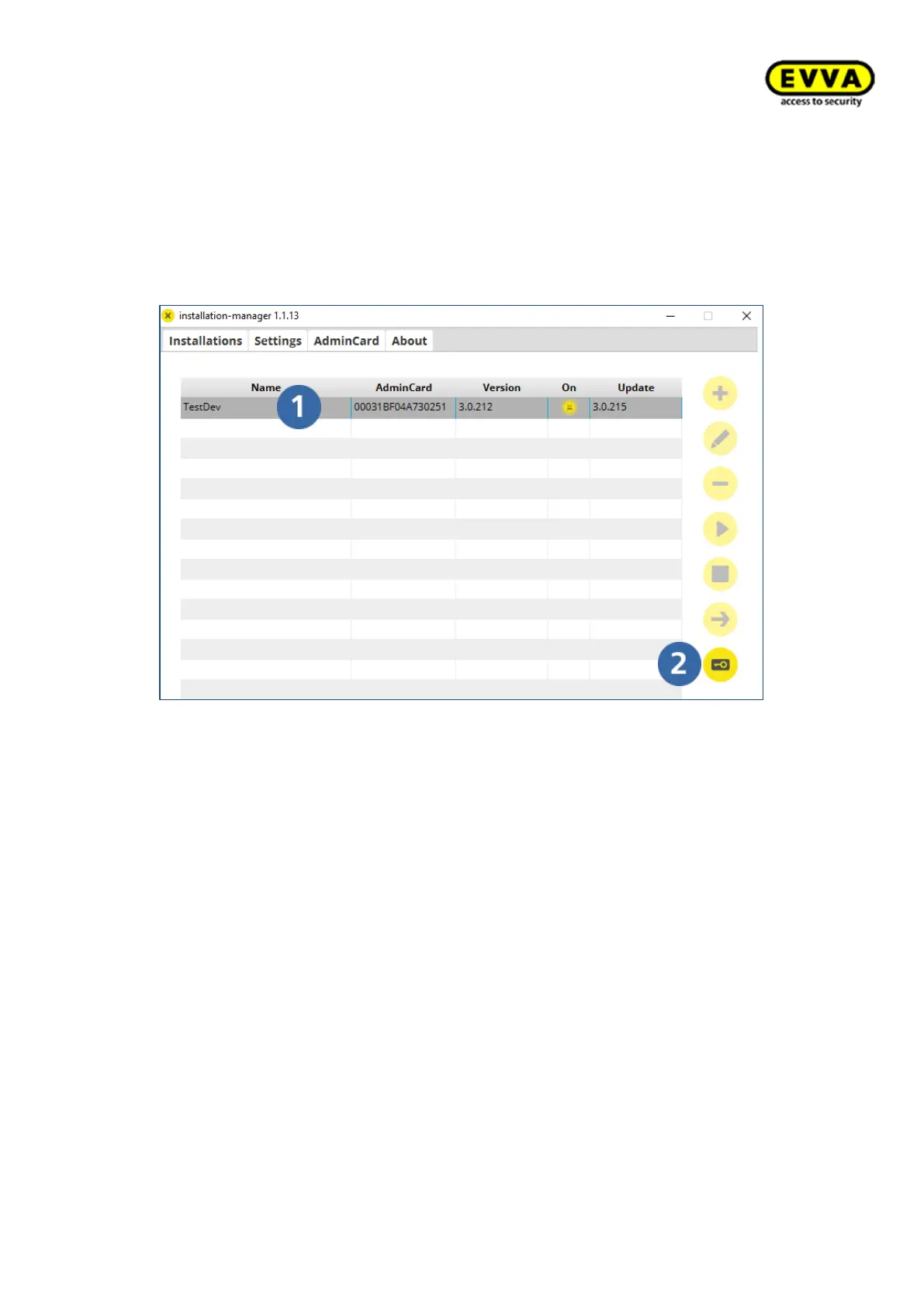
• In the Installation Manager, select the desired system (1) and click on the
key button (2).
• In the AdminCard Operations window, select Exchange card and enter the installa-
tion key, card number and card signature from the installation information sheet.



 To Next Page