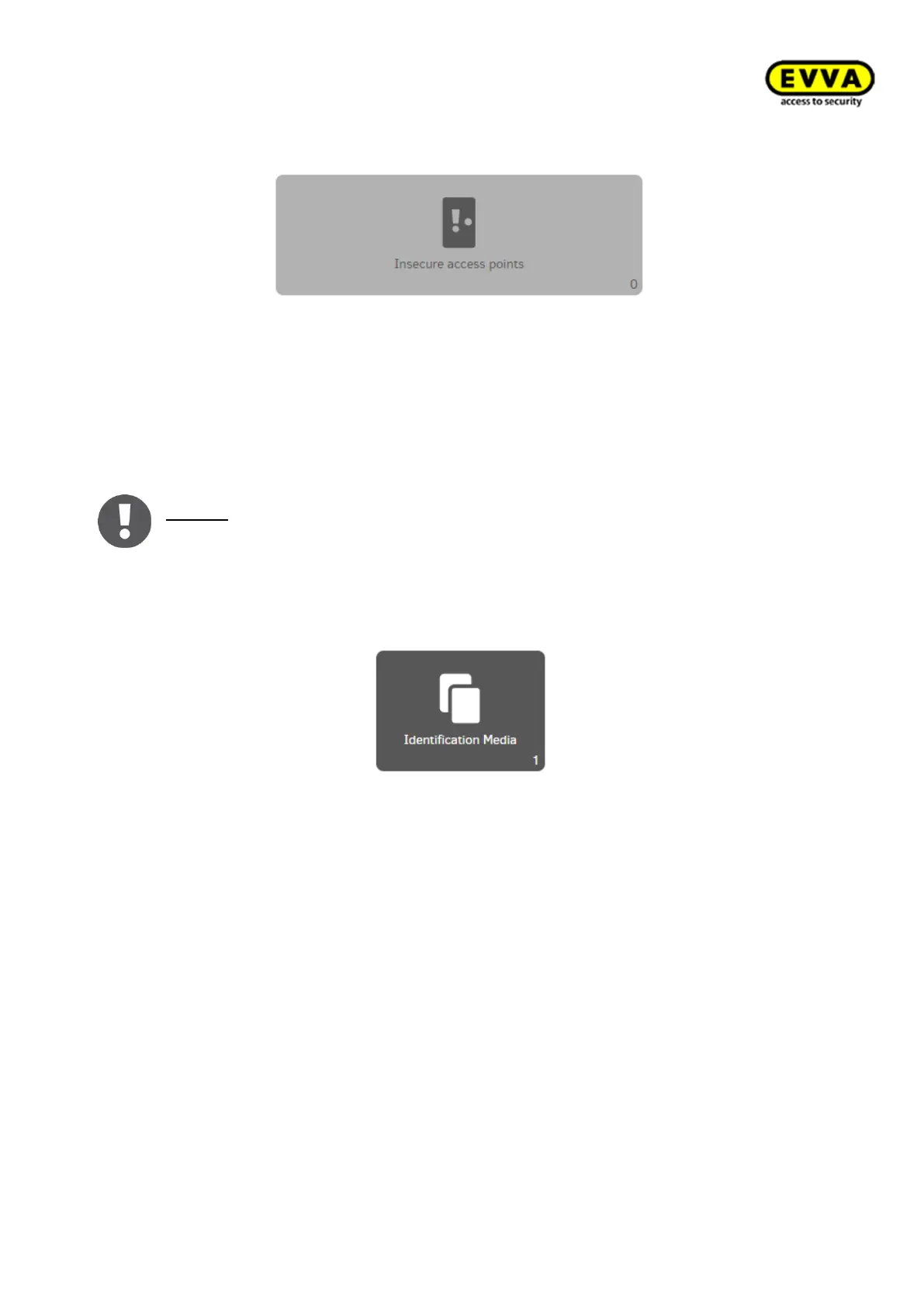
8.11.1 Insecure access points
Figure 207 – Insecure access points
The insecure access points field turns yellow if an identification medium has been disabled
and the blacklist at access points is not up to date.
The current blacklists through the XVN (see: →8.15Xesar virtual network (XVN) or by
synchronising the software and access components using the Xesar tablet.
Notice: A maintenance task is automatically created as soon as there is an unsafe
installation location within the system.
8.12 Identification media
Figure 208 – Identification media
Different types of identification media are available for Xesar. For a list and descriptions
see: Identification media→Identification media
The number of displayed identification media depends on whether or not they have been
disabled, overwritten, etc.
Refer to the following section for detailed instructions on creating new identification me-
dium: → 7.11.1 New identification medium



 To Next Page