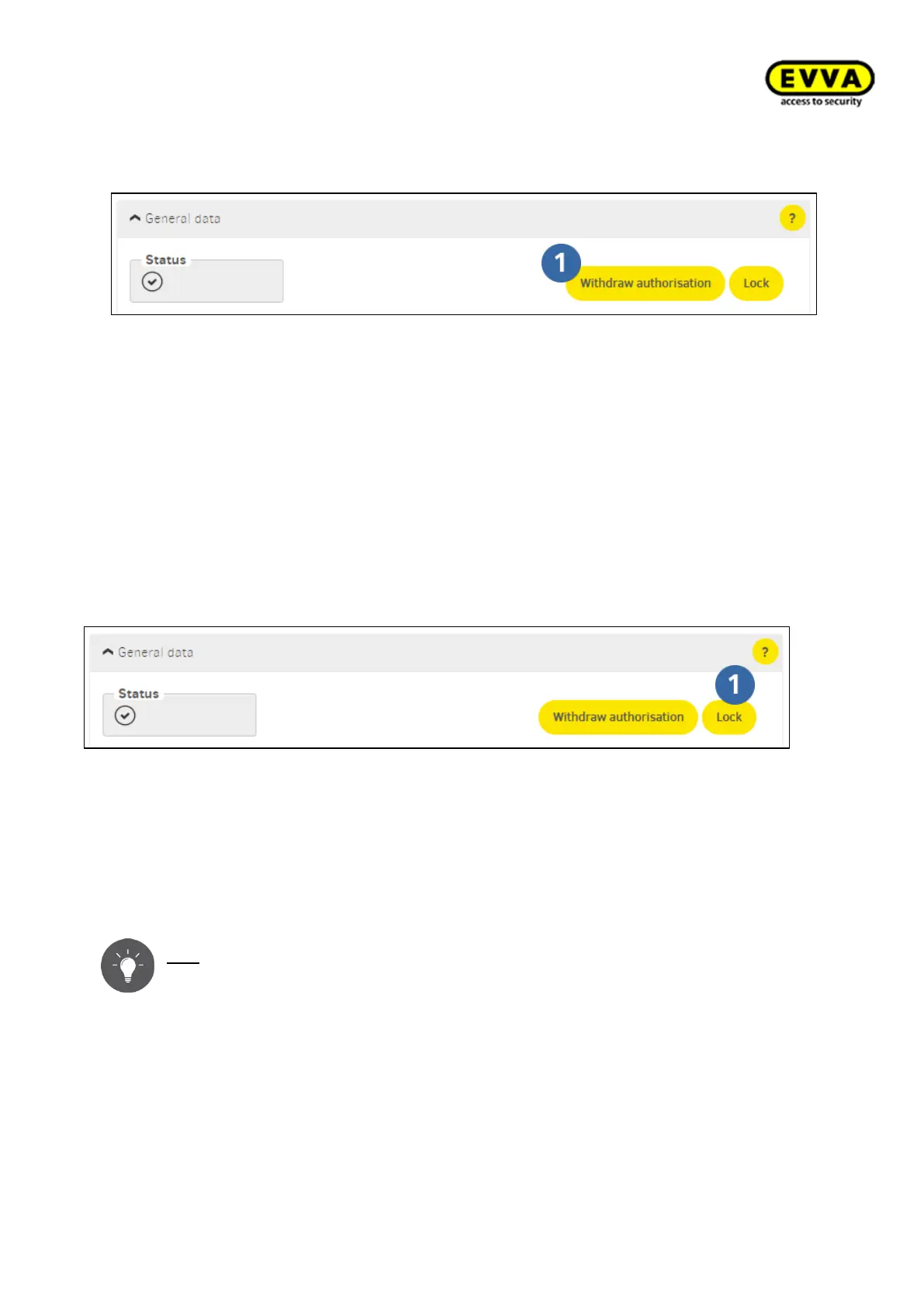
8.12.3 Withdrawing authorisations from identification medium
Figure 213 – Withdrawing authorisations from identification medium
The "Withdraw authorisation" function is available for non-critical identification media
(e.g. the identification medium is securely returned, but the user no longer has access,
such as external companies within the building). Consequently, a blacklist entry is not
created when authorisations are withdrawn from identification medium and a warning is
not shown on the dashboard.
On the dashboard, go to the Identification media menu item and select the affected iden-
tification medium to withdraw an authorisation.
8.12.4 Blocking identification medium (adding them to the blacklist)
Figure 214 – Block identification medium (adding them to the blacklist)
Identification medium that are blocked are automatically added to a blacklist. The black-
list is considerd as security risk list. Persons with blocked identification media are granted
access until each affected component has been updated. This is either done with mainte-
nance tasks using the Xesar tablet or via XVN.
Tip: the system is secured fastest using XVN. See: → 8.15 Xesar virtual network
(XVN)
The Xesar software dashboard with access points that have not yet been updated changes
as follows if there is a disabled identification medium:



 To Next Page