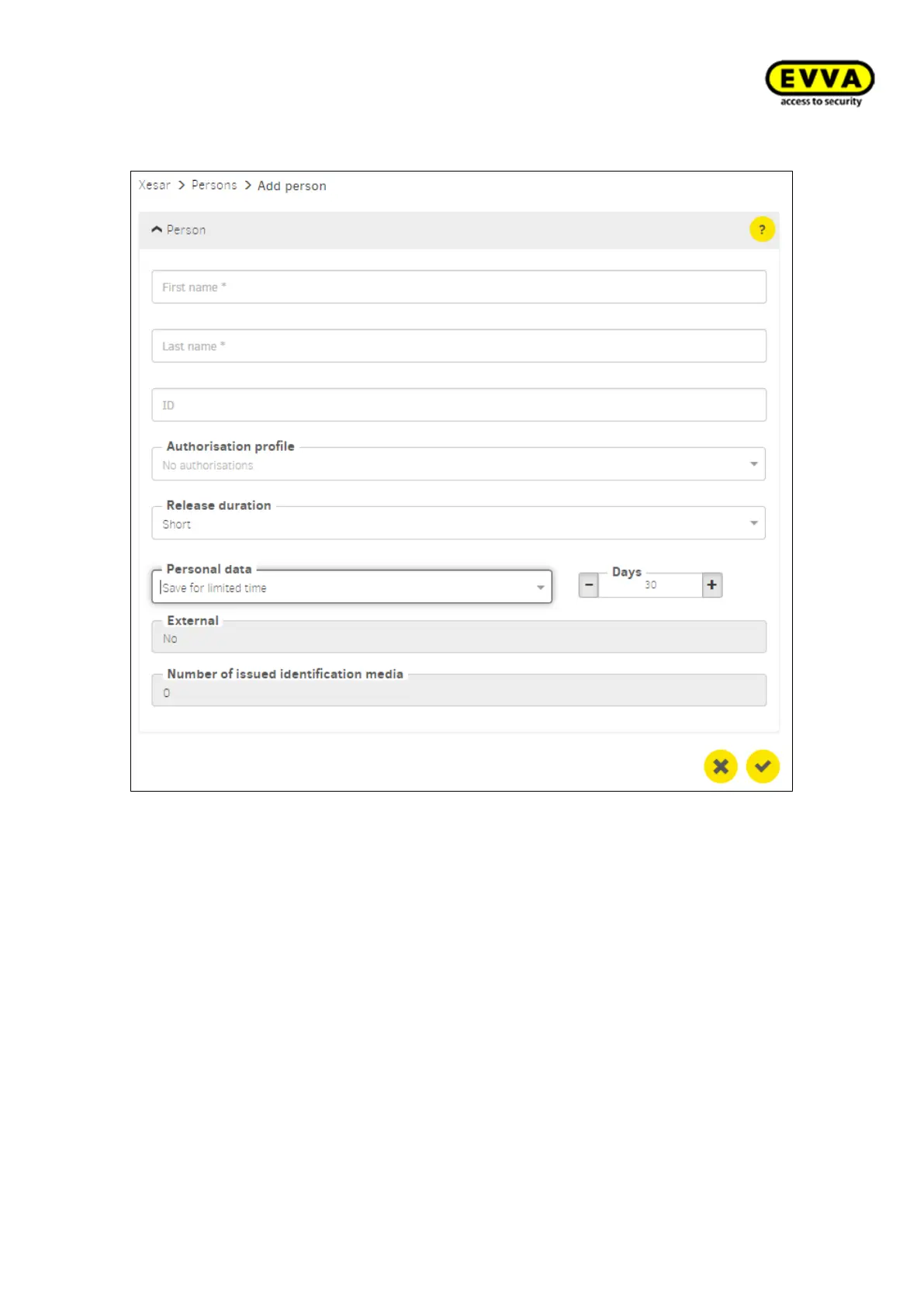
7.10.1 Add person
Figure168 - Add person
Given name (mandatory field): Person's given name
Surname (mandatory field): Person's surname
ID: Name as abbreviation
Authorisation profile: A selected profie from the authorisation profiles is taken as the
standard authorisation profile and assigned to the person's identification medium.
Release duration: "Short" or "Long" is selected and activated via authorised access to
the EVVA access component
Personal data (Event log): Type of event recording: Events can be recorded indefinitely
or for a limited time
Duration: If recording is temporary, set the recording duration in days here
External: "Yes": The persons data record is managed by a third-party system via the
third-party system interface. "No": Manual management of the personal data record
within the Xesar software
How many identification media have been issued: Number of persons assigned iden-
tification media



 To Next Page