the access points is not needed. However, from a technical point of view, it is advanta-
geous when the service technician has the access authorisation for the access points con-
cerned. For this, he must be given an identification medium with the appropriate access
authorisations.
Notice: Software updates can also be performed together with open maintenance
tasks.
Attention: However, this does not apply to upgrades from Xesar 2.2 to Xesar
3.x
8.8 Firmware not up to date
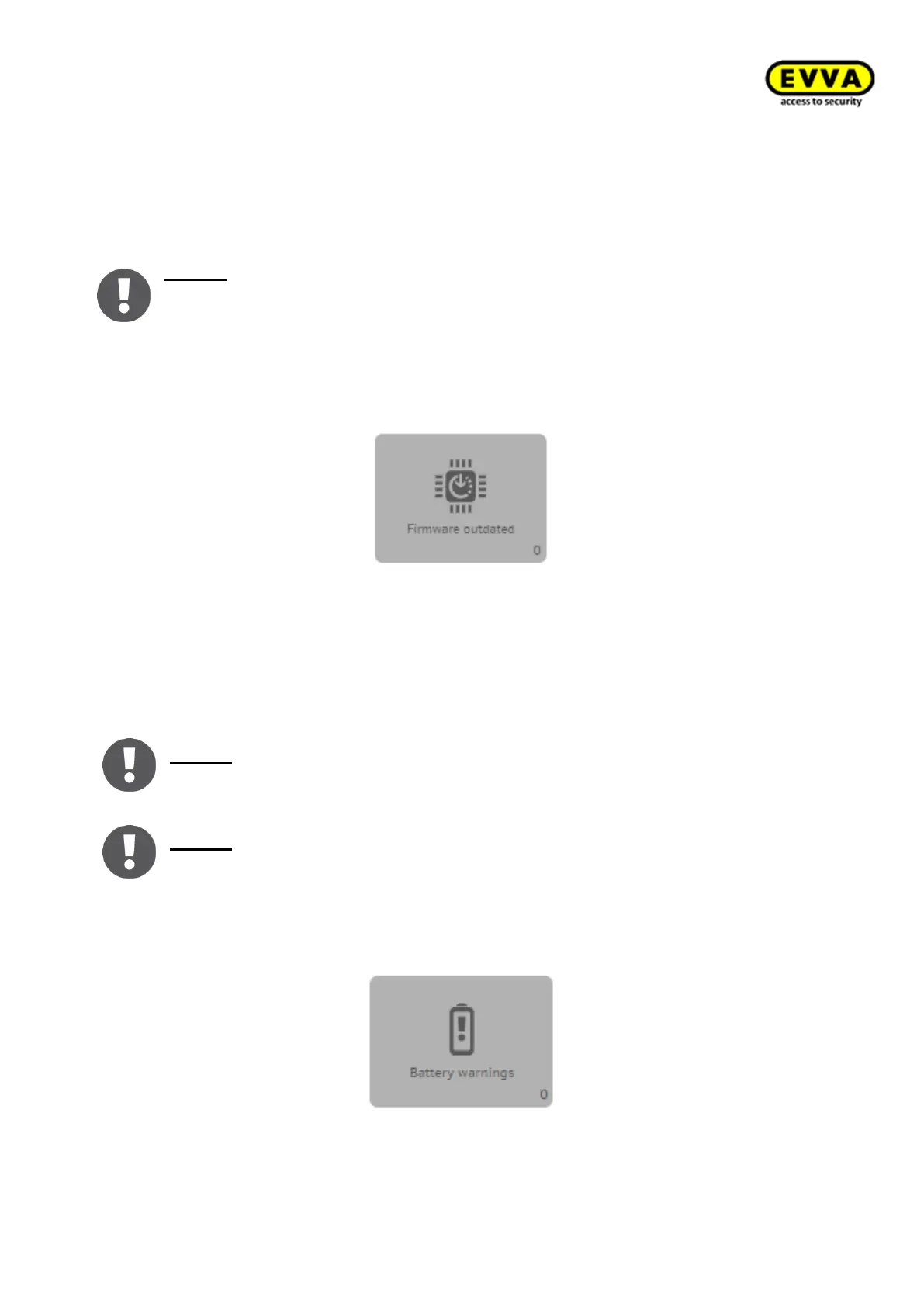
Figure 203 – Tile - firmware not up to date
The "Firmware not up to date" field turns yellow and indicates which component of the
firmware must be updated. Updating the firmware offers the following benefits:
- Potential errors have been eliminated
- Battery service life increased by adaptations
- New functions added
Notice: Maintenance tasks are automatically created if components no longer fea-
ture the most recent firmware.
Notice: You can also update the firmware without ""baptizing" or "adding compo-
nents" to systems. See: → 8.14.1 Xesar tablet app
8.9 Battery warning
Figure 204 – Battery warnings



 To Next Page