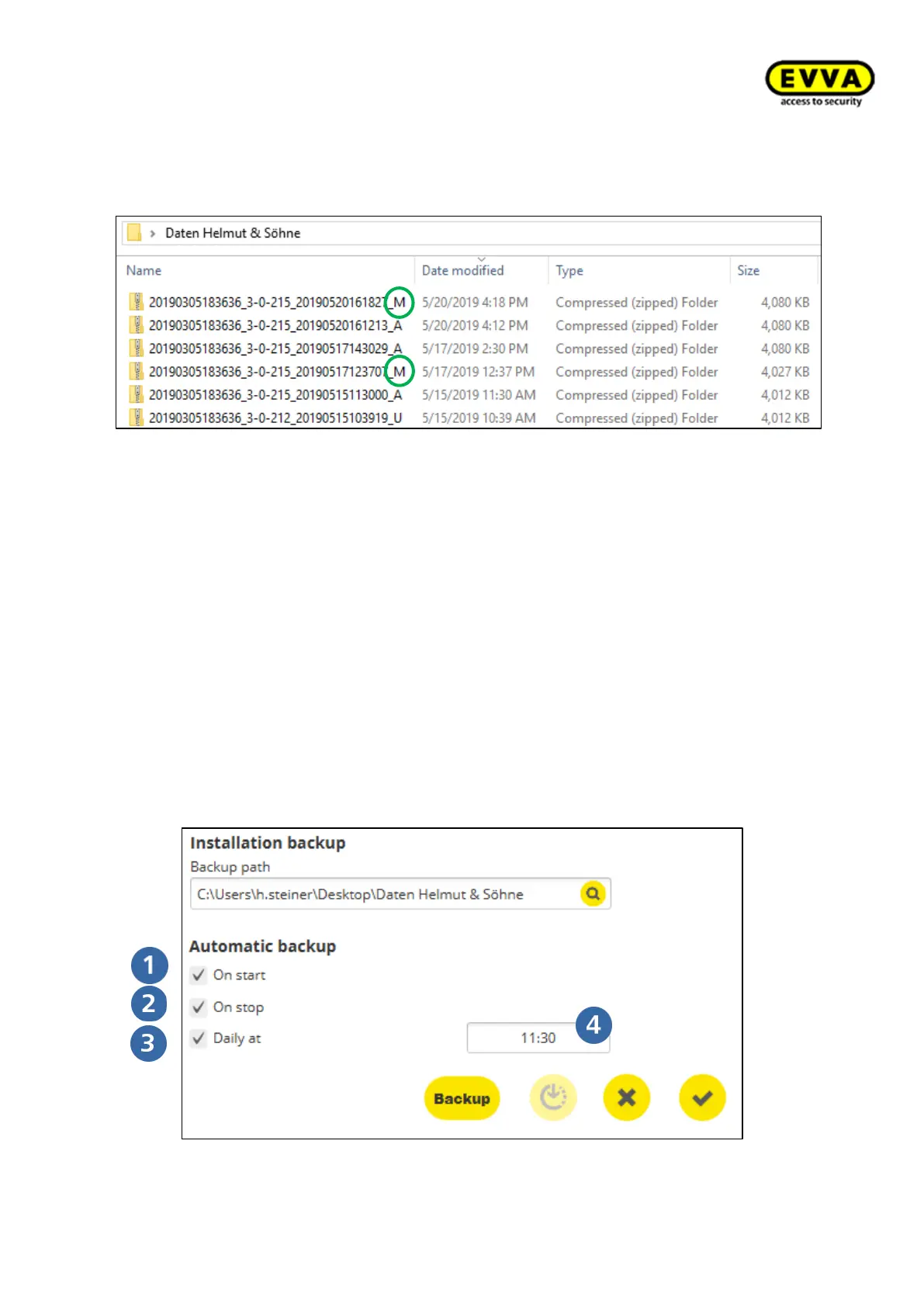
4. Step: The manual data backup is located at the backup location and is marked with an
"M" at the end of the file name. All manual backups remain saved.
6.2 Automatic backup
You can also create automatic backups in the Installation Manager.
To do this, select one or more of the 3 options for an automatic backup under "Automatic
backup" from system installation page.
Choose between the following automatic backup variants:
• When starting: When starting the system
• When stopping: When stopping the system:
• Daily at: At the set time (time of day can be selected)



 To Next Page