5.1 Xesar Installation Manager
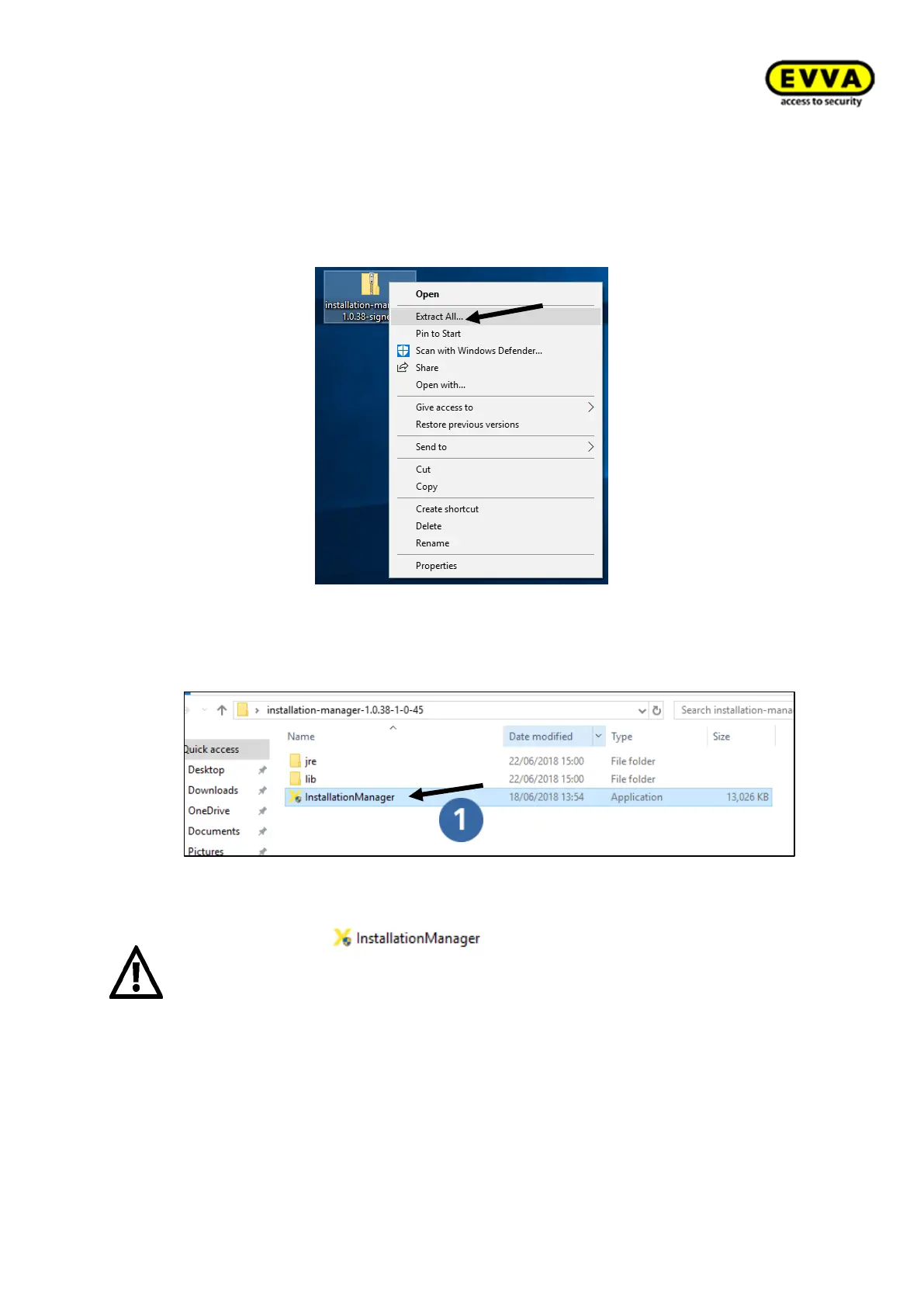
1. Step: right-click to unpack the ZIP file. Select "Extract all". The system creates a
new, unzipped folder with the same name.
!!Unpacking may take a while!!
Figure 48 - Xesar Installation Manager ZIP file
2. Step: Double-click to open the new folder and the application.
Figure 49 – Installation Manager application
The application file may not be removed from the file or dis-
placed. However, you can create a shortcut on the desktop and start the Installa-
tion Manager from there.
The Installation Manager must be started from a local drive and not from a network
drive.



 To Next Page