Tip: Grouping together zones increases identification media's memory capacity.
8.12.6 Insecure identification media
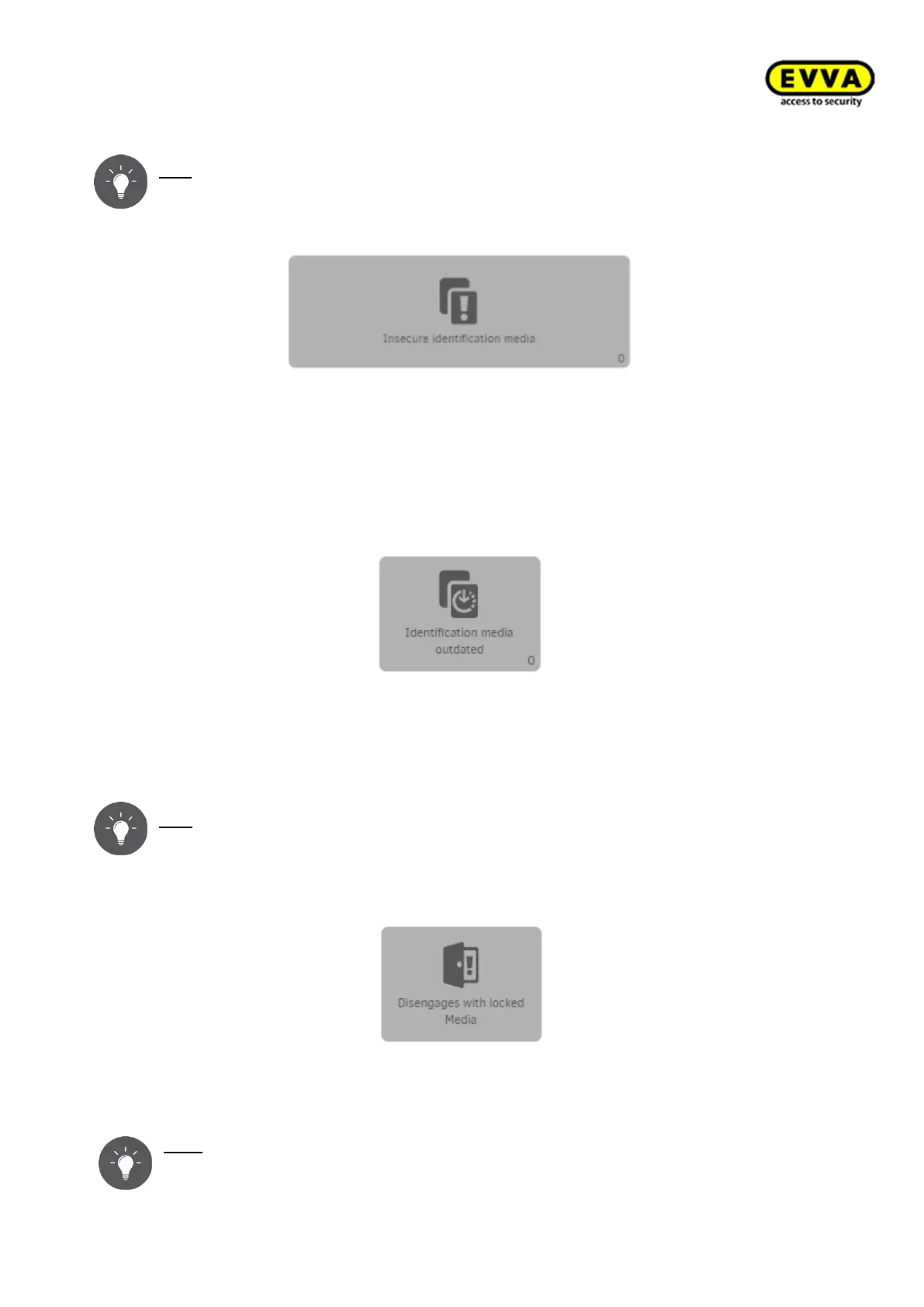
Figure 217 – Insecure identification media
Unsafe identification media are created by "Blocking" identification media. In this status,
the disabled identification medium can still open access components.
See: →8.12.4Blocking identification medium (adding them to the blacklist)
8.12.7 Identification media not up to date
Figure 218 – Identification media not up to date
Identification media must be updated, e.g. after having changed authorisations. The field
turns yellow and thus shows that identification media are not up to date and must be
updated.
Tip: Identification media can be updated using the coding station or online wall
readers
8.12.8 Releases with disabled identification media
Figure 219 – Releases with disabled identification media
This field indicates whether and where releases have been granted with disabled identifi-
cation media.
Tip: Keep the Xesar system up to date with maintenance tasks and XVN function-
ality. See: → 8.15 Xesar virtual network (XVN)



 To Next Page