9
KPM.X.Systemhandbuch_X3.0.EN.V1.9 | 05/2019 | Subjects to misprints and technical changes.
1.4 Signs and symbols within the Xesar software
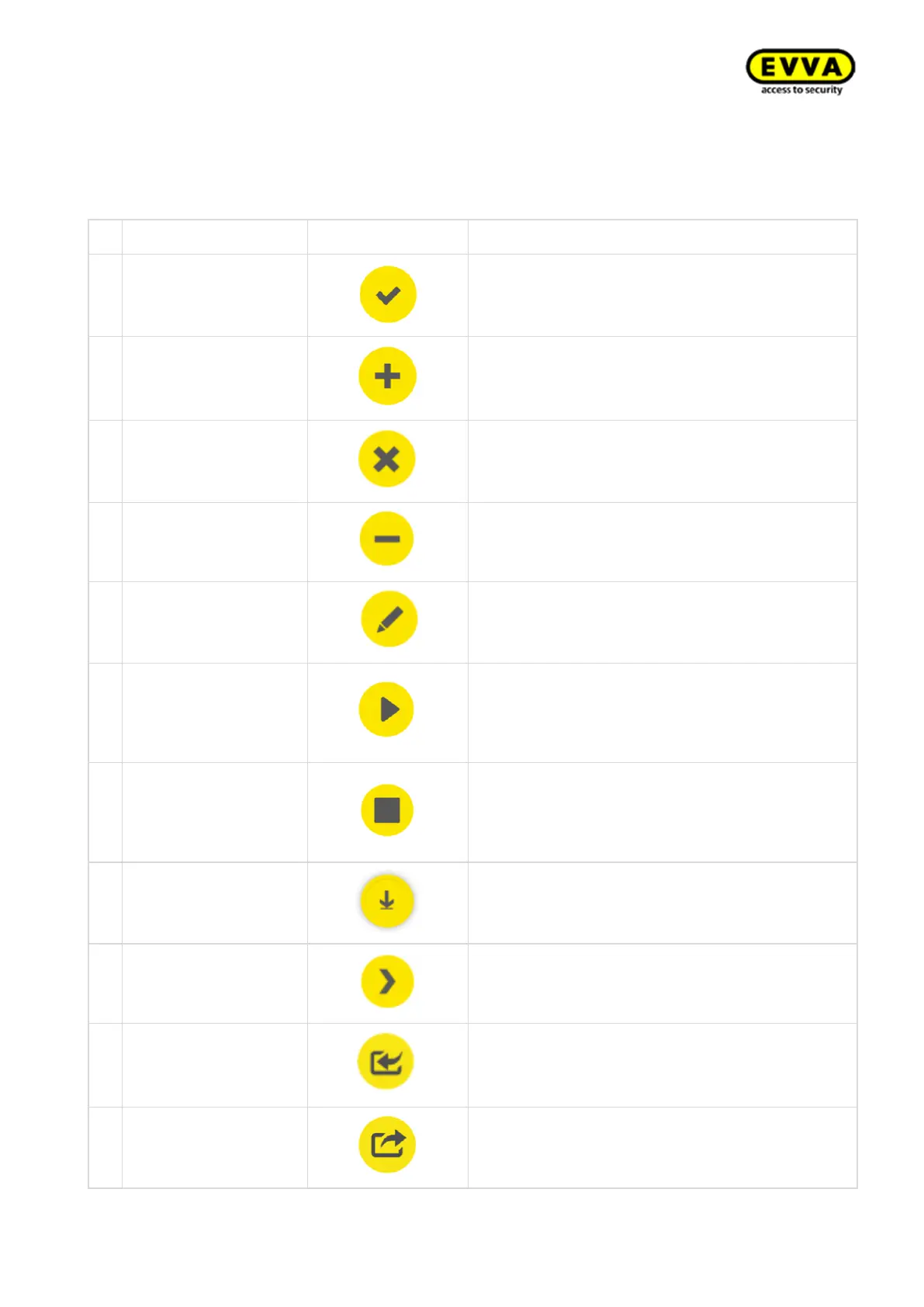
The following icons and symbols are used within the Xesar software, Xesar Installation Manager
and Periphery Manager:
Confirming or saving input
Adding elements, e.g. new persons, installation
location, etc.
Deleting elements from the Xesar system, e.g.
time profile, installation location, etc.
Editing the system (Installation Manager)
Starting the system (Xesar Installation Manager)
or starting the connection between coding sta-
tion and Xesar software (Xesar Periphery Man-
ager)
Stopping the system (Xesar Installation Man-
ager) or stopping the connection between coding
station and Xesar software (Xesar Periphery
Manager)
For example, download Xesar tablet app or Xesar
Periphery Manager
Exporting lists (persons, events, etc.)



 To Next Page