10
KPM.X.Systemhandbuch_X3.0.EN.V1.9 | 05/2019 | Subjects to misprints and technical changes.
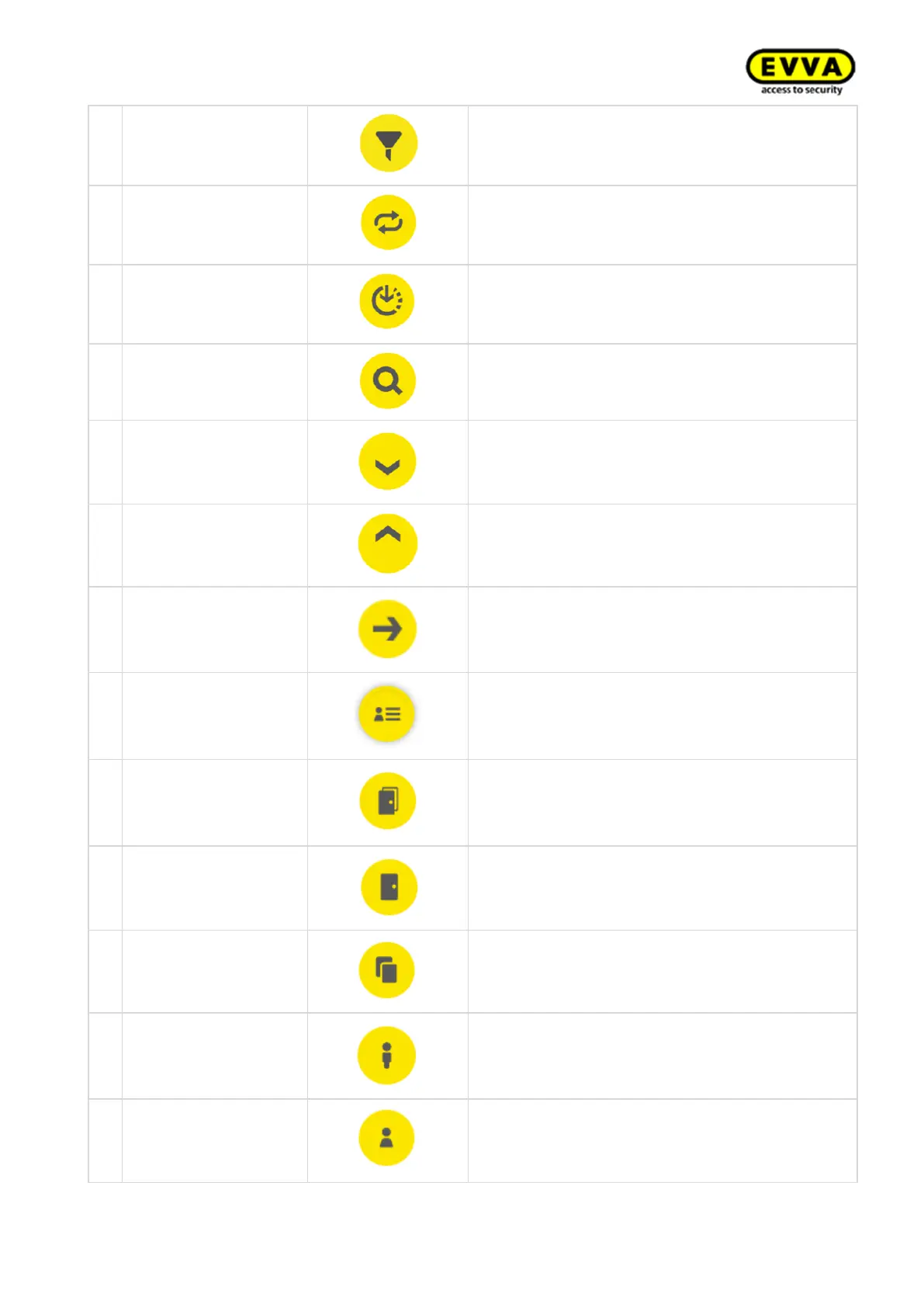
Find potential filter settings here
On Xesar dashboard runs an activity at the
backend.
In Xesar tablet app: connect to a connected door
Not updated/waiting
for update/download
update
An update is available and can be downloaded
using this icon
Search for a specific event entry here
Click here to go to the Xesar management soft-
ware The required browser window opens
Shows actions carried out within the Xesar soft-
ware by users and the system
Shows all zones to which a person has an access
authorisation
Filtered by access
points
Shows all locations to which a person has an ac-
cess authorisation
Filtered by identifica-
tion media
Shows all identification medium assigned to a
person
Add a description here and change the personal
password



 To Next Page