11
KPM.X.Systemhandbuch_X3.0.EN.V1.9 | 05/2019 | Subjects to misprints and technical changes.
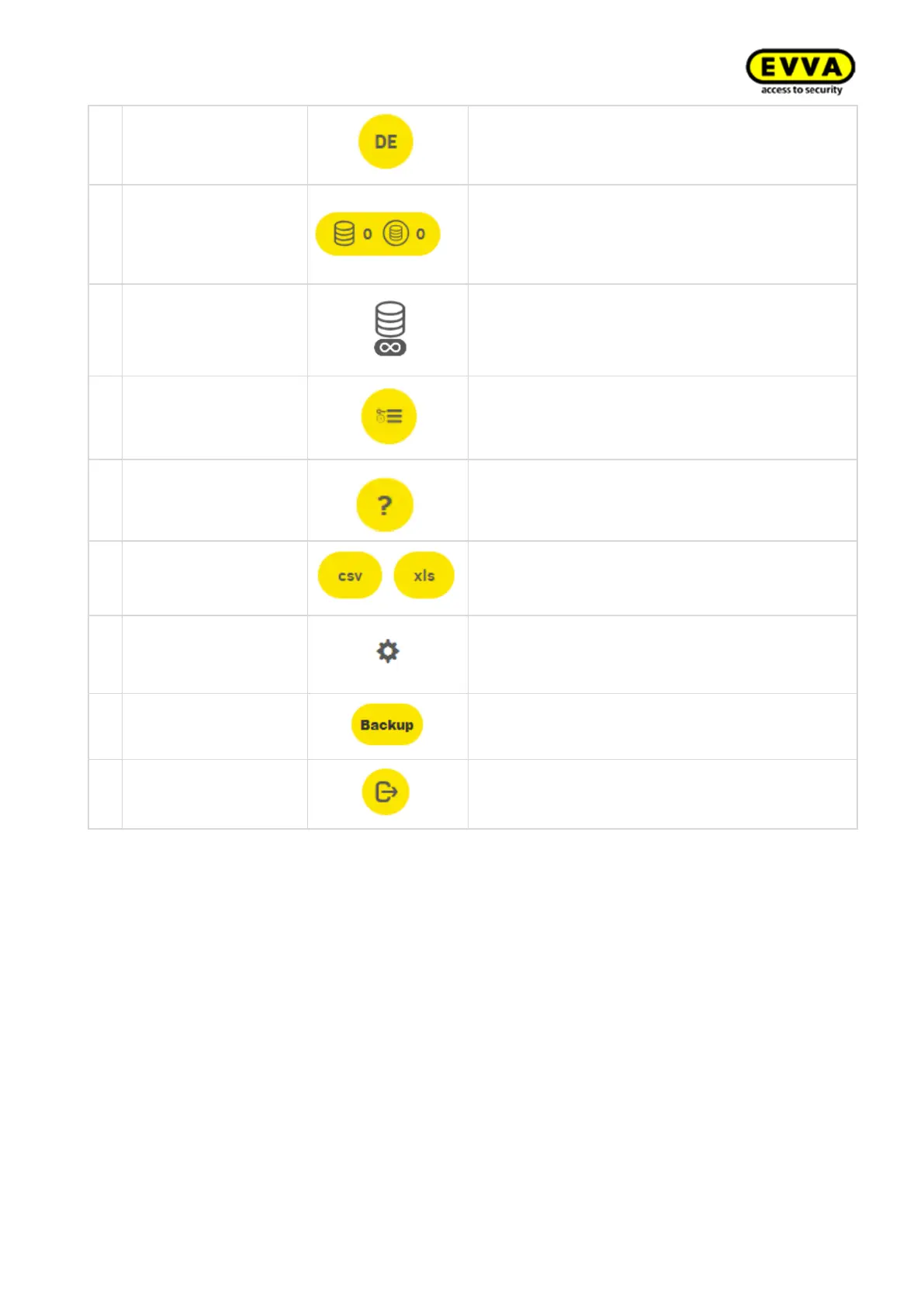
Change the language here.
Shows the number of KeyCredits to be deducted
(e.g. as a result of changing authorisations or is-
suing new identification media).
Also shows the number of added KeyCredits
Show Xesar Lifetime
KeyCredits
This icon is displayed if Xesar Lifetime KeyCred-
its have been activated.
For instance, this icon appears below persons.
Filters all of a person's access events
This symbol enables the display of help texts.
The displayed list can be exported as CSV or
XLS file.
Adjustment of list view regarding column selec-
tion, number of lines per page, save settings and
reset
Click on the backup button in the Installation
Manager to create a backup of the system data
Click on Logout button to end the session.



 To Next Page