32
KPM.X.Systemhandbuch_X3.0.EN.V1.9 | 05/2019 | Subjects to misprints and technical changes.
Communication
unsuccessful
Medium authorised
offline
Visual LED signals: = Red and green simultaneously⚫
Audible signals: h = high-pitched sound, m = medium-pitched sound, t = low-pitched sound
Each signal corresponds to a duration of 50 ms.
Pauses are indicated by "–".
2.4 Xesar coding station
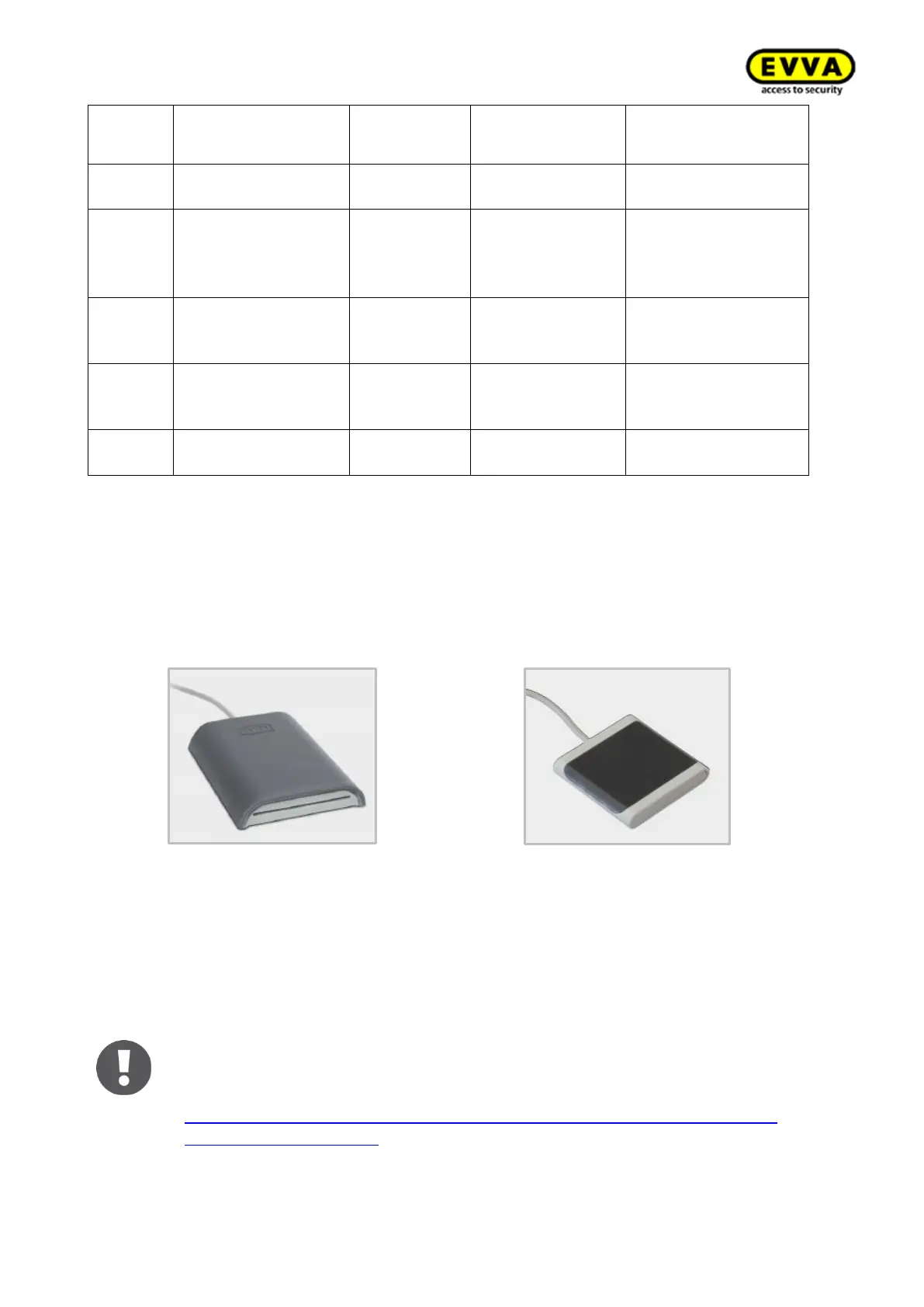
Figure 18 – Xesar coding station (sample image)
Figure 19 – Mini coding station (sample image)
The Xesar coding station is a read/write device for any type of contactless identification media as
well as the contact-based Admin Card, which is one of the system cards: (see section Admin
Card ). The Xesar coding station provides a separate card slot on the front of the Xesar coding
station for the Admin Card. Install the associated driver and connect the Xesar coding station to
the USB port of the computer where you installed Xesar software.
The mini coding station cannot be used to operate the AdminCard
Note: we have provided the driver required for the Xesar coding station in
the download section of our homepage:
https://www.evva.com/uk-en/products/electroniclockingsystemsaccesscon-
trolsystems/xesar/#tab6



 To Next Page