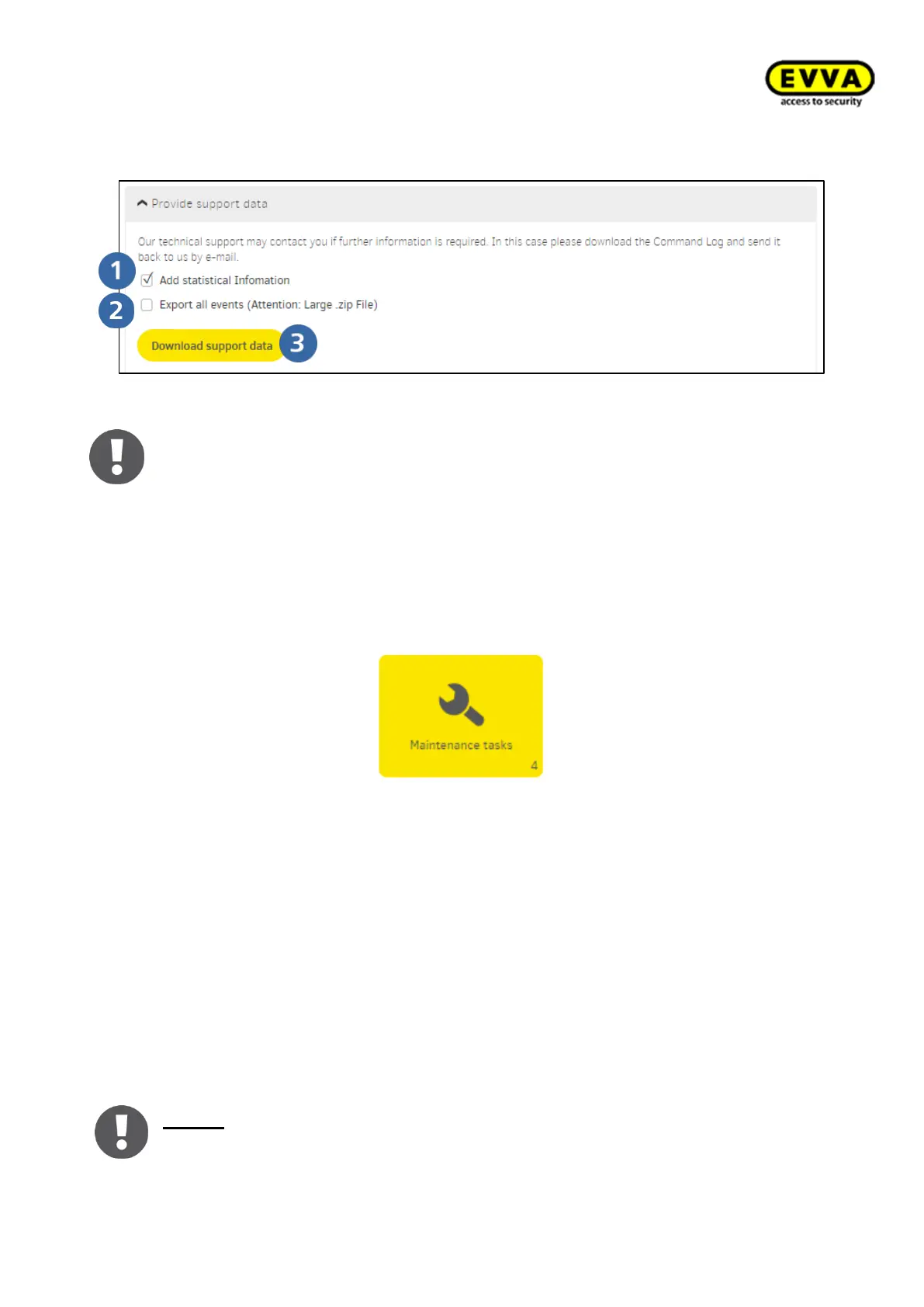
Download of the support files
In case of an error, please download the anonymised system data file for error anal-
ysis and send it to the EVVA Technical Office.
8.7 Maintenance tasks
Figure 202 – Configuration tasks tile
Maintenance tasks are all configuration together with maintenance jobs such as:
- Battery warnings and states
- Components
o Configuring
o Removing
o Adding
o Firmware update
- The name of the Xesar tablets to which the maintenance task has been assigned
The field lights up yellow if there is a new task. It is automatically created by the system
as soon as it is necessary to service a component.
Notice: Maintenance tasks are carried out on components using the Xesar tablet!
The user with the appropriate user group authorisation can synchronise mainte-
nance tasks (all or by sections) to the Xesar tablet. For this access authorization to



 To Next Page