Attention: The import of a Xesar 2.2 system with 96 zones does not function.
Remedy: Remove an area from the Xesar 2.2 system and then import the system.
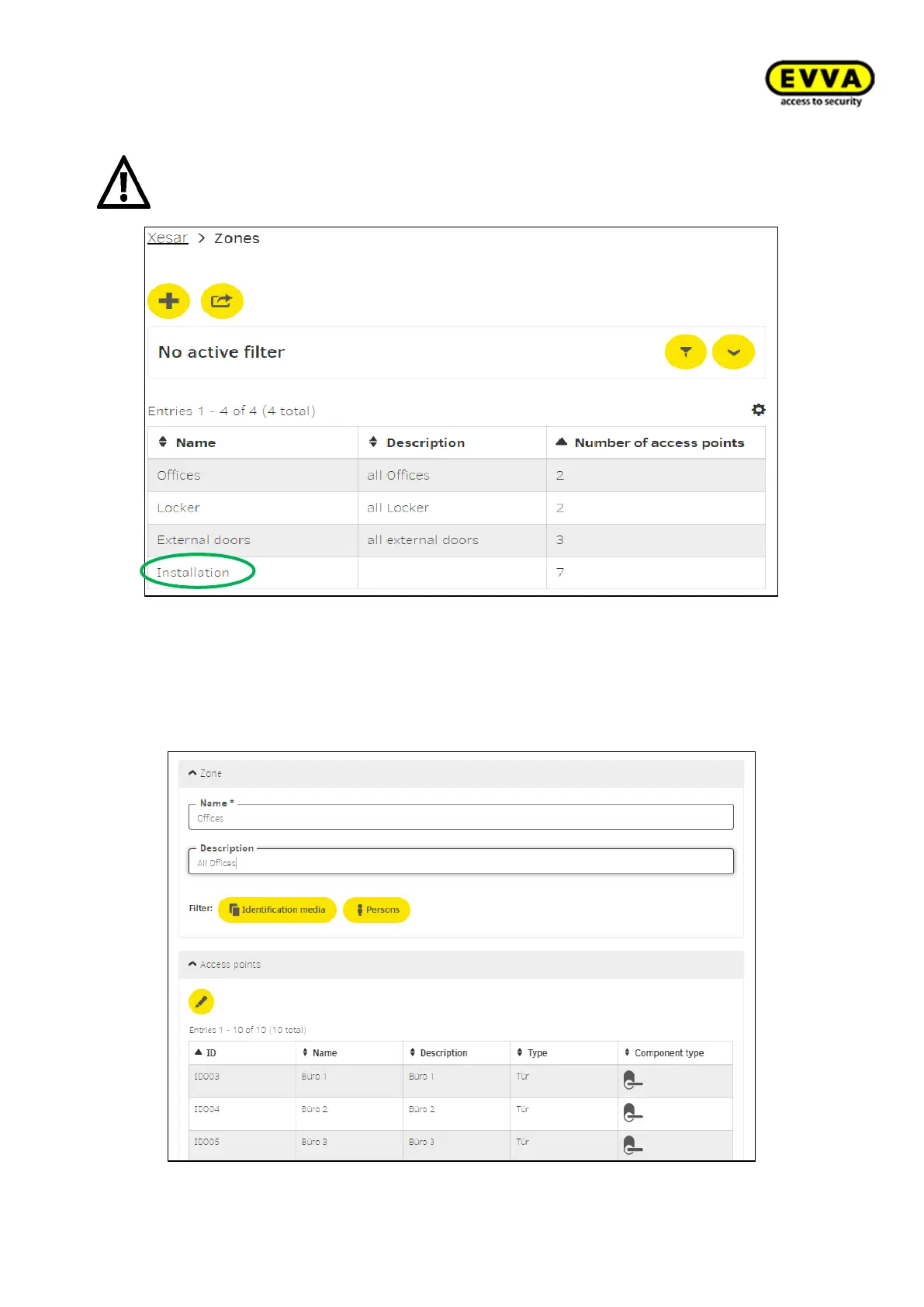
Figure158 - View of zones
Display „Offices“ zone:
Name (mandatory): Name of the zone
Description: For a more detailed explanation
Access points Depiction of the selected access points
Figure159 - Display "Offices" area



 To Next Page