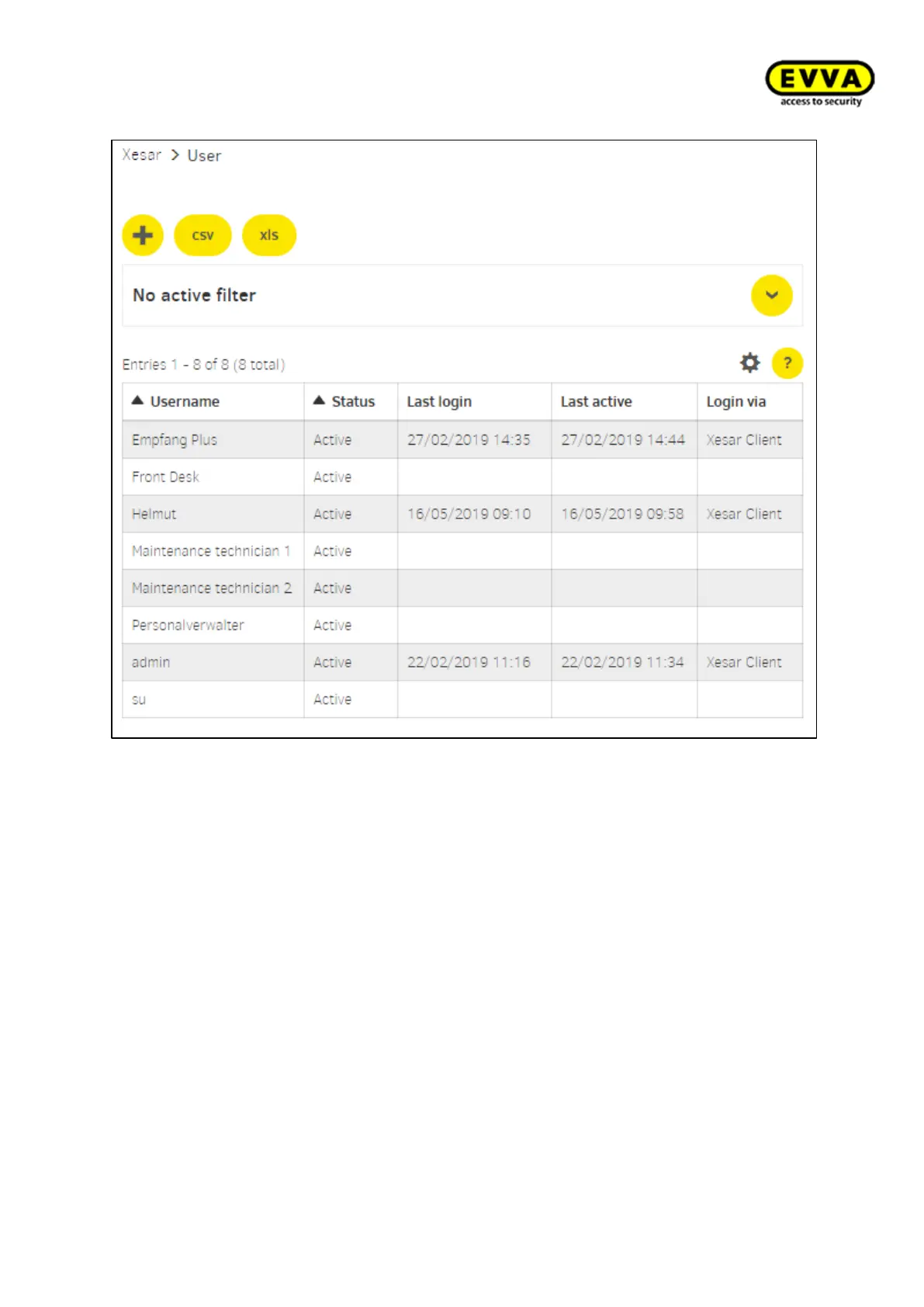
Figure134 – User overview
New user:
User name (mandatory): Specify user name and the new user. e.g. Administrator 1
Description: Optionally a description of the new user may be added.
Password (mandatory): Enter a password for registration (login). (At least 6 characters,
a rating of the password's security level is displayed)
Repeat password (mandatory): The selected password must be entered again here.
User groups: Selection of the user groups defined for the user. At least one user group
must be selected.
Person: (This field will be displayed after saving for the first time)
The user-function can be assigned to a person. (E.g. maintenance technician1> Hans Hu-
ber). The personal reference has pure information value and no functional effects.
Status: The user can be set as active or inactive. Inactive users can not log in.



 To Next Page