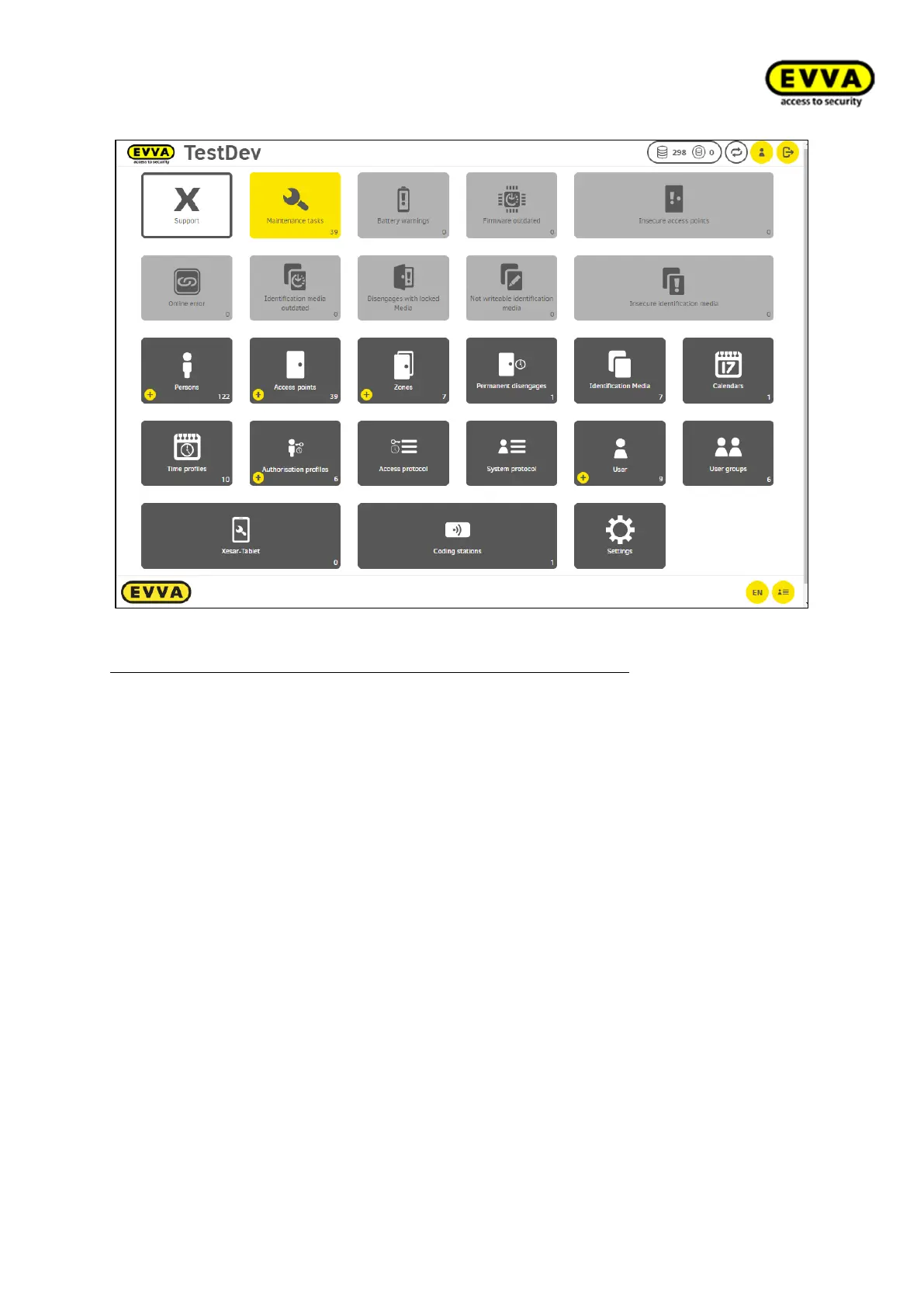
Figure 186 - Xesar 3 Dashboard
The four colours of the dashboard indicate the following functions:
- Dark grey fields are intended to manage elements, such as creating zones/access
points or authorisation profiles, etc.
- Light grey fields indicate that no actions must or should be set
- Yellow fields indicate warnings or notes. Fields will once again turn light grey as
soon as the tasks have been completed.
- The white field is the support field. It provides useful downloads, such as documents
(e.g. this system manual) or files intended for exchange with your national EVVA
technical office.



 To Next Page