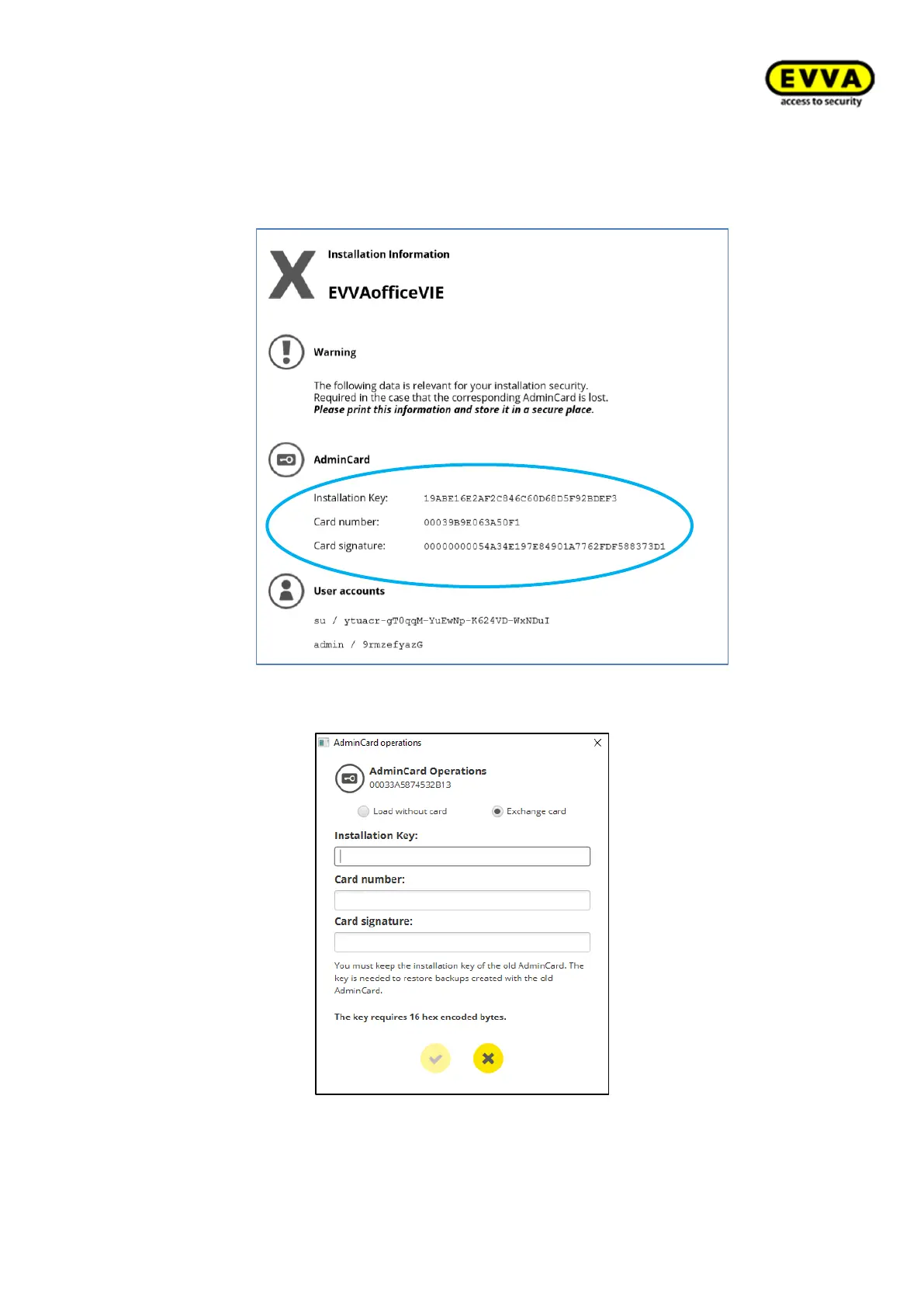
• In the AdminCard Operations window, select Exchange card and enter the instal-
lation key, card number and card signature from the installation information
sheet. These data can be found on the installation information sheet, which you
printed out during the first installation.
Figure 238 – Replacing the Admin Card – system information
Figure 239 – Replacing the Admin Card
• Upon confirmation, a new installation information sheet will be generated.
• Print this document again and keep it in a safe place.



 To Next Page