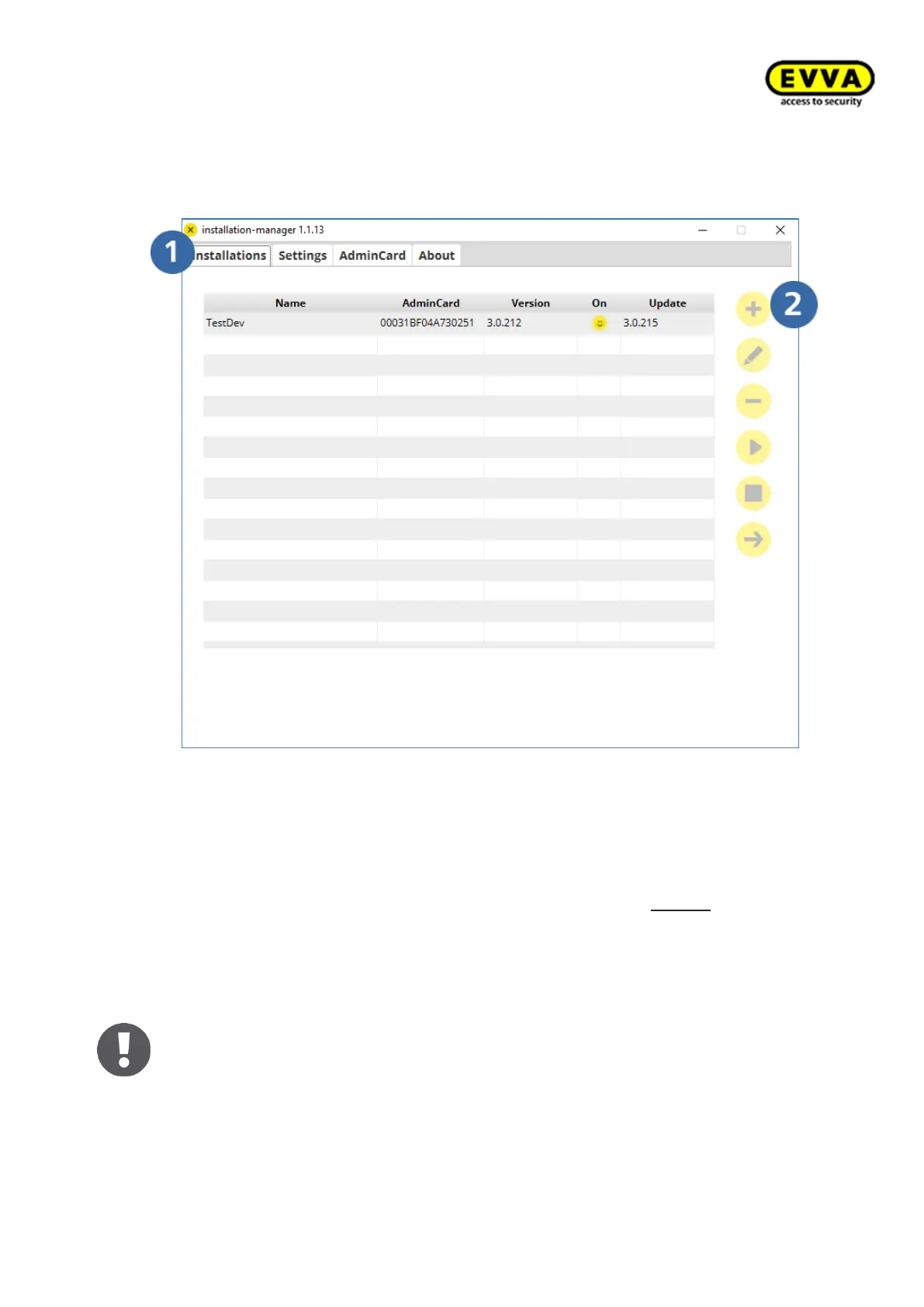
7. Step: Creating a new system
a. Click the "Installations" tab and
b. Click "+".
Figure 56 - Installation Manager, create new system
8. Step: System specifications
a. Enter a system name (with the exception of $ and “special characters can be
used), an additional description can also be added.
b. (the registered ports must be available in the system) and the "Local" default
option must be selected.
c. Select your time zone from the drop-down menu. You cannot subsequently
change this!
d. Select the backup path for data backup.
e. Select the settings for automatic backups.
f. Click "Confirm" to initialise the installation process.
The process may take a few minutes!



 To Next Page