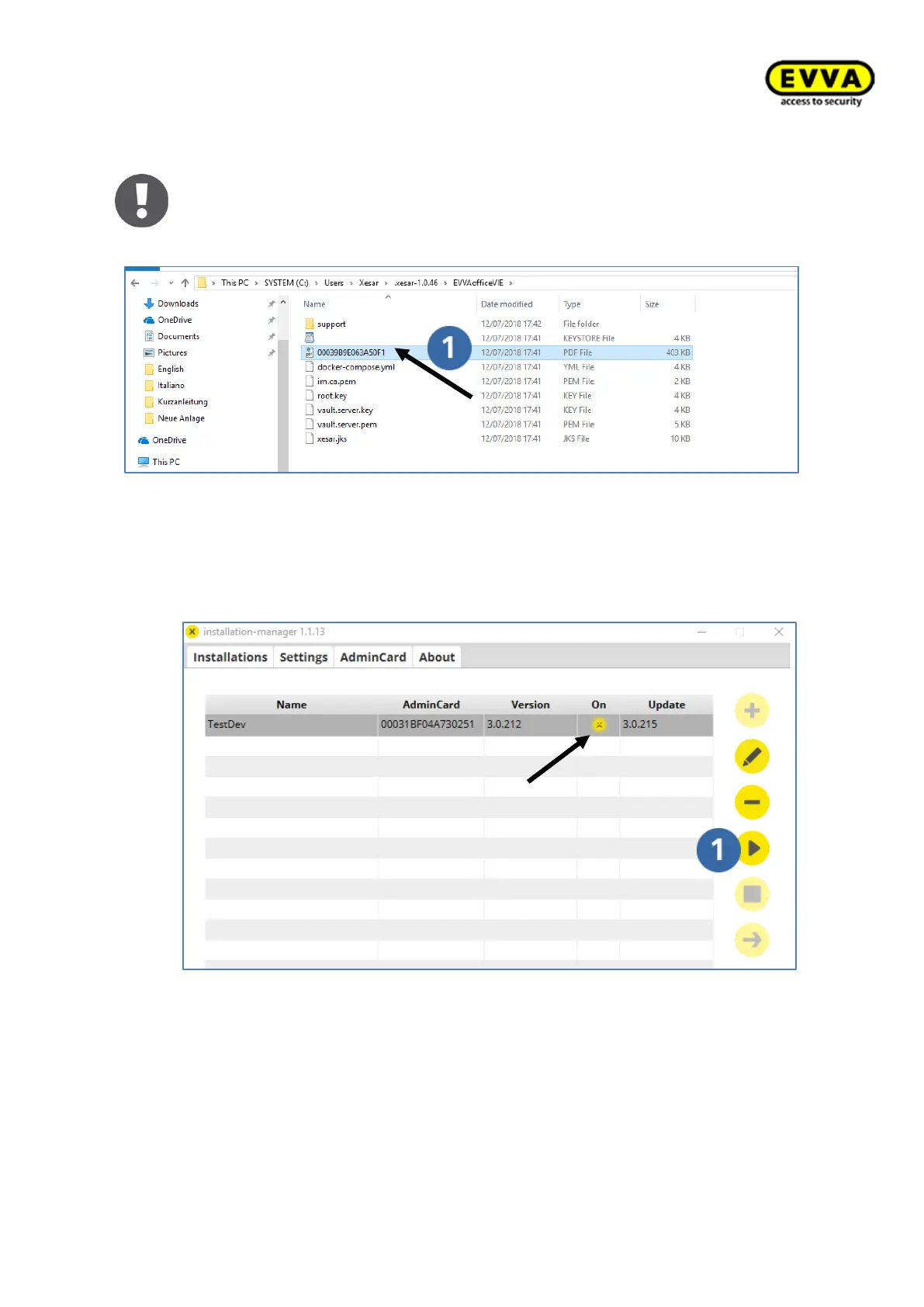
b. Alternatively, the information is available at: C:\Users\Xesar\.xesar-
1.0.43\Anlagenname Open the PDF here
Figure 61 – Alternative system information
10. Step: Starting the system
a. The installation has been completed successfully once the system appears as a
list entry. The "" icon indicates that the software has not been started yet.
b. Highlight the list row for your system and then click the "Start" icon.
Figure 62 – Installation Manager - system not started



 To Next Page