User Manual EDITING February 16, 2010
Xynergi Media Production Centre Page 114
Head
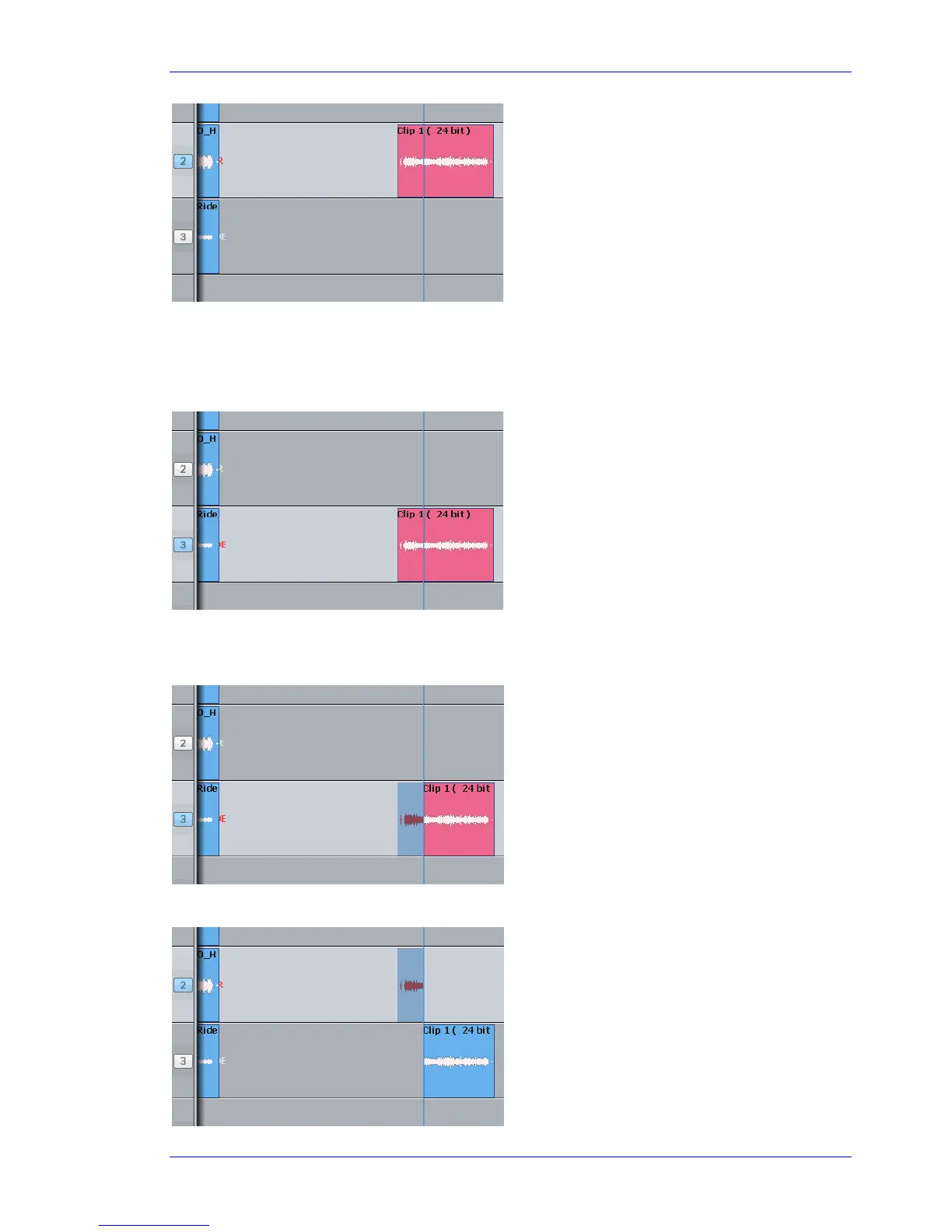
This time we’ll only work with the Head of the clip. That is the part before the cursor.
Step 1 Select a track and move a clip under the cursor.
Step 2 Press the
cut key (if not already selected).
Step 3 Press the
cut head key
Step 4 Select another track (and/or move to another location)
The clip is pasted.
Only the head goes on
to the clipboard.
The ghost shows a head-
shaped clipboard ready to be
pasted. The original tail is now
Blue, because its track is not
selected.
The clip is red because
it is touching the
cursor.



 To Next Page