User Manual EDITING February 16, 2010
Xynergi Media Production Centre Page 115
Step 5 Press the Enter key to paste the clipboard.
Range
You can make a range that specifies exactly which part of the clip is affected. The easiest way is like this
(more about ranges later):
Step 1 Move the transport where you’d like to start the range.
Step 2 Press the
from key
Step 3 Move the transport where you’d like to end the range.
Step 4 Press the
to key
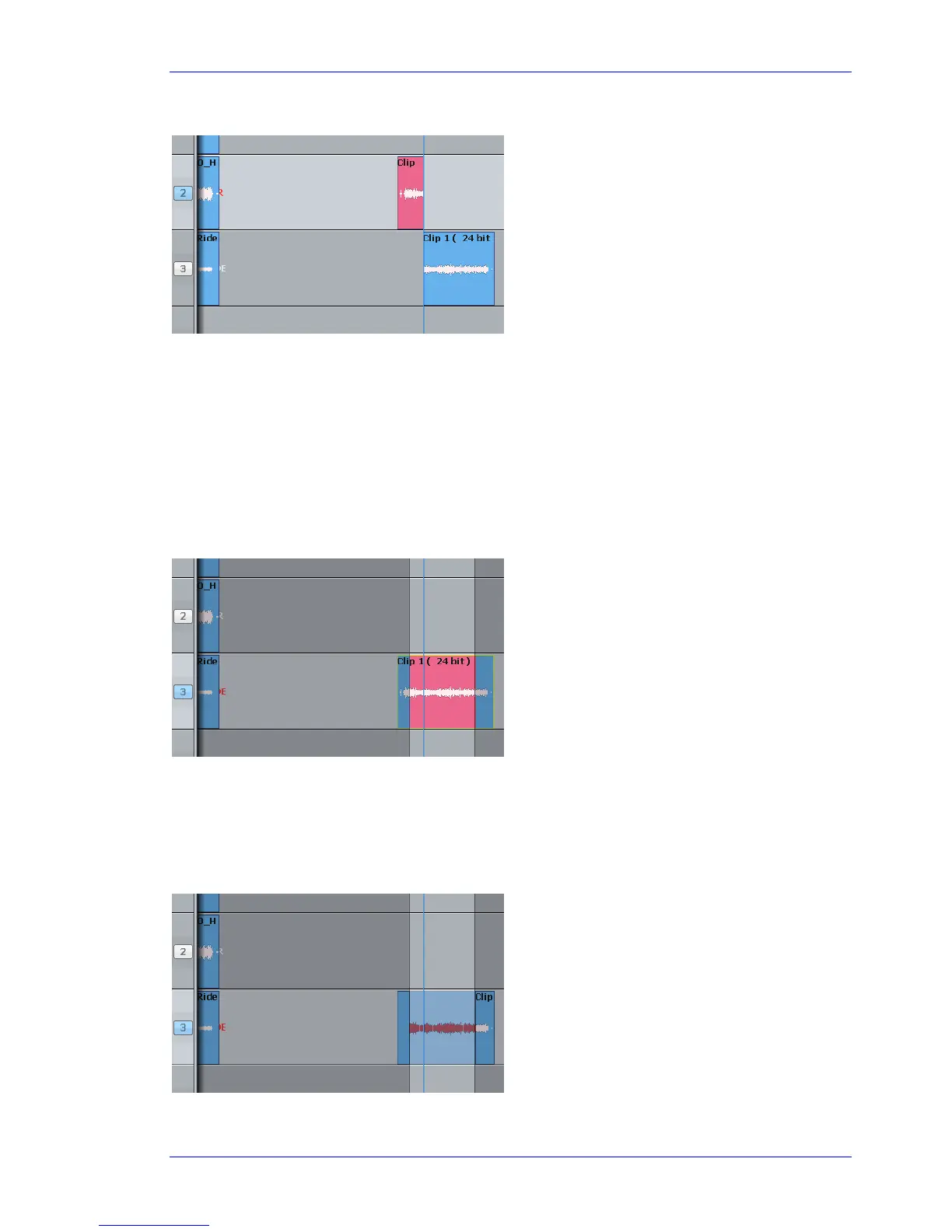
Now we’ll cut and paste the audio in the range.
Step 1 Choose the track and set the range (we’ve just done this)
Step 2 Press the
cut key (if not already selected)
Step 3 Press the
cut range key
Step 4 Select another track (and/or move to another location)
The clipboard (former
head) is pasted.
The range is marked in
red.
The audio in the range
is moved to the
clipboard. We see the
ghost.



 To Next Page