User Manual HOW TO … February 16, 2010
Xynergi Media Production Centre Page 28
Now we'll access a wider selection.
Using SEL
Press SEL to display up to 48 paths. The rules for selection are the same as with the 12-track
displays.
Use the
Tracks, Lives and Buses buttons to choose the type of signal path you would like to
select. If tracks are selected, use the
Bank Up and Bank Down buttons to show another 48.
Press
exit to leave.
This way of using SEL is called Latched.
There is another way to use SEL, called Momentary. In this mode, you press and hold
SEL, and
use its buttons while holding it down. Then you release , and it exits automatically.
Using Track
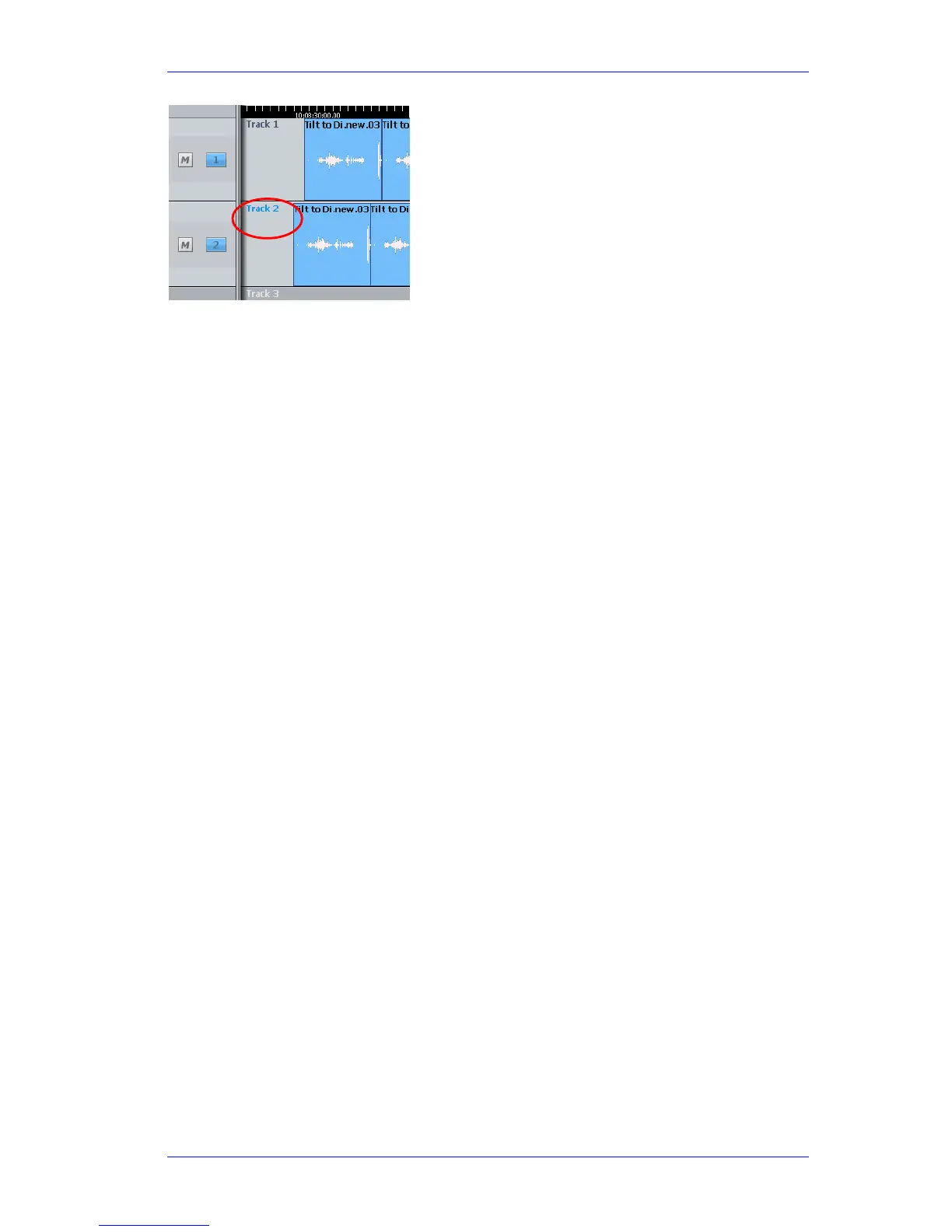
Hold down Track. While it’s held down you can do the following:
Turn the
Jog Wheel to move the whole track selection up and down.
Press the
+ or – button in the Numpad to move the track selection one place up or down.
Type a number (up to 3 digits) on the Numpad, then release
Track to select that track.
This is great for selecting tracks that are not currently visible on the picture keys or the
Edit Screen.
Using All Tracks
The All Tracks button will cause selection of every track in the project. If you press it a second
time i.e. when all tracks are already selected, it will return to the previous track selection.
MULTI
Overview
MULTI allows you to change mixing parameters on many paths at the same time.
When Multi is Off, the Pad controls only the most-recently-selected path.
Pressing
MULTI changes its display to MULTI REL (relative). All changes made with the Pad now
apply to all selected signal paths.
Changes made with rotary knobs are applied relatively i.e. values amongst the signal paths
remain different, but rise and fall together. But values “compress” when the reach upper or lower
limits. This is demonstrated in the sequence that follows.



 To Next Page