User Manual HOW TO … February 16, 2010
Xynergi Media Production Centre Page 29
Changes made with switches are applied absolutely, even if values amongst the selected signal
paths are different at the start.
Get Ready
Press the Editor Megamode button.
Press the
path button.
Press the
Cut button.
Multi Operation
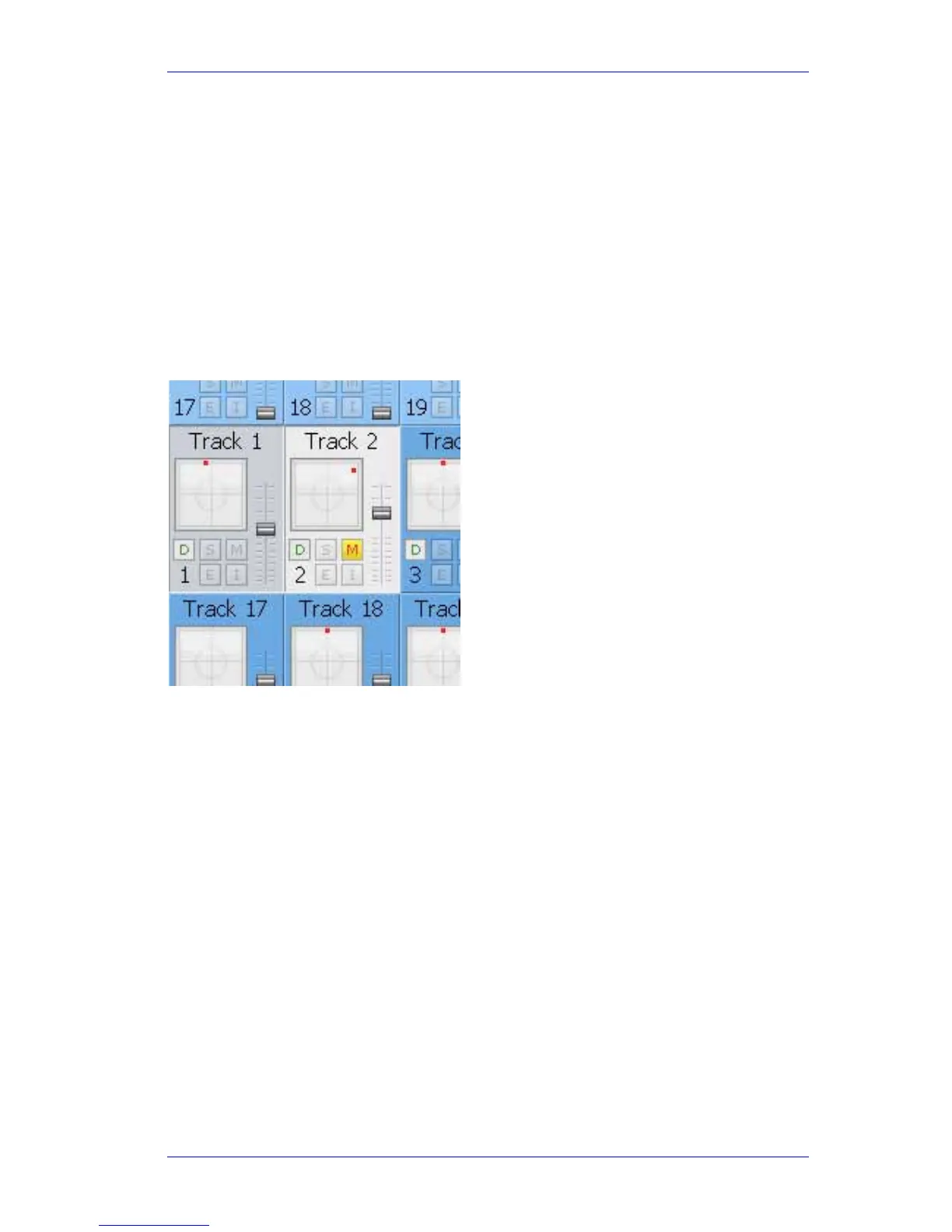
Press the Bank buttons until Track 1 is showing. Double-press Track 1 then select Track 2, so
they are the only paths selected. Throughout this How-To, watch the results in the Track 1 and
Track 2 tile displays in the Mixer screen.
Turn
MULTI off. Turn the Level and Pan knobs. Press the Mute button. The values of Track 2
change, but those of Track 1 are not affected.
To set up for Multi ON, set Track 2's
Level higher than Track 1, and its L/R pan further right
than Track 1. Also set its
Mute to the opposite of Track 1.
Multi Rel
Press MULTI. The word MULTI appears in Red in the Pad.
Multi Rel means “Relative”. Turn the
Level Control knob up and down in the Pad. The faders of
Tracks 1 and 2 both move relatively, maintaining their difference.
Press the
Mute button. Both tracks now have the same value, because switch functions are
absolute under MULTI.
Now drive the
L/R pan control so that both tracks are pushed hard against the left. Their values
compress and are now the same. This will remain the case while Multi stays ON.
Take care with Multi. It's very powerful, but also quite dangerous! It’s a good idea to switch it off
as soon as you’ve finished using it.



 To Next Page