2. Use of the vehicle
USE AND MAINTENANCE MANUAL CHAPTER 2
USE OF THE VEHICLE2-Strokes - Edition 01 / 2023
77
2
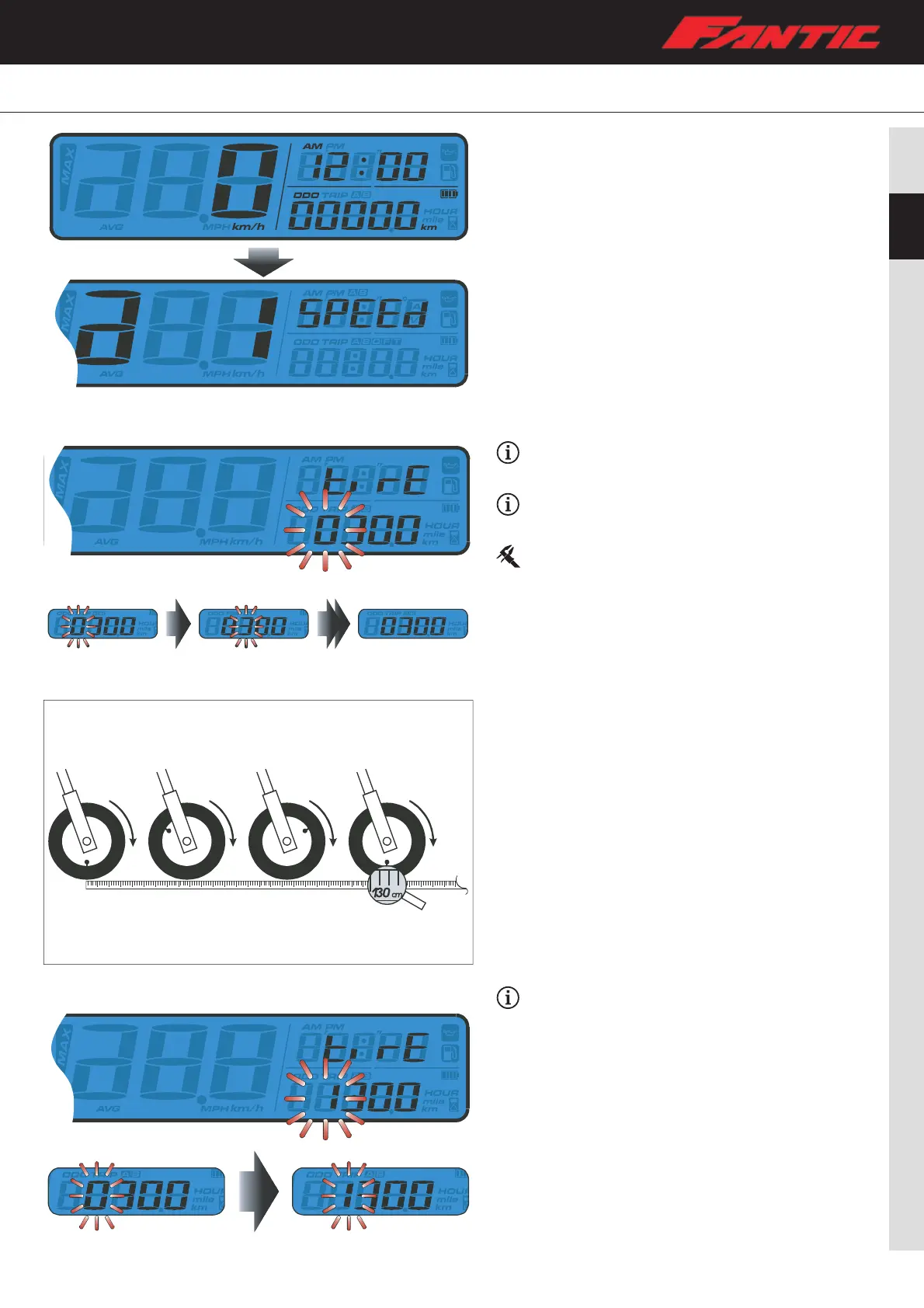
The tire circumference and sensing point setting
Example: the tire circumference is 1300 mm.
– Press the Adjust button to move the digit you want to set.
The tire circumference setting range is from 300 to
2500 mm.
Default setting: 1000 mm.
– Use the valve stem as the starting point and the terminal
point to measure the wheel circumference with a
measuring tape.
Example: the tire circumference setting is changed
from 1000 mm to 1300 mm.
– Press the Select button to change the setting.
– Press the Adjust button three times to enter the sensing
point setting.
Setting Mode
– While on main screen, press the Adjust + Select 3 seconds
to enter the tire circumference and sensing point settings
(for setting a different tire size).
– Use the Adjust button to set the circumference.




 To Next Page