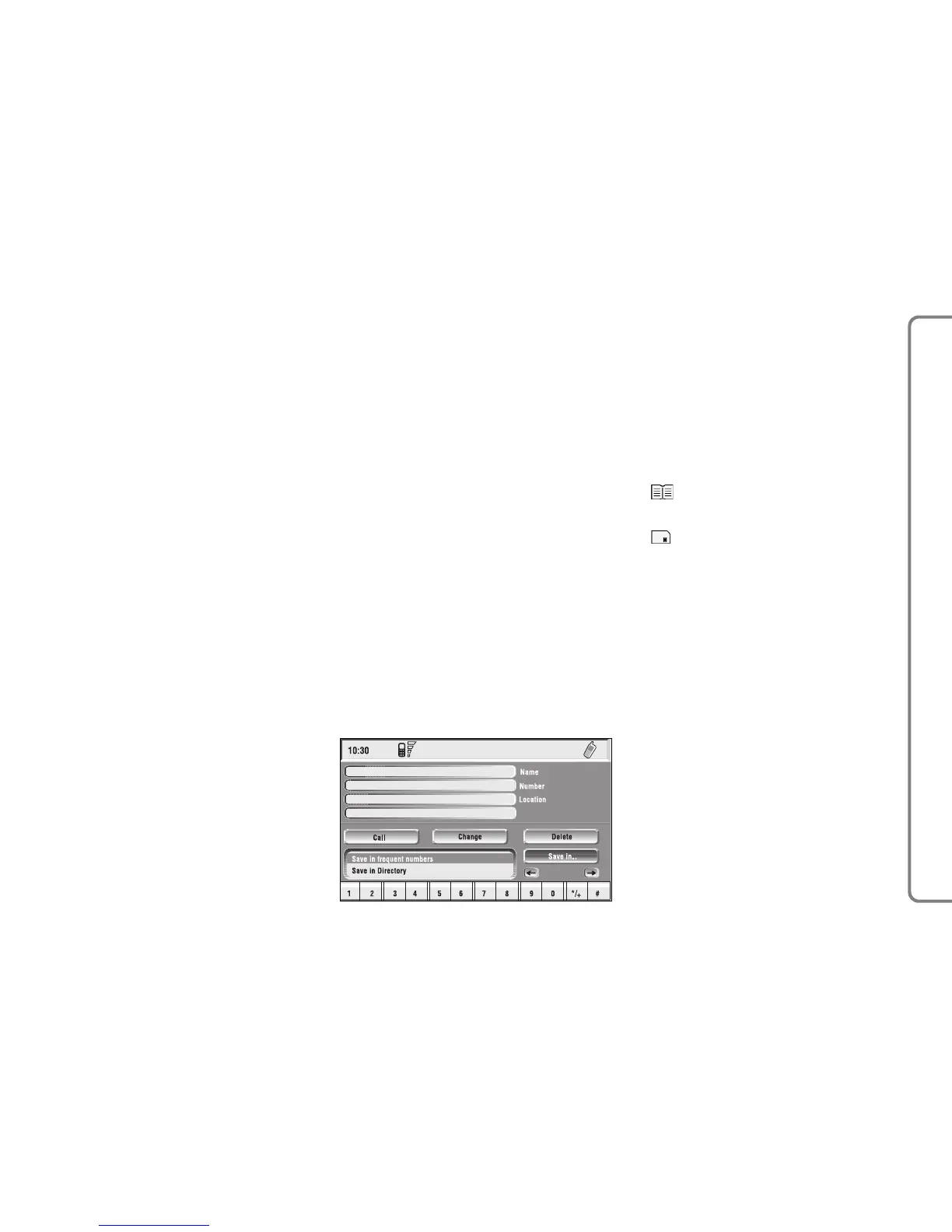
fig. 55
F0Q3054g
“Save in ...”: selecting this icon by ro-
tating the knob 15-fig. 1 and press-
ing it to confirm fig. 55 it is possible
to perform the following:
– add the selected entry to the “Fre-
quent numbers” list (if the list is full,
the key is disabled), proceed as fol-
lows: rotate and press the knob 15-
fig. 1 to select “Save in frequent num-
bers”, the selected entry is automati-
cally added in last position of the “Fre-
quent numbers” list.
– copy the selected entry from the di-
rectory to the SIM card and vice versa.
To copy a directory entry to the SIM
card:
– select, by turning knob 15-fig. 1,
the “Save into SIM card” graphic key,
then confirm by pressing the same; the
system will carry out a check to veri-
fy whether an entry with the same
name exists in the SIM card (if it does,
the display will show the message
“Name already found in the SIM
card”), then it will copy the entry, by
putting the latter into the SIM card.
To copy an entry from the SIM card
to the phonebook:
– select, by turning knob 15-fig. 1,
the “Save into phonebook” graphic
key, then confirm by pressing the
same; the system will carry out a
check to verify whether an entry with
the same name exists in the diary (if
it does, the display will show the mes-
sage “Name already found in the di-
ary”), then it will copy the entry, by
putting the latter into the diary.
Each directory entry is identified by
number, name and location.
If two entries have the same name
and number but different location,
both entries are added to the phone-
book list.
In the entry list, a dedicated icon in-
dicates entry location:
= item stored in phone
phonebook;
= item stored in SIM card.
“Previous entry” and “Next entry”:
these icons show data concerning pre-
vious or next phonebook entry.
If the user is already at the first or
last position in the phonebook these
buttons are disabled.



 To Next Page