50
g. Production Settings PLU saving commands are used to create and save customized operation settings
to PLU.
h. Production Settings PLU reading commands are used to read customized operation settings saved in
PLU and in effect.
i. Production Settings PLU execution commands are used to recall a Production Settings PLU number
and bring it to immediate effect.
j. Quick PLU saving Commands are used to create and save operation settings to quick PLU.
k. Quick PLU reading Commands are used to read operation settings saved in PLU.
Commands can be sent to this instrument from a computer through any standard communication program.
Refer to Appendix L to V for more information on the above command types.
The UART port assigned for command communication should be set to CMD in F16. Refer to paragraph 8 for
setting details and procedures.
23. Built-in Battery & Recharging
23.1 Battery Operation Time
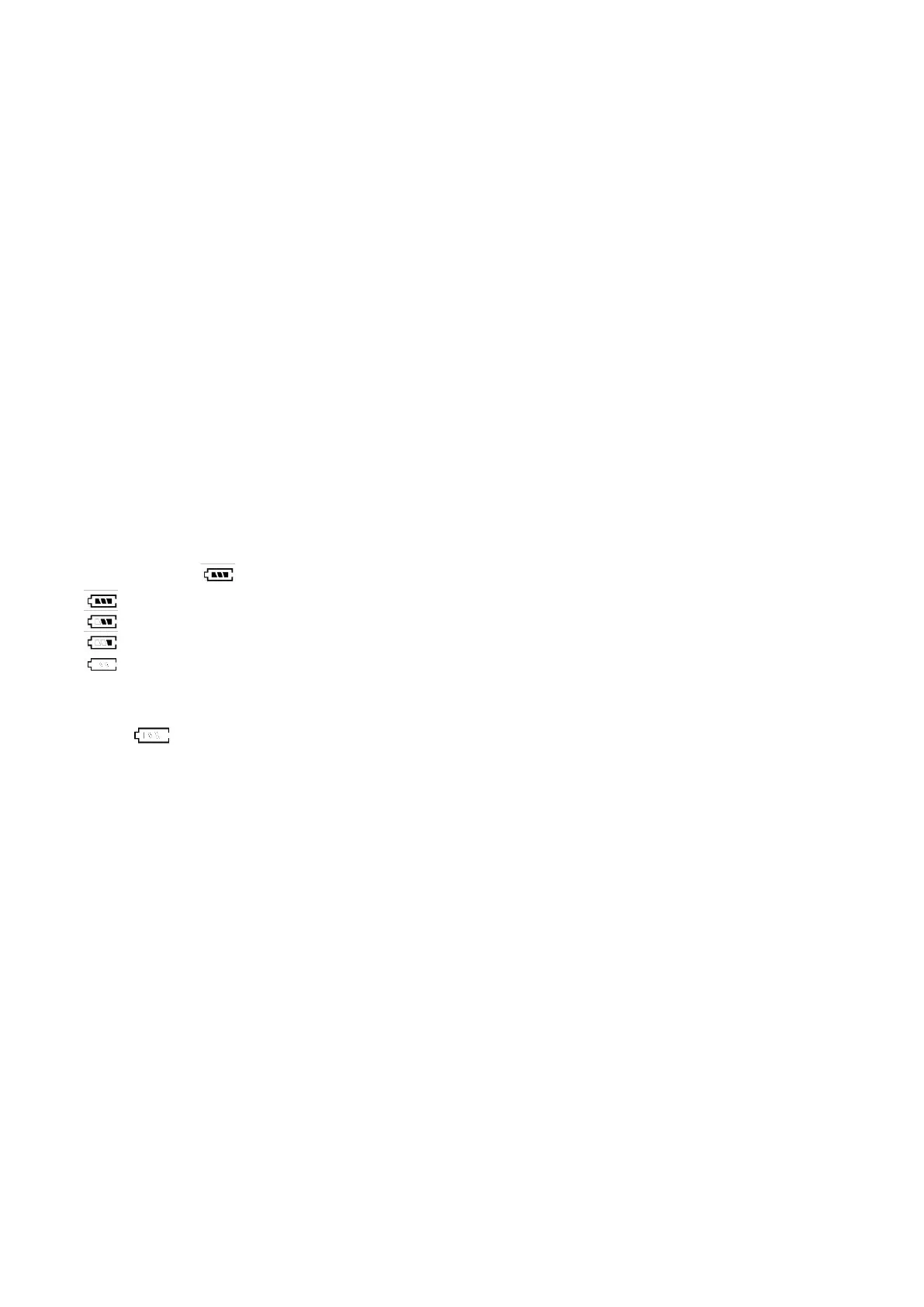
The Battery Power/Level Indicator displays the remaining battery power of the built -in rechargeable battery.
23.2 Symbols & Remaining Power
Full Battery: ≥ 6.3V.
2 Blocks: ≥6.0V (Battery level~75%).
1 Block: ≥5.7V (Battery level~20%).
Frame only: <5.7V (Battery level is less than 15%).
23.3 Battery Recharge
When appears, it means that the built-in rechargeable battery is at low voltage status. It is recommended
to recharge as soon as possible.
To protect the built-in rechargeable battery, this instrument will be powered off automatically when battery is at
an extremely low level. If this is the case, do not attempt to power this instrument on. Recharge this instrument
immediately. Fail to do so may cause unrecoverable damages to the built-in rechargeable battery.
Battery charging status is shown by the Battery Power/Level Indicator: -
Progressing: - Recharging in process.
Flashing : - Recharge completed.
Battery recharge is possible during operating. Overcharge protection circuit is inside to prevent battery damages
from overcharge.



 To Next Page