70
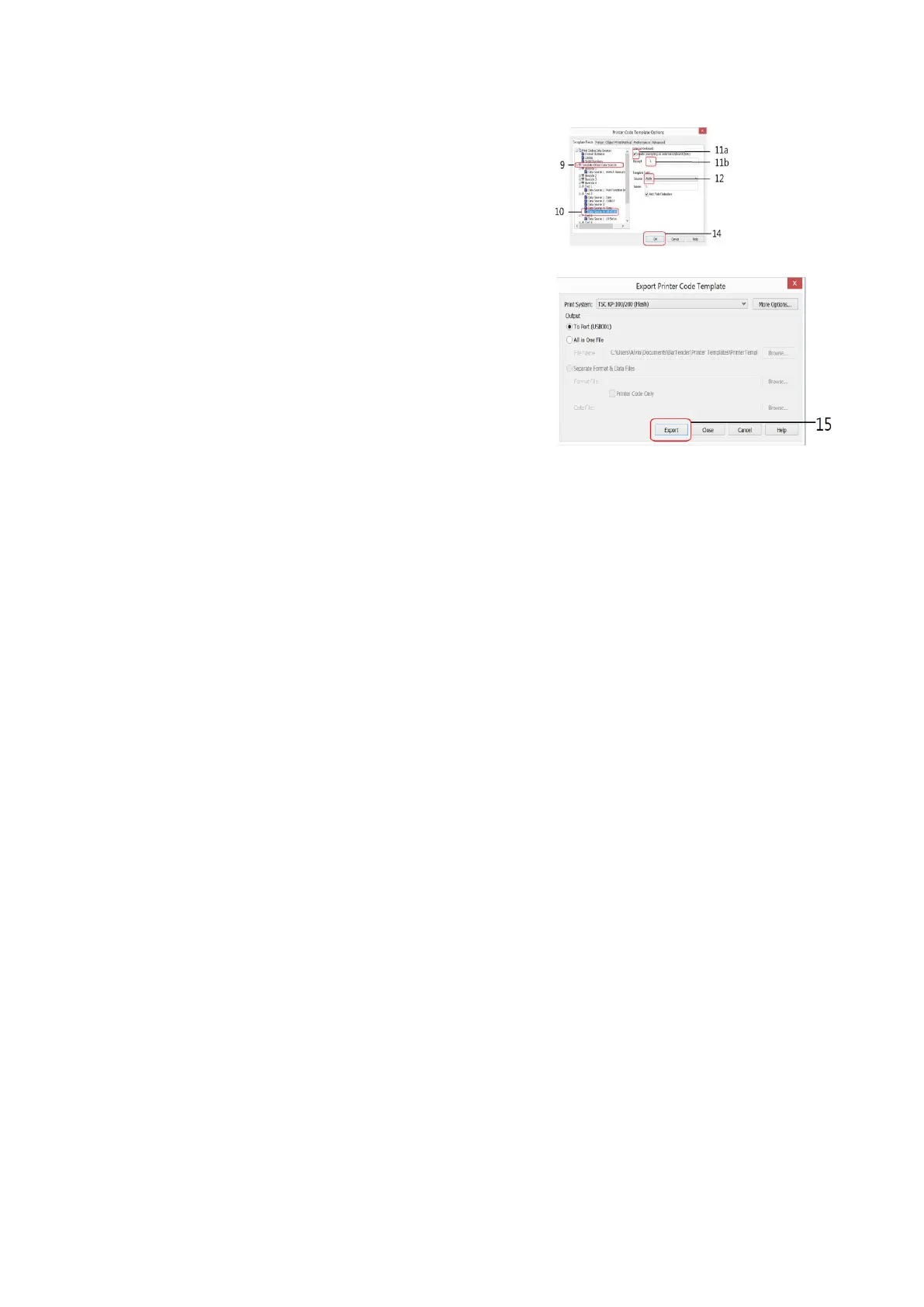
11. Double click on the preferred data source to
which variant(s) has/have to add.
12. Check the box below External Keyboard,
then
13. input the appropriate command on the
Prompt Box (refer to paragraph K.1 for
command detail).
14. Select Auto on the Source box under Template Field.
15. Repeat steps 11 to 12 for all other data
sources.
16. Click OK.
17. Click Export. Verification Messages appear.
Select one of the methods on the dialogue
box to fix and click Continue.



 To Next Page