FLEX-6000 Signature Series – Maestro User Guide
Copyright 2024 FlexRadio, Inc. All Rights Reserved. | Page 110
25.4 USING A COMMON RECEIVE ANTENNA WITH SEPARATE TRANSMIT
ANTENNAS
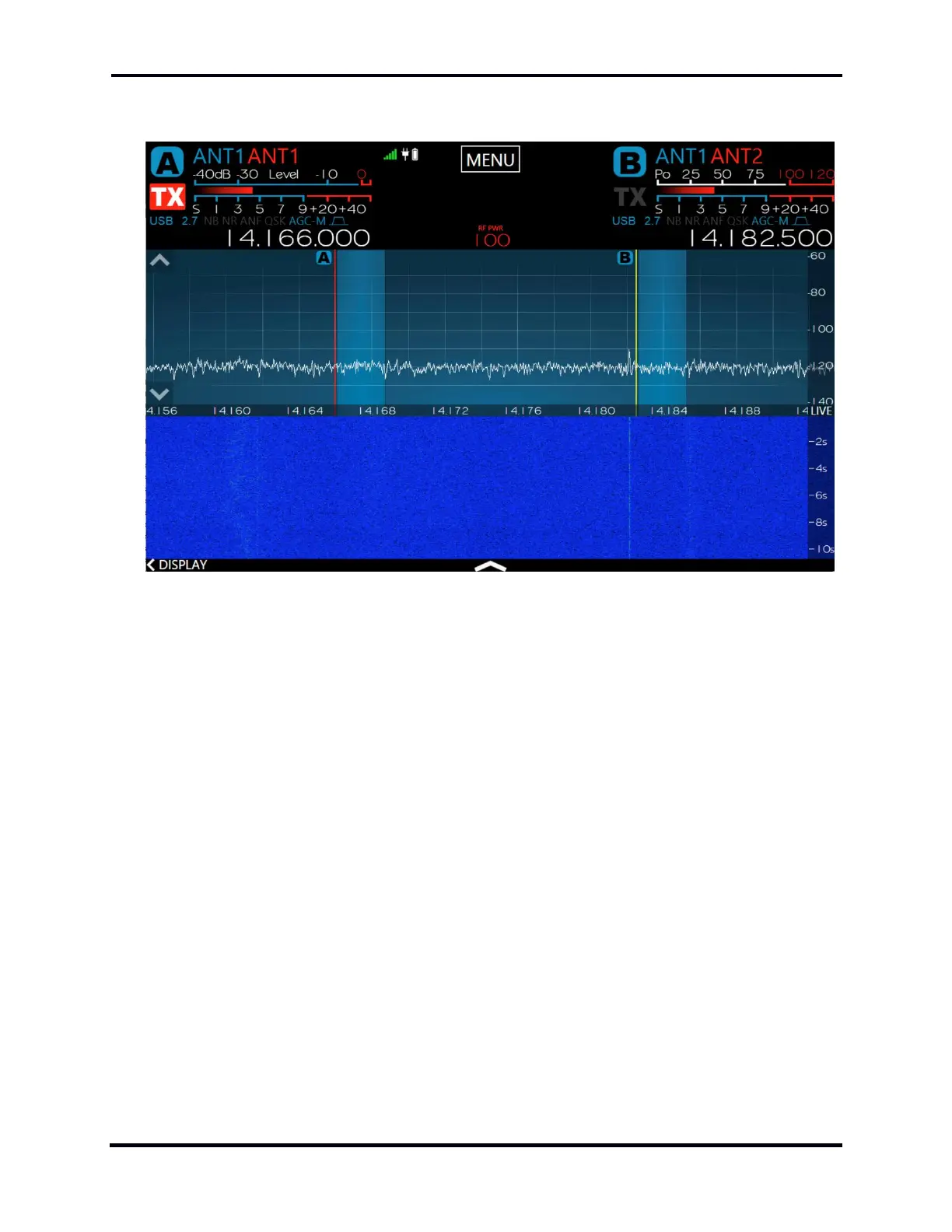
The image above illustrates two Slice Receivers using a single receive antenna (ANT1) but using
separate transmit antennas on ANT1 and ANT2 respectively. Both Slice A and B have ANT1
selected. Slice A has ANT1 selected as the TX antenna and Slice B has ANT2 selected as the TX
antenna. Tapping the TX indicator in the Slice Flag changes the TX indicator to red and activates the
Slice as the transmitter with its TX antenna.



 To Next Page
 Loading...



