FLEX-6000 Signature Series – Maestro User Guide
Copyright 2024 FlexRadio, Inc. All Rights Reserved. | Page 35
8.2 SMARTLINK SETUP
8.2.1 Create a SmartLink Account
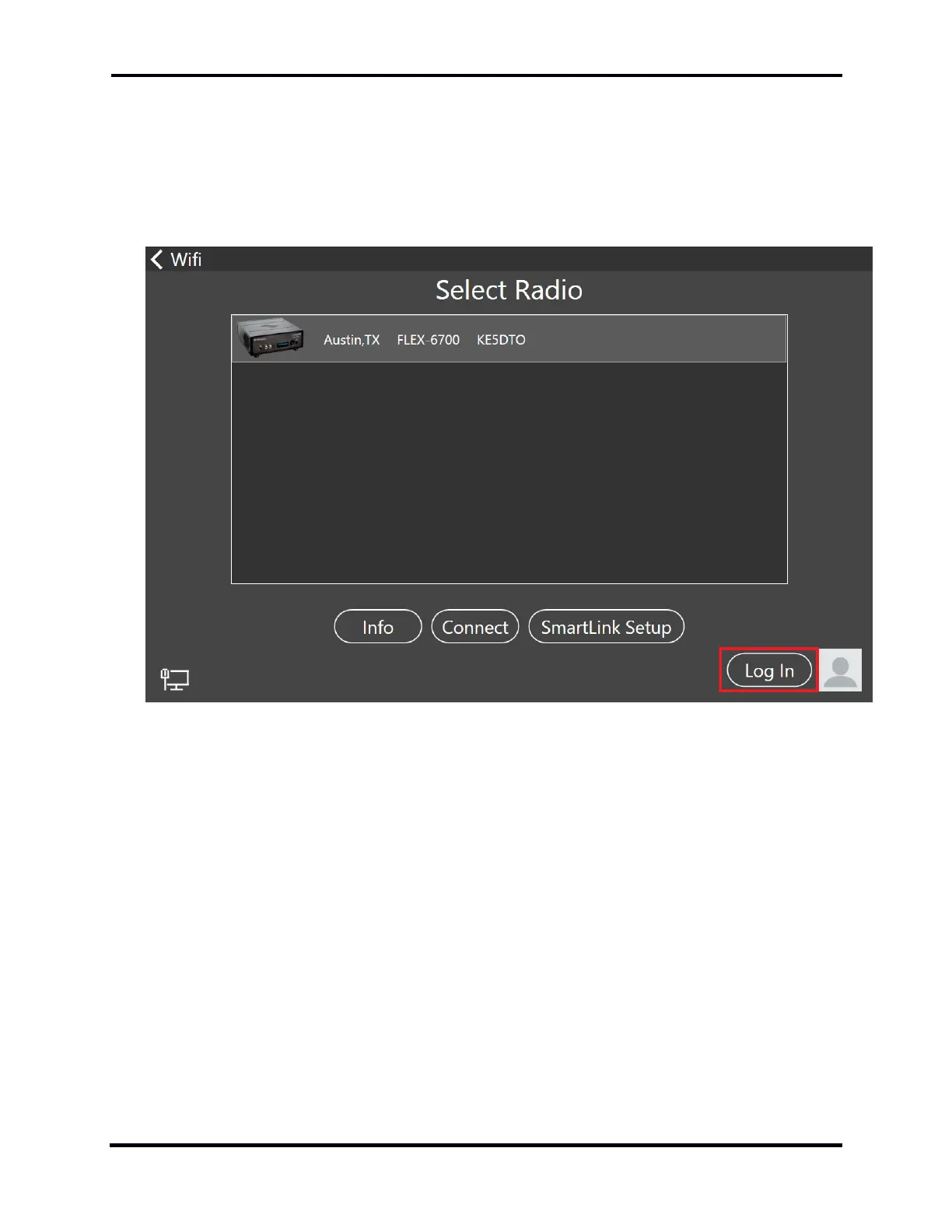
SmartLink requires an online user account to store the SmartLink user credentials and connection
information about the radios that users are authorized to use. To create your SmartLink account or
log into an existing account, start Maestro, go to the Select Radio screen, and tap the Log In button
near the bottom right of the screen.



 To Next Page
 Loading...



