FLEX-6000 Signature Series – Maestro User Guide
Copyright 2024 FlexRadio, Inc. All Rights Reserved. | Page 14
4.2.5 USB Power Bank Installation for the Maestro “A” and “B”
This section details the installation steps:
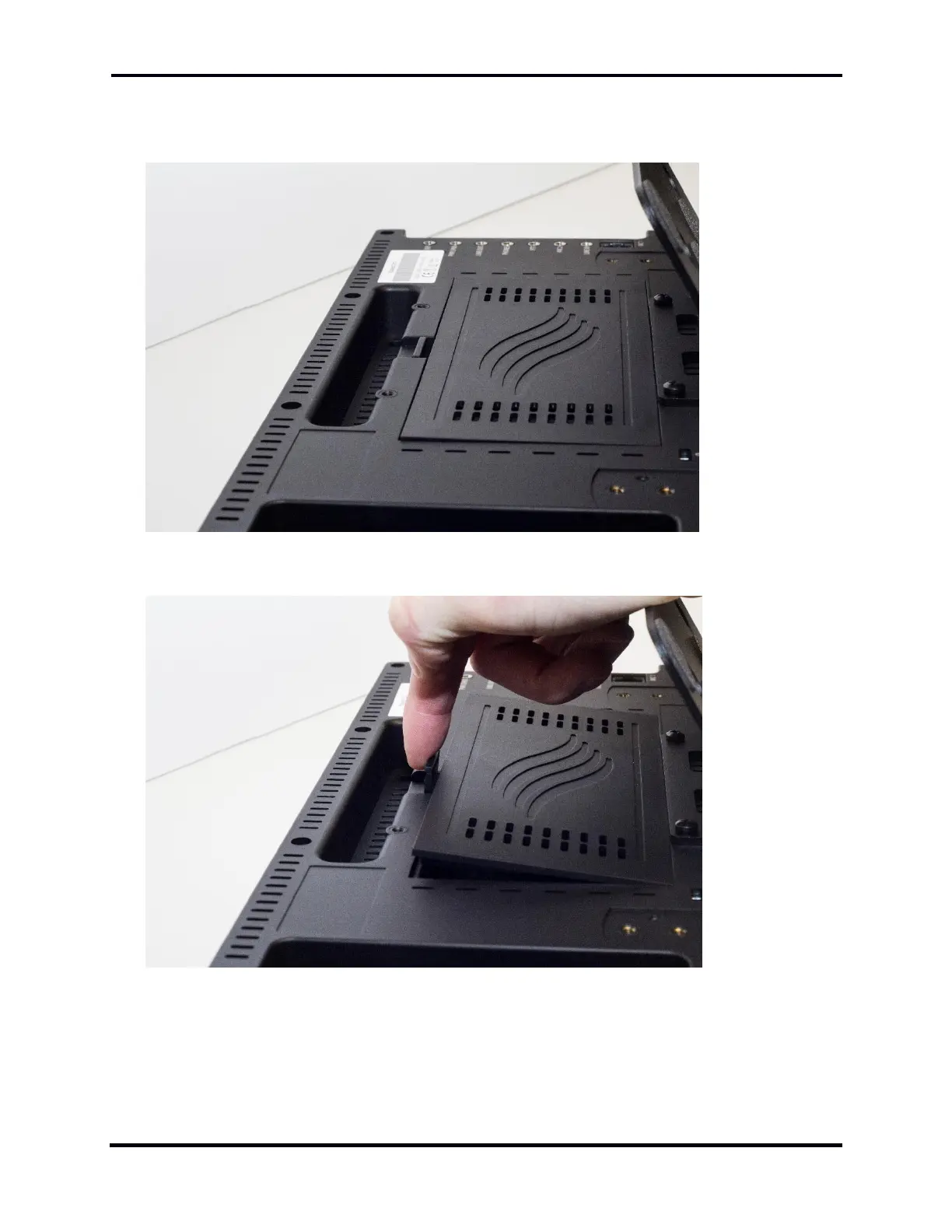
The door to the battery compartment is located in the middle of the back panel of the Maestro.
Depress the latch and open the battery compartment. Remove the door.



 To Next Page
 Loading...



