FLEX-6000 Signature Series – Maestro User Guide
Copyright 2024 FlexRadio, Inc. All Rights Reserved. | Page 170
35.2.3 Power and Network Indicators – Maestro “C”
The center of the Maestro display’s upper bar features indicators showing the quality of the
network connection (wired or wireless), the power source in use (external 12VDC or 14.4 VDC
battery pack), the RF Power Amplifier output level, and a button to open the Main Menu. See
section 33, Main Menu for full details about the Main Menu.
Battery Icons:
Plug icon = Power supply connected
Battery icon = Battery connected without power supply
Battery icon with charge (lightning bolt indicator) icon = Battery and power source connected
Battery Levels:
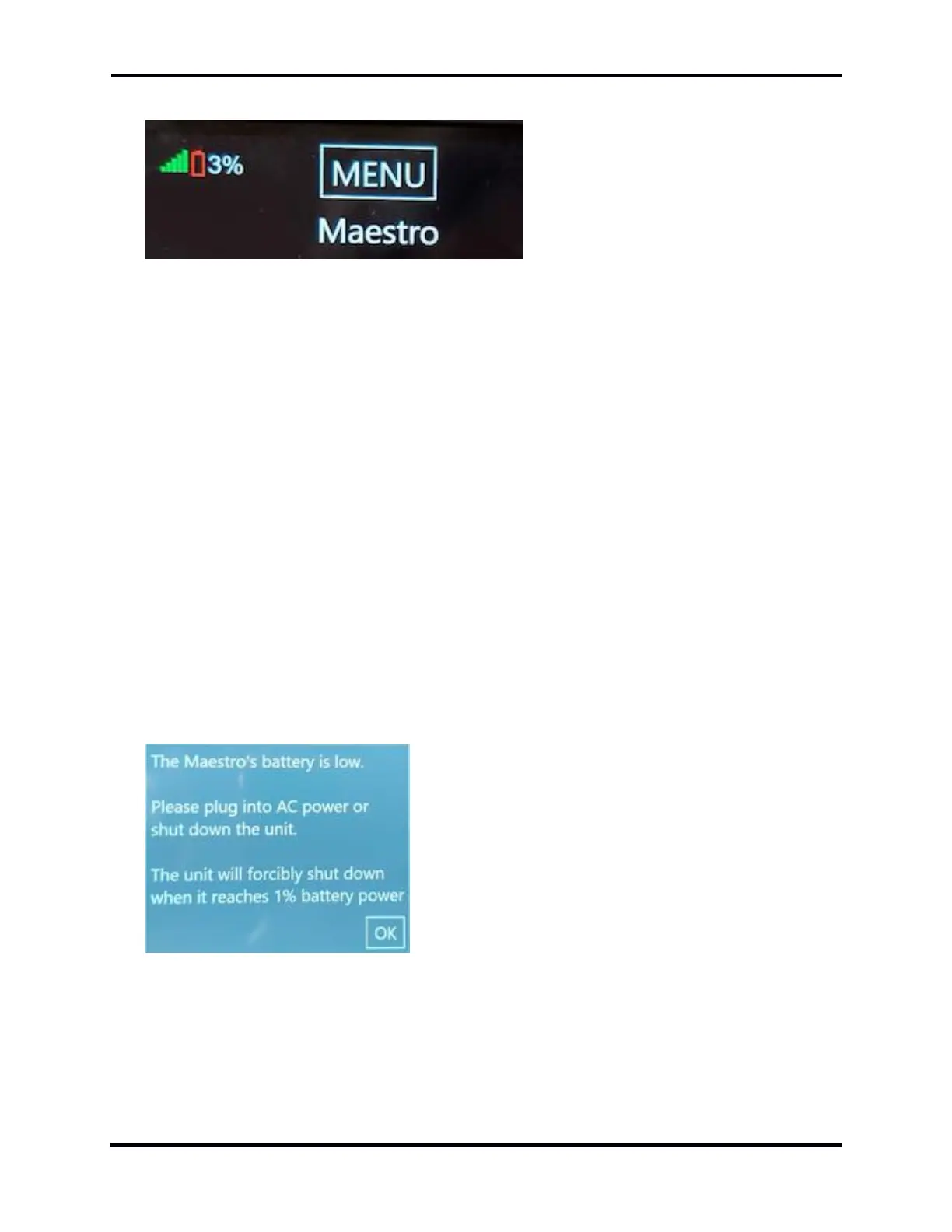
0 - 5% Red empty battery icon
5 - 14% Red
15 - 49% Yellow
50 - 100% Green
Low Battery Management
At a 3% charge level, the battery-low warning appears and the Power LED flashes yellow.
The warning message can be cleared by selecting OK. It is advised to shut down Maestro or connect
the external power supply.
At 1% the Maestro is forcibly powered off.



 To Next Page
 Loading...



