FLEX-6000 Signature Series – Maestro User Guide
Copyright 2024 FlexRadio, Inc. All Rights Reserved. | Page 18
4.4.3 Powered Speaker Connection
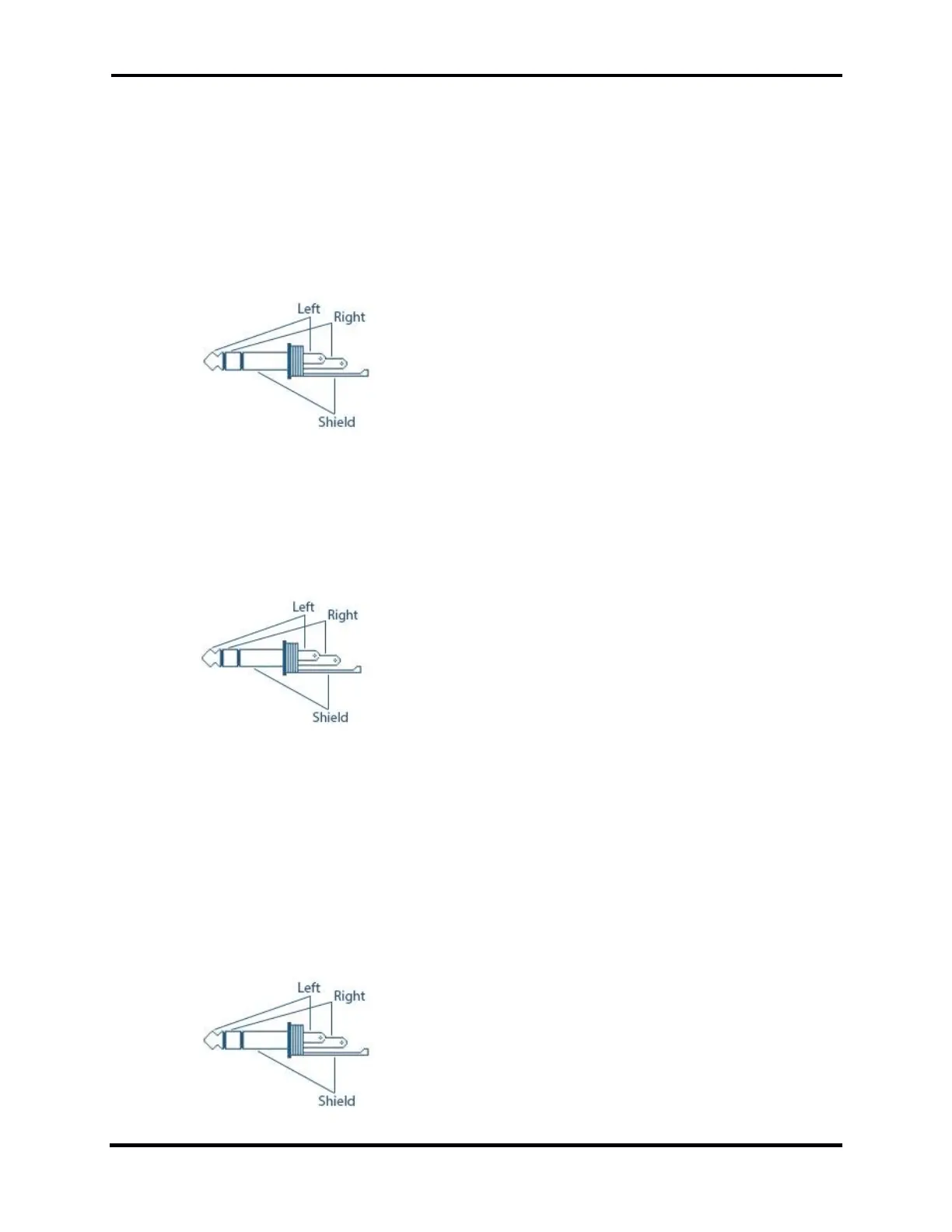
The PWR SPKR connector accepts a 1/8-inch (3.5mm) stereo (TRS) plug and provides stereo line
level output for amplified PC speakers. CAUTION: Do not use a mono (TS) plug as this will short-
circuit the right channel signal to ground.
Note: Connecting powered speakers to a Maestro “C” will mute the front panel speaker.
4.4.4 Line Out Connection
The LINE OUT connector accepts a 1/8-inch (3.5mm) stereo (TRS) plug and provides stereo
consumer (-10 dBV) line-level output. CAUTION: Do not use a mono (TS) plug as this will short-
circuit the right channel to the ground.
4.4.5 Maestro “A” and “B” Phones Connection
Note: Only the Maestro “A” and “B” have a dedicated headphone connector The Maestro “C”
utilizes a combination of headphone and mic HDST adapter (see below).
The PHONES connector accepts headphones with a standard 1/8-inch (3.5mm) stereo (TRS) plug.
Recommended ratings for headphones are 25mW into a 16-ohm load or 13mW into a 32-ohm load.
CAUTION: Do not use a mono (TS) plug as this will short-circuit the right channel signal to the
ground.



 To Next Page
 Loading...



