FLEX-6000 Signature Series – Maestro User Guide
Copyright 2024 FlexRadio, Inc. All Rights Reserved. | Page 148
33.4 FUNCTION F1-F6 TAB
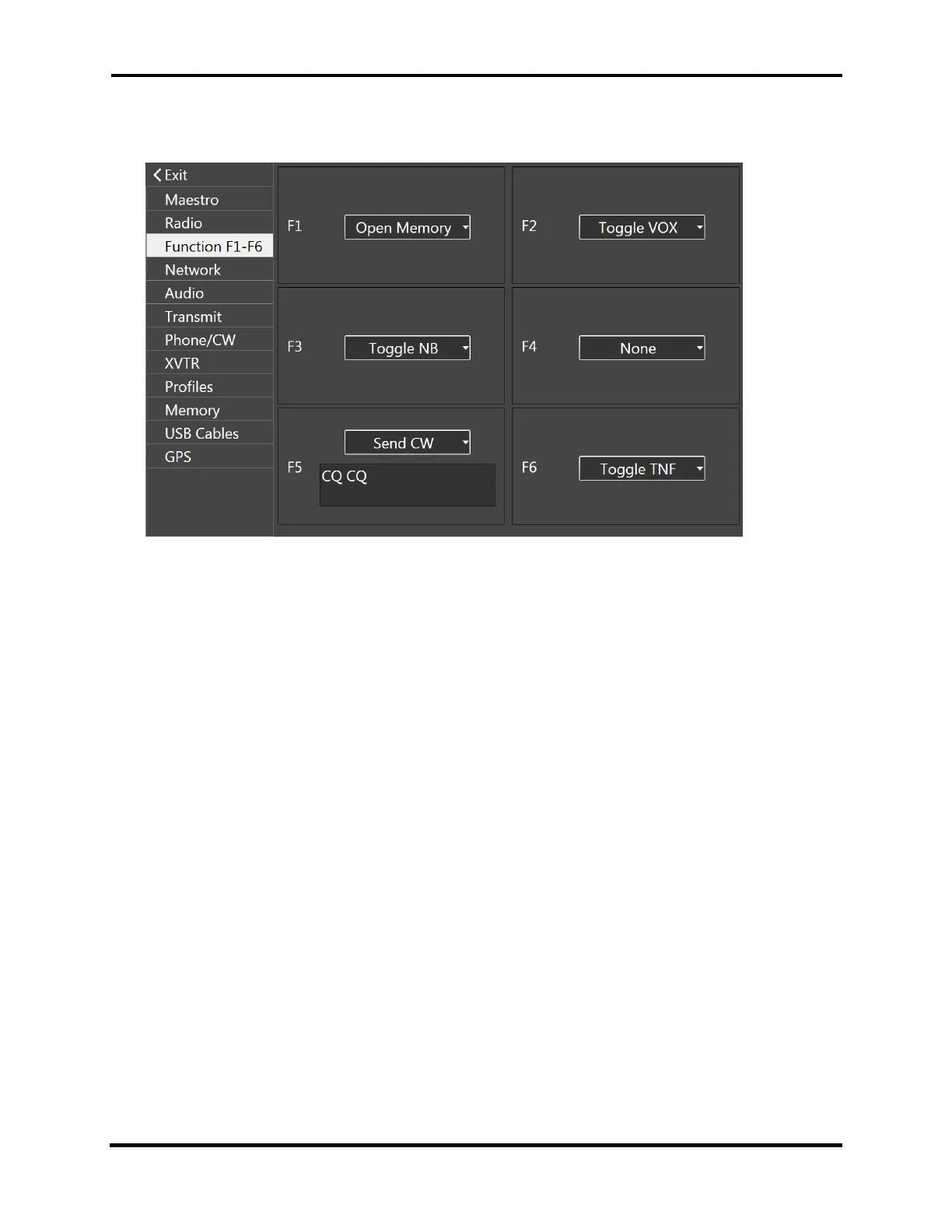
The Function tab contains controls used to assign functions to the six front panel function buttons.
To assign a function to a function button, tap the appropriate drop-down menu box, move the
selections up and down with a finger swipe, and then tap on the desired function. When the drop-
down menu closes, the function is assigned.
Functions that can be assigned to the buttons include:
Band Zoom: Change the zoom in the Panadapter so that the entire band is displayed.
Segment Zoom: Change the zoom in the Panadapter so that the segment containing the
Active Slice Receiver is displayed.
Toggle WNB: Toggle the Wide Noise Blanker
Toggle NB: Toggle the Slice Specific Noise Blanker
Toggle NR: Toggle Noise Reduction
Toggle ANF: Toggle the Automatic Notch Filter
Toggle APF: Toggle the CW mode Audio Peaking Filter
Toggle TNF: Toggle the Tracking Notch Filters
Toggle FDX: Toggle Full Duplex operation
Toggle DIV: Toggle diversity reception
Toggle VOX: Toggle Voice Operated Transmission
Toggle Iambic: Toggle iambic keying mode



 To Next Page
 Loading...



