DAD 143.x User Manual Profinet Rev.1.1.1 March 2023 Page 71 of 95
15.2 Status code
The Profinet status code is used by the Profinet protocol to indicate success or failure. The status code is an
unsigned 32-bit integer value which can be structured into four fields as shown in the figure below.
This example shows the status code after an attempt to read from a write only parameter. In the case of a
successful request the status code will be 0x00000000.
The values in the fields Error Code, Error decode and ErrorCode1 are defined in the Profinet specification but
the values in the field ErrorCode2 are specific to the DAD 143.x The defined values for ErrorCode2 are shown in
the table below.
No error OK (If the rest of the status code also is zero)
The given parameter is out of range
Calibration lock not open
The command is not allowed
Attempt to read a write-only parameter
Attempt to write a read-only parameter
Load cell connection error
16 Appendix A DAD 143.x GSDML File
The GSDML file can be down loaded from www.flintec.com
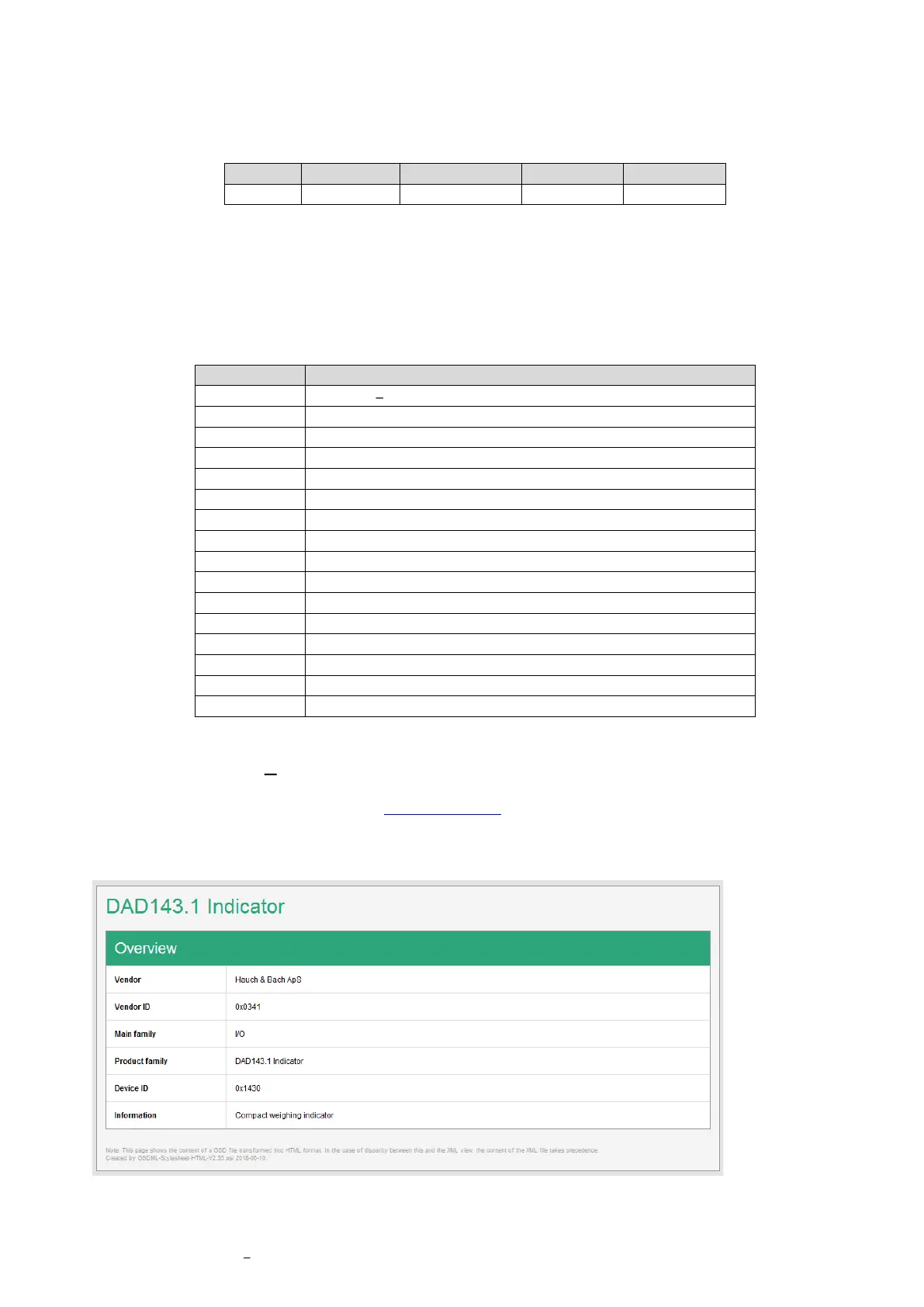
A subset of this file is shown below as screen shots from the PROFINET GSD Checker V2.35.
Overview



 To Next Page
 Loading...