Limitorque MX Maintenance and Spare Parts FCD LMENIM2314-00 – 07/08
126
STEP 3
Disconnect black, blue and brown wires (L1, L2
and L3) from back of terminal block.
3
STEP 4
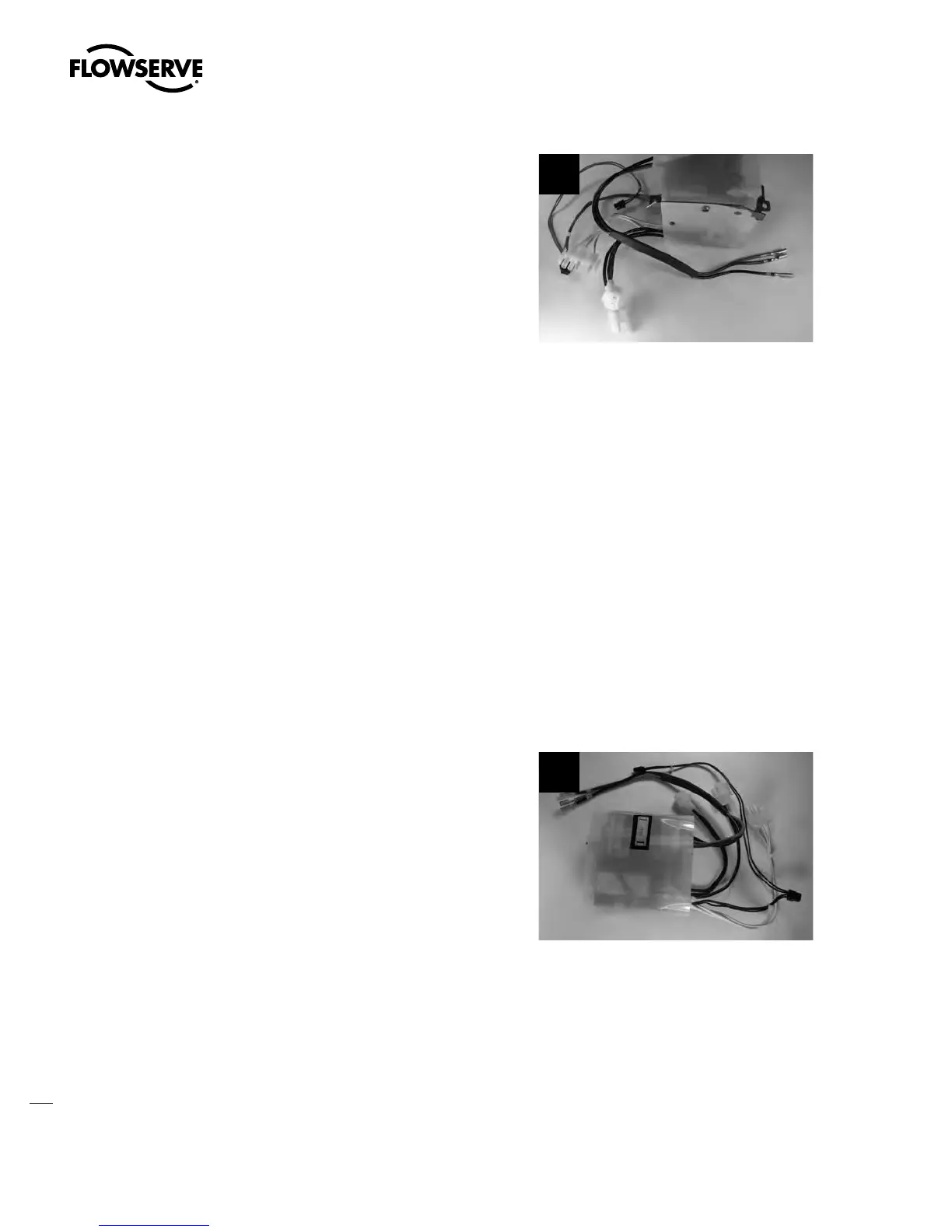
Disconnect the lead seal from the reverser by unplugging the 2-pin and single-pin white connectors.
STEP 5
Disconnect and remove the encoder mounting screws and the encoder.
STEP 6
Remove the mounting screws for the reverser package and remove the reverser by moving the
reverser towards the space previously occupied by the encoder. Discard the used reverser package.
STEP 7
On the new reverser connect the 2-pin and single-pin white connectors to the lead seal.
STEP 8
Connect the black, blue and brown wires (L1,
L2 and L3) to the back of the terminal block.
8
STEP 9
Install the terminal block with the O-ring and the retaining ring. Install the terminal cover and
screws.
a
CAUTION: While and after installing, keep wires away from cutout. This cutout allows
non-restricting actuation of the reverser plunger.
Swanson Flo | 800-288-7926 | www.swansonflo.com









 To Next Page