Limitorque MX Maintenance and Spare Parts FCD LMENIM2314-00 – 07/08
56
4.7.1 Removal
First Remove
1. Remove actuator from mounting adapter.
STEP 1
c
WARNING: Potential to operate while dangerous mechanical parts are exposed during
subassembly removal. To prevent injury, turn off all power sources to actuator before
removing thrust base assembly. Power sources may include main power or control
power.
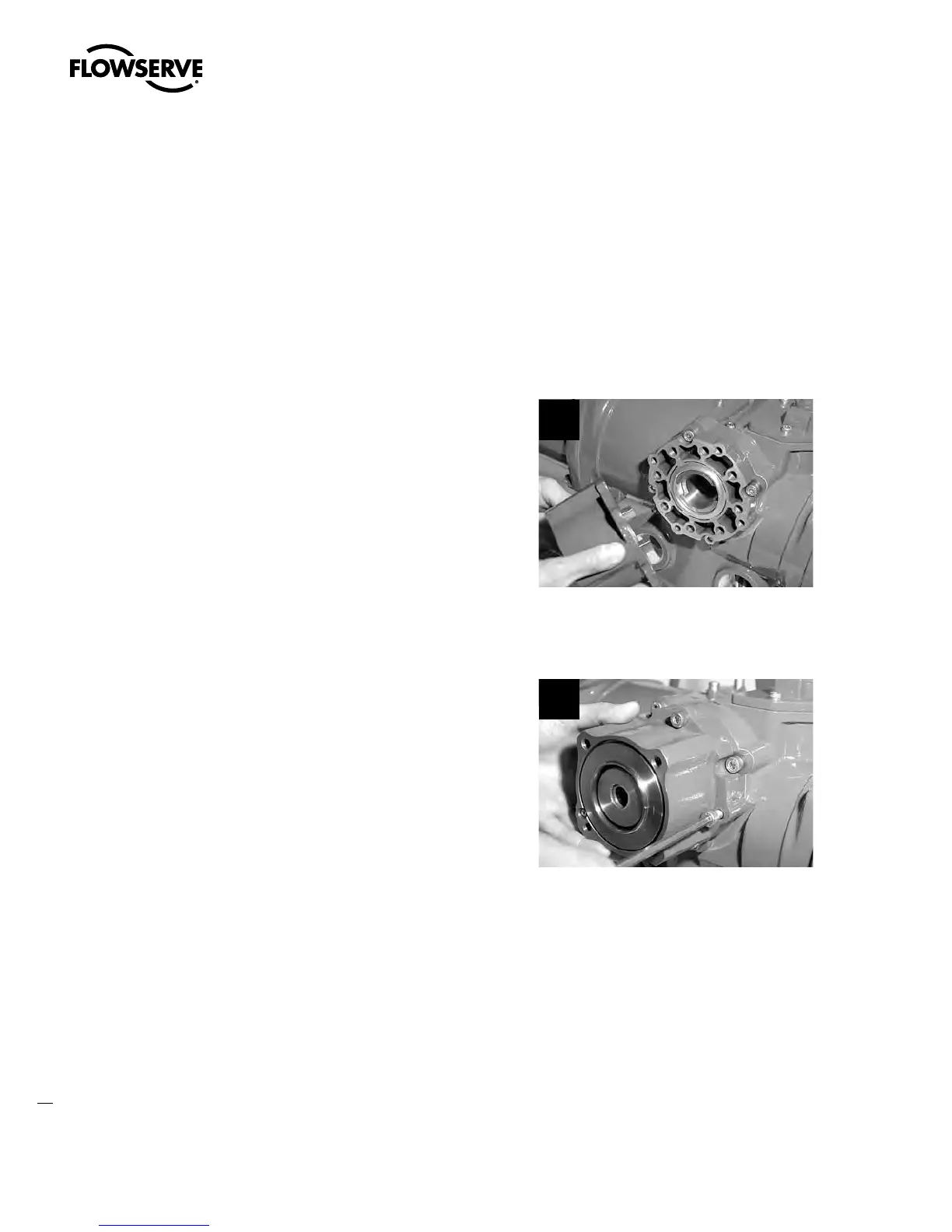
Remove the four screws (#10-10) and pull the
thrust base assembly off the actuator.
1
4.7.2 Remounting
STEP 2
Secure the thrust base with the four screws
(#10-10).
2
Swanson Flo | 800-288-7926 | www.swansonflo.com









 To Next Page