Limitorque MX Maintenance and Spare Parts FCD LMENIM2314-00 – 07/08
18
3.2.4 Remounting (Type A1/A1E Base)
Actuator and Thrust Base as a Unit
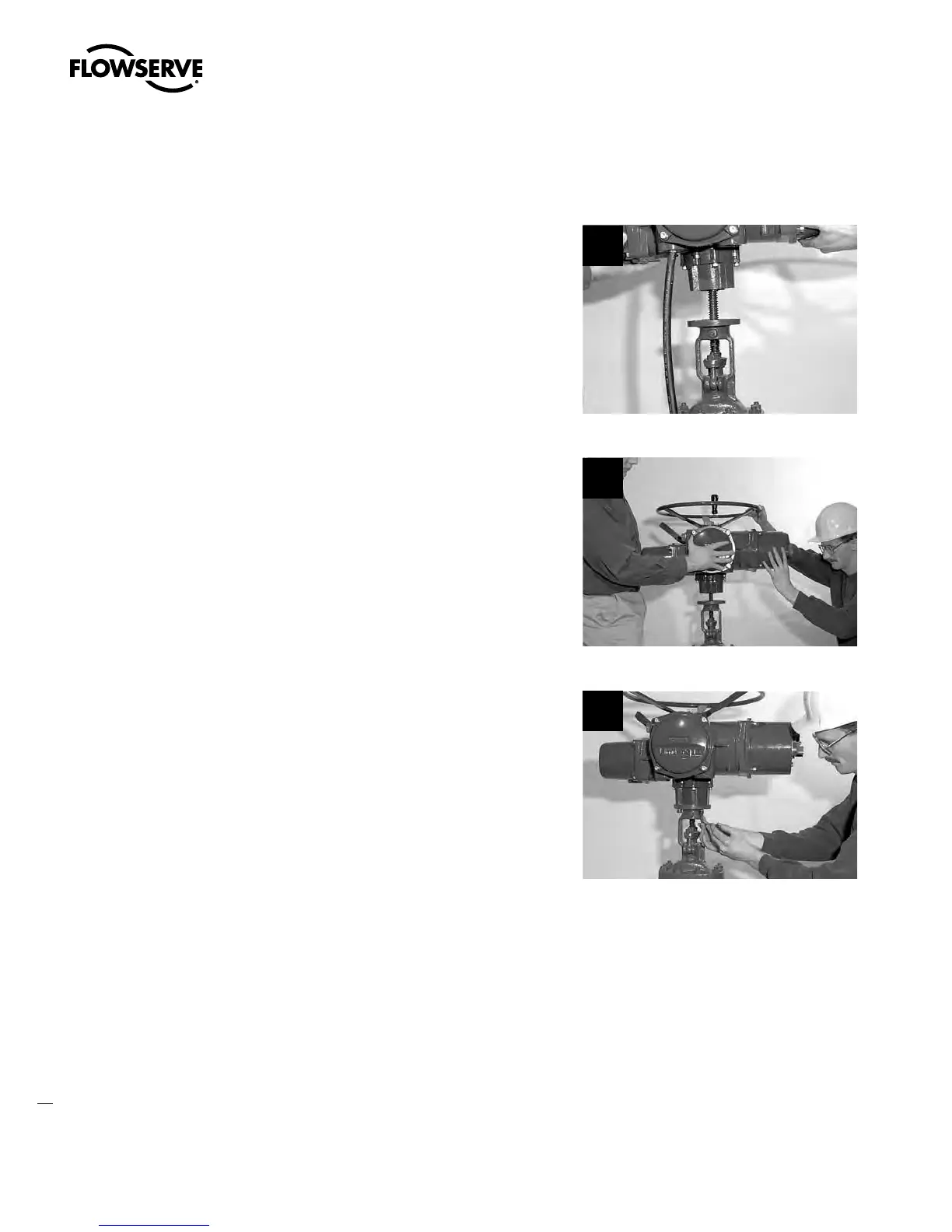
STEP 4
Actuator and thrust base remounting
Declutch the actuator to manual mode. Lift
actuator up to the threaded stem and carefully
align threads with thrust base threaded stem
nut.
4
STEP 5
Rotate the handwheel to lower the actuator
along the threaded stem and onto the
mounting adapter plate.
5
STEP 6
Install the mounting bolts to secure the
actuator and thrust base (#10) to the
mounting adapter.
6
STEP 7
c
WARNING: Hazardous Voltage! Turn off all power sources before rewiring incoming
power leads L1, L2, L3, and control wiring in the terminal block.
Reconnect incoming power leads L1, L2, L3, and control wiring to the terminal block. Restore
power source when ready for operation.
Swanson Flo | 800-288-7926 | www.swansonflo.com









 To Next Page