123
Limitorque MX Maintenance and Spare Parts FCD LMENIM2314-00 – 07/08
flowserve.com
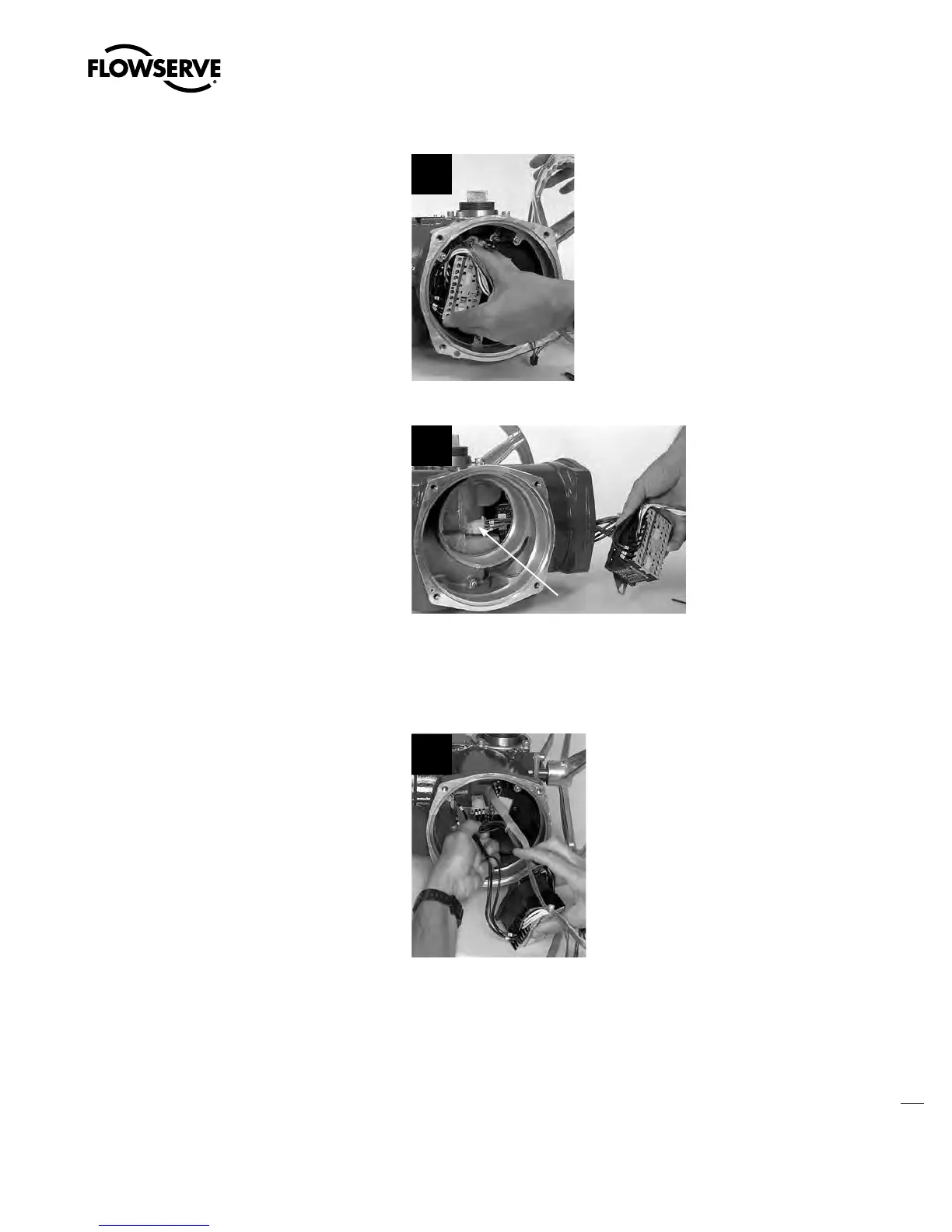
STEP 2
Lift contactor assembly until the keyhole slots
in the contactor mounting plate allow the heads
of the M4 screws to pass through.
2
STEP 3
Remove the contactor assembly while
threading the motor power socket out of the
motor compartment.
NOTE: Only the MX-05, -10, -20 and -40 have
the long motor power socket lead.
MX-85, -140, AND -150
Disconnect connectors 4 and 5 to motor lead
harness.
3
Motor Power Plug
5.10.2 Remounting
STEP 4
Insert contactor assembly into control module
cavity.
4
Swanson Flo | 800-288-7926 | www.swansonflo.com









 To Next Page