97
Using the CD or DVD drive
www.gateway.com
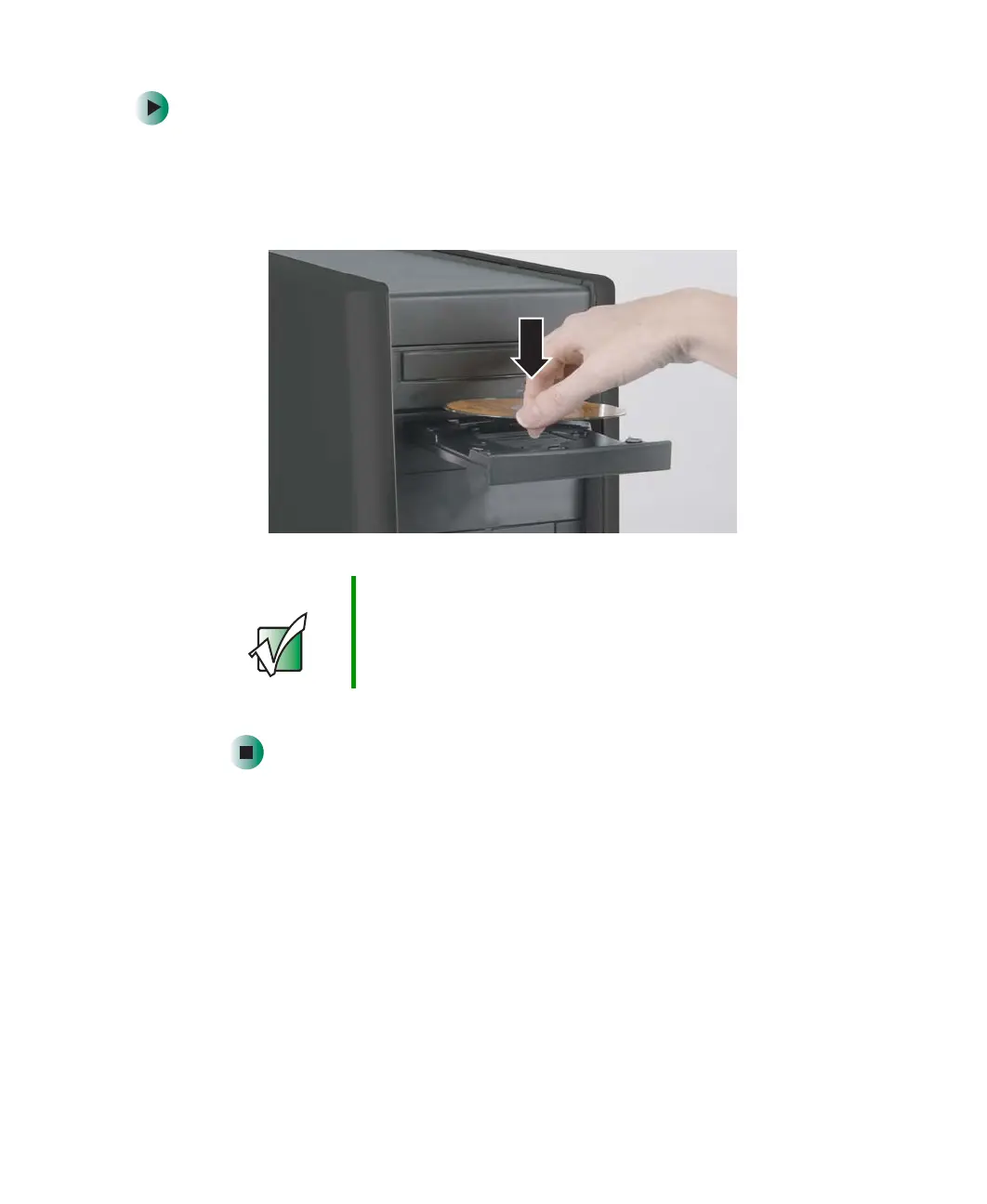
To insert a CD or DVD:
1 Press the eject button next to the CD or DVD drive. The CD or DVD drive
tray opens.
2 Place the disc in the tray with the label facing up.
3 Press the eject button again. The CD or DVD drive tray closes.
Important When you place a single-sided disc in the tray, make sure
that the label side is facing up. If the disc has two playable
sides, place the disc so the name of the side you want to
play is facing up.
8509203.book Page 97 Tuesday, July 1, 2003 7:54 PM



 To Next Page